Based on the Max error table in my previous posts that discrepancy for latitude 40° sounds about right. I suppose a simple formula can only go so far. Need Google to provide a tag, but as a workaround its good enough unless looking for perfection. But you can adjust the formula to be optimised for your latitude, and upset everyone else 
2 Likes
Here my test watch face. If anyone wants it, I can publish it - all credits to Jason !
3 Likes
Wow amazing Tom . You know if you do not want to we can still put it on our watches . I am very interested and would be mainly keen to port it for WFS thanks to both you and Jason . Amazing . Reminds me of the Grunt Formulas for the moon phase . Clever stuff.
Here are some tests . The Oppo is my Legacy watch now . BTW it overheated trying to run Facer . The other is HOTMESS from Jeff Cash ( TCS ) he wrote that on Android Studio I think . I am more interested in something I can get the numbers to work a progress bar for the daylight arc.
.
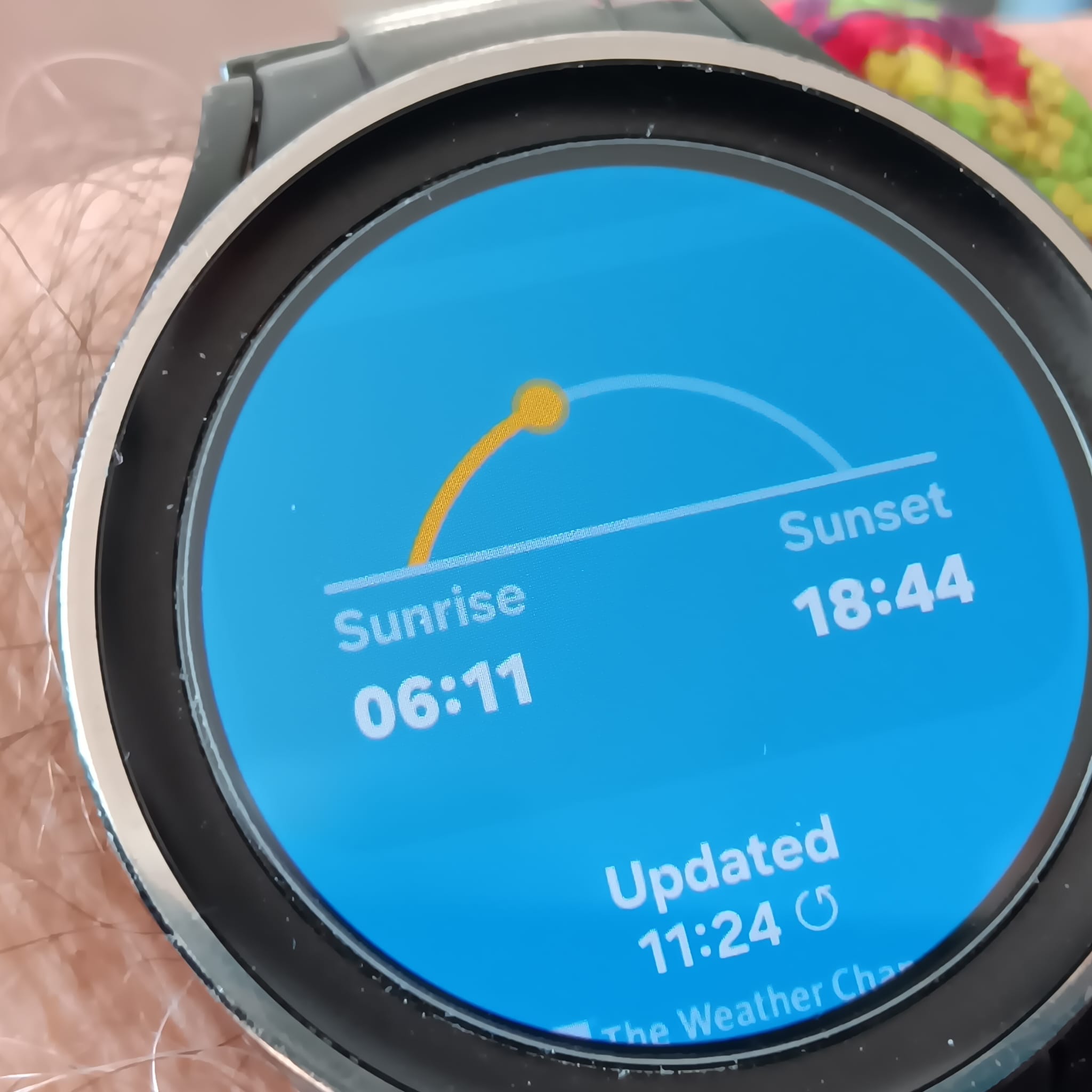
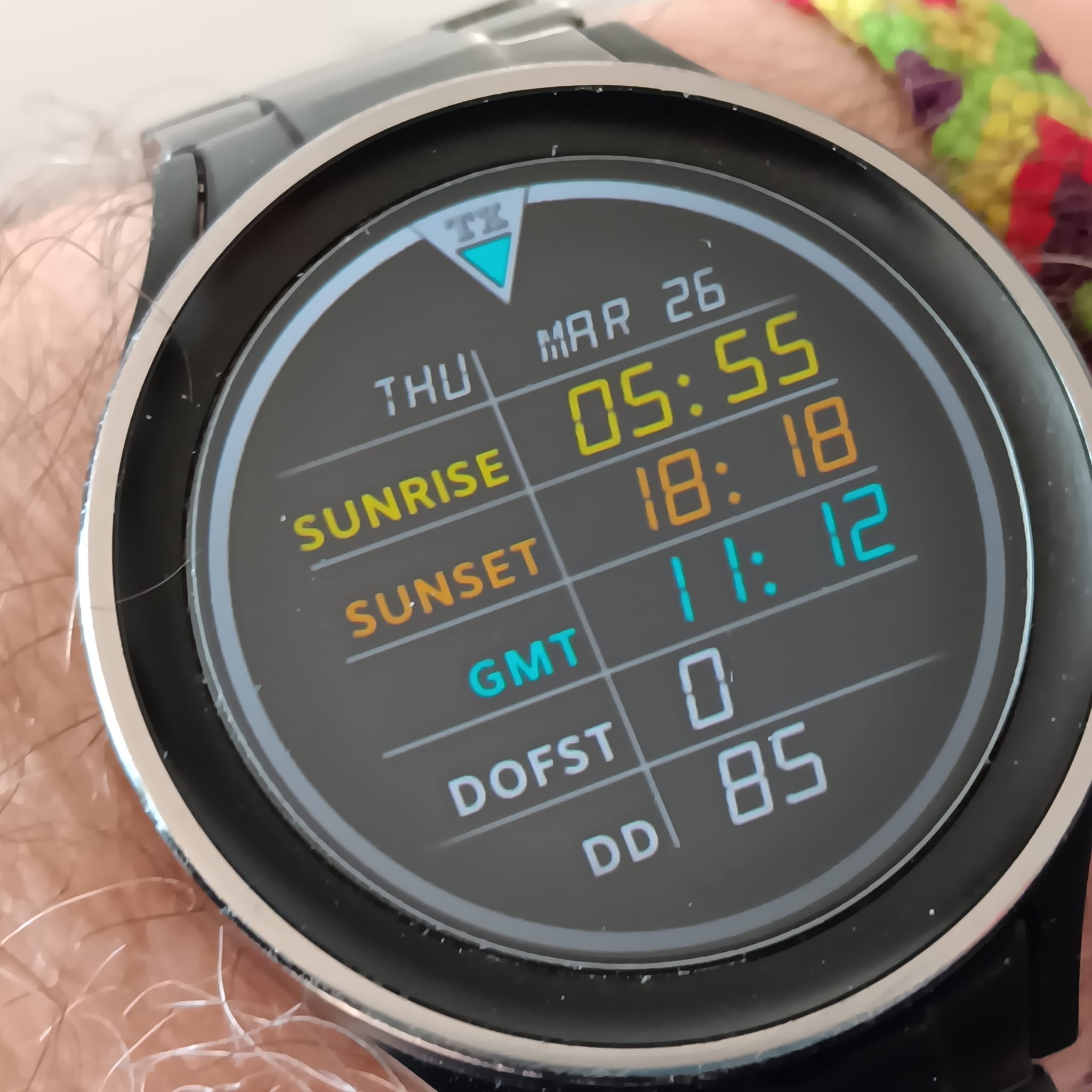
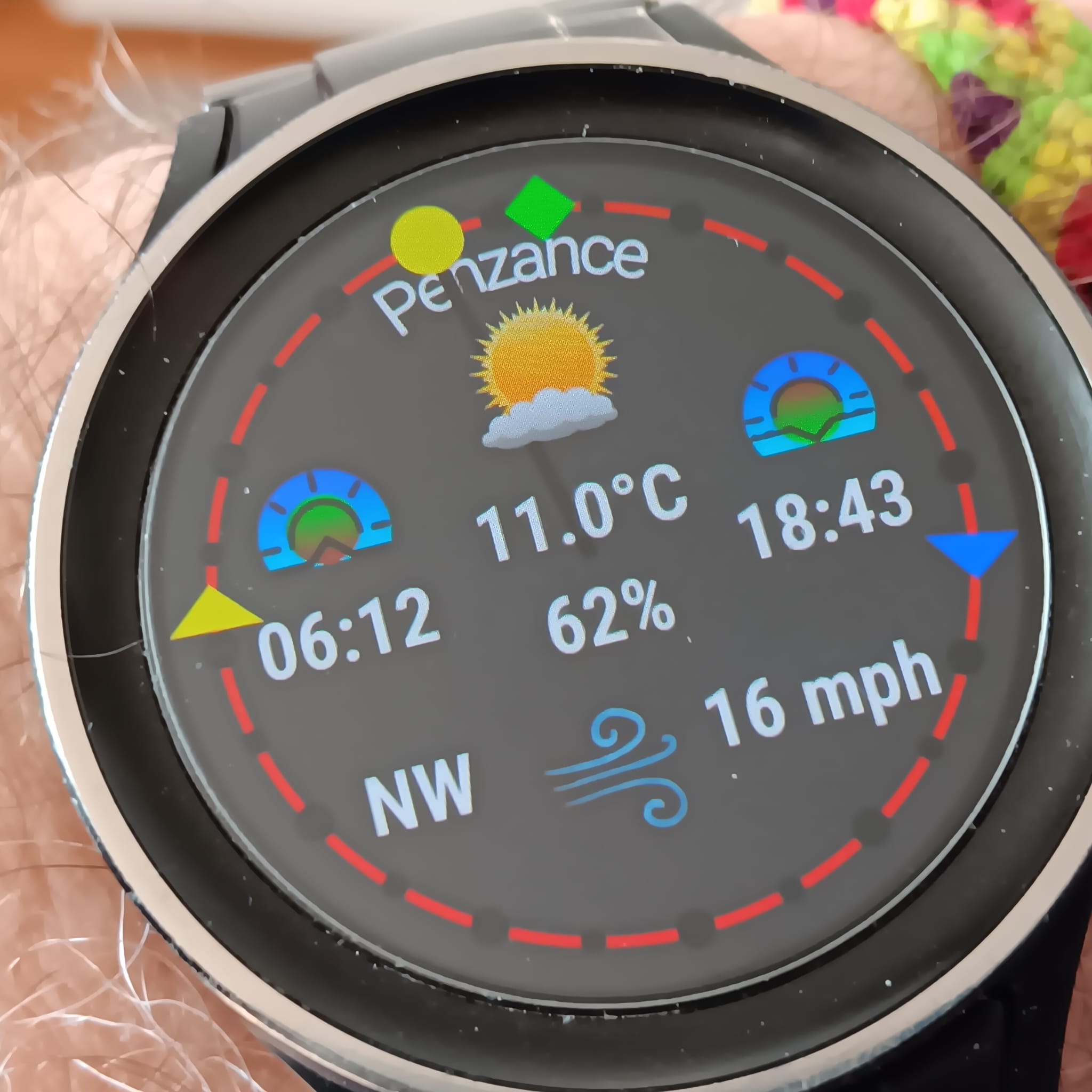
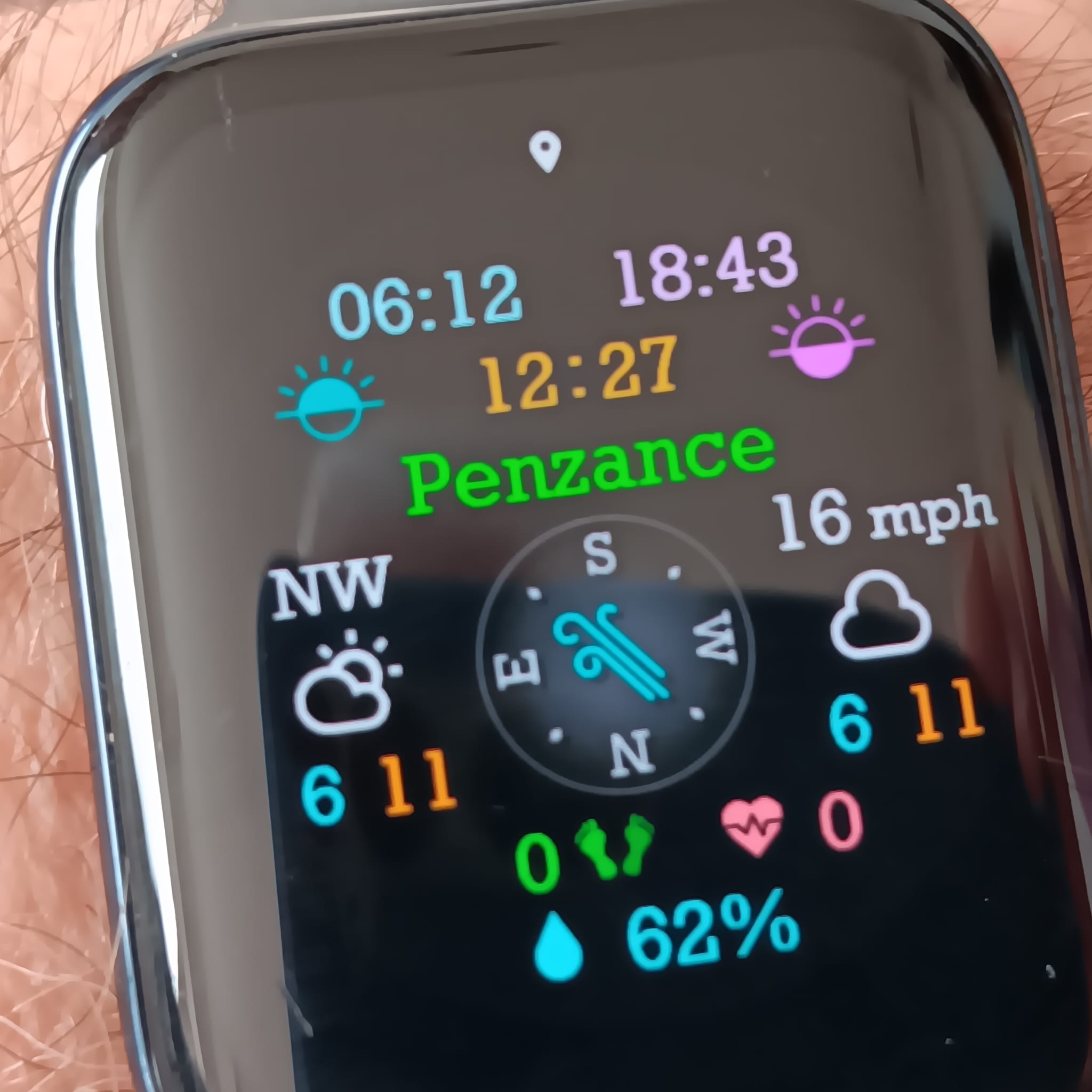
4 Likes
@jason.clarke.uk Jason can you please give us the Numbers on the Grid for Lat 50 . I am porting your formulas to WFS . All seems to be going ok . I could work out the difference between the 48 and 51 table but I wondered if you could do it first .
Will you share once you getting it working? I’ve been trying to get this to work on WFS for a week or two, and keep coming up short. I want to give 7 choices on latitude, 3 in the northern hemisphere, 3 in the southern, and 1 for the equator.
1 Like
I guess you are asking me . I can post a WIP or wait till you give the latitudes you are interested in . You just want to show the two times . I am not sure if this is the best place to share WFS stuff . What does everyone else Feel ?
@russellcresser, according to AI simply replace the numbers in the formulas as follows fo 50° LAT:
5.8978 → 6.51.3587 → 1.85
1 Like
Current WIP. The zone highlight is done with DOFST ranges.
I wanted to move a bar according to the timezone, but was difficult to align and get positioned properly, so ended up with pictures for each zone and work with opacity.
(open for inspection)
3 Likes
Nice! 
1 Like
OK . Are those for SR and SS and what about the P Value . I have no Idea what I’m doing just plugging away verbatim . For @ed.ludwig I post my WIP test ( as it stands ) as a Fake ZIP . Not sure if it works here . Download it and delete the .zip it should convert to a .wfs file . Do not unzip it . Let me know if it works . Otherwise I will post something else . OK . I can not post a file here . Maybe we should move this to WFS Forum .
What is the point when the longitude within one time zone can still make it like 90min ahead to 60min behind? One formula will return times for somebody in west of Spain same like for somebody else in east of Poland, which will see the sun rising 150min from each other.
1 Like
All five verified and balanced by Claude. Here they are:
Sunrise Hour
(floor((5.8978+1.3587*(cos(#DD#*0.01721421+0.0859)))-(#DOFST#/60)))
Sunrise Minute
(floor(((5.8978+1.3587*(cos(#DD#*0.01721421+0.0859)))-floor((5.8978+1.3587*(cos(#DD#*0.01721421+0.0859)))))*60))
Sunset Hour
(floor((18.1016-1.4150*(cos(#DD#*0.01721421+0.2585)))-(#DOFST#/60)))
Sunset Minute
(floor(((18.1016-1.4150*(cos(#DD#*0.01721421+0.2585)))-floor((18.1016-1.4150*(cos(#DD#*0.01721421+0.2585)))))*60))
Opacity (100 = day, 0 = night)
$(#DH#*60+#Dm#)>=((5.8978+1.3587*(cos(#DD#*0.01721421+0.0859)))*60-#DOFST#)&&(#DH#*60+#Dm#)<((18.1016-1.4150*(cos(#DD#*0.01721421+0.2585)))*60-#DOFST#)?100:0$
Spot check accuracy (GMT):
| Date | Model | True |
|---|---|---|
| Jan 1 | 07:49 / 16:09 | 07:57 / 16:09 |
| Mar 24 | 05:55 / 18:18 | 05:54 / 18:19 |
| Jun 21 | 03:53 / 20:09 | 03:51 / 20:11 |
| Sep 21 | 05:45 / 17:59 | 05:44 / 18:00 |
| Dec 21 | 07:50 / 16:06 | 07:54 / 16:01 |
Worst case around ±8 minutes — slightly better than lat=40 for users in the UK/France/Germany range.
3 Likes
How Brilliant Jason . Thank you so very Much . I asked Google AI for a formula but I can not port it . Strangely we have a Tag on WFS [WTHR_IS_DAY] which toggles at SR SS . Crazy .
1 Like
We still need an official tag really from Google. All this hassel for a workaround is too much in 2026!
1 Like
Yes it seems strange going backwards . I read that the next generation Samsung watches are going to have a QUALCOMM Processor . Faster than Samsung’s previous . The drive is to make AI work better on the watch . But we can hope they bring back some of the Best Tags that went missing for WFF watches .
1 Like
Can the hour parts be used with 12hr rather than 24hr? Also, will it work with any timezone?
I guess I was confused as to which number was the important one.
@russellcresser Were you able to port these to WFS? I tried, and for some reason the numbers barely change. Month to month only a minute difference.
I modified it for leading zero in the minutes.
Sunrise
(floor((5.8684+1.9751*(cos([DAY_IN_YEAR]0.01721421+0.1135))/60))):((floor(((5.8684+1.9751(cos([DAY_IN_YEAR]0.01721421+0.1135))/60)-floor((5.8684+1.9751(cos([DAY_IN_YEAR]*0.01721421+0.1135))/60)))60)) < 10 ? “0” : “”)(floor(((5.8684+1.9751(cos([DAY_IN_YEAR]0.01721421+0.1135))/60)-floor((5.8684+1.9751(cos([DAY_IN_YEAR]*0.01721421+0.1135))/60)))*60))
Sunset
(floor((18.1310-2.0315*(cos([DAY_IN_YEAR]0.01721421+0.2328))/60))):((floor(((18.1310-2.0315(cos([DAY_IN_YEAR]0.01721421+0.2328))/60)-floor((18.1310-2.0315(cos([DAY_IN_YEAR]*0.01721421+0.2328))/60)))60)) < 10 ? “0” : “”)(floor(((18.1310-2.0315(cos([DAY_IN_YEAR]0.01721421+0.2328))/60)-floor((18.1310-2.0315(cos([DAY_IN_YEAR]*0.01721421+0.2328))/60)))*60))
1 Like
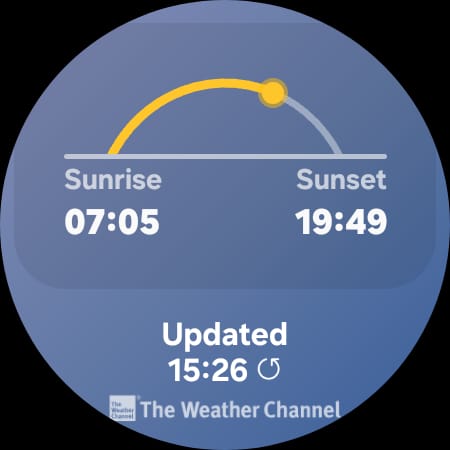
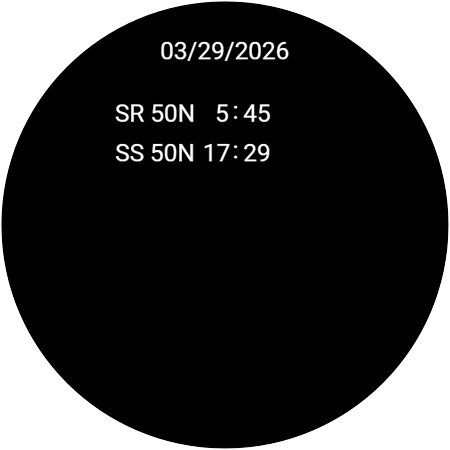
I am seeing 4 hours change over the year . That is 8 between the two . That is right but the times are not right even accounting for us just going to British summer time . I see a difference of an hour between two days in july on the sunrise .
.
.
.

.
1 Like
So, I take it will only display the 24hr time and not 12hr?