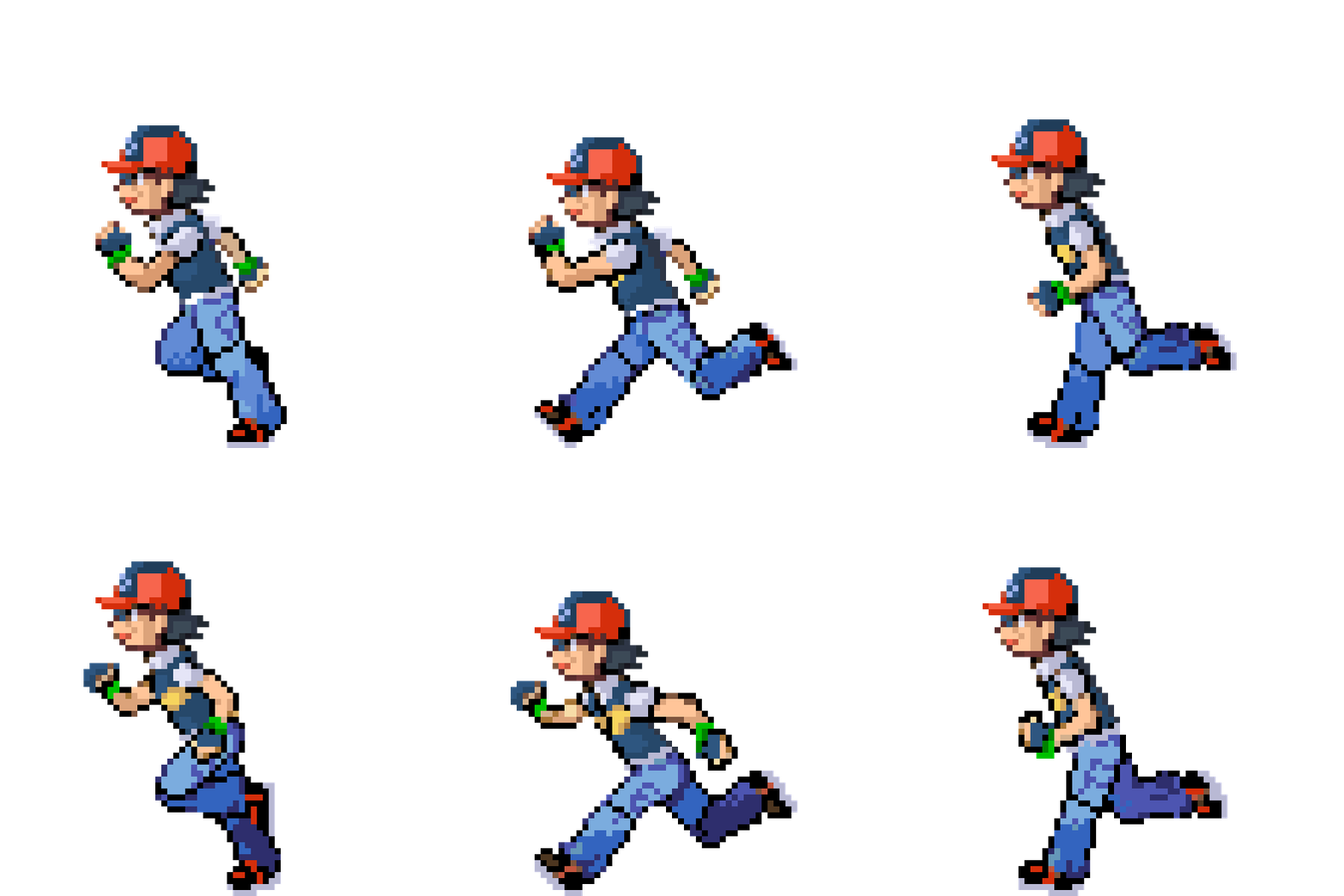
@lemmensr.be Here is a 6 image / frame gif to practice with .
.
1 Like
Zoiets ongeveer ? 
1 Like
Yes, you got it!
3 Likes
To get back to the topic, this was not about sequences, but about movement.
Sequences are limited to 25 frames, and multiple overlapping sequences maybe not ideal.
So you can have “movement” of pictures, like a sequence, of multiple pictures simply using opacity. The number of pictures can exceed the sequence limitation. The down side is that you have to upload every single image.
The generic opacity formula is:
$(floor((#DNOW#%MS)*NoPics/MS))==(i-1)?100:0$
MS = milliseconds you want to run the “animation”
NoPics = the total number of pictures
i = pictures ID
Taking the snow example above, it has 21 pictures and I want to run it for 3 seconds.
Picture 1 opacity:
$(floor((#DNOW#%3000)*21/3000))==0?100:0$
OR
$(floor((#DNOW#%3000)/142.8571))==0?100:0$
Picture 7 opacity:
$(floor((#DNOW#%3000)/142.8571))==6?100:0$
Sample watch face (inspection open):
6 Likes
Great tutorial - thanks!
3 Likes
Hi. Excuse me, but is it possible to create a screen with these characters? Doesn’t it violate any rules? Thank you.
1 Like
I would think so. Tom & Jerry most likley so.
My Rudolf was AI generated and does not really resemble the copyright images from 1939 and 1964. So that is fine, but I did not call the watch face Rudolf to be on the safe side.
The idea of rudolf the red nosed reindeer is not copyrighted.
3 Likes
Very nice 
1 Like
Ik zit beetje in een retro fase , had al eentje geplaatst met The Flinstones maar die hebben ze geweigerd auteursrechten…
Vraagje bij deze heb dus de hele week verzameld
Is daar een manier formulie hoe ik ze kan verwisselen van dag ?
Thanks Grote Smurf zou dat leuk vinden 
I think your watchface would be taken down quickly should you publish because of the use of the Smurf image
2 Likes