Ive got sequence kind of working for me. Still fussing around with the formula’s. Heres where Im at? Ive inspected tons of animati on’s but I cant find a lot of good material that offers explanations other then here and sone of the recipes Facer puts out so im not sure how else I would start my journey.
\
1 Like
If you are referring to the Link further up the Topic I can not open it for some reason . Otherwise please share another link to what you are referring . I see some animations on your Profile so you must be making some headway . As they are Premium I can not sync them .
1 Like
I manually corrected the link. Try this:
2 Likes
They are both quite messed up now as I got tired of trying so many different formulas and variations of them.
1 Like
Sequence is the best way to go in my opinion. You can Edit/Manipulate and/or create animations easily using ezgif. I love animations and use that very often.
Here are a couple of examples of how I use Sequences, with Inspection Open -
One using Rain applied as a background layer first:
3 Likes
I don’t know why I keep getting 404 on the links @brandonfortin11 has posted . But well done Peter @petruuccios .
Upon Inspection I see you have several errors .
Your Formula is a NOP but very close .
$(#Dsm#-#Ds#)>(0*0.125)&&(#Dsm#-#Ds#)<=((0+1)*0.125)?100:0$
#Dsm#-#Ds# always gives you a number under one so if yo add one to it it can never be True . I do not understand why it is showing at all .
As Peter has mentioned already #Dsm# is broken . That might actually be why there are blips showing .
I you could carry on as you were it could be
$(#Dsm#-#Ds#)>(0.125)&&(#Dsm#-#Ds#)<=((0.125)*2)?100:0$ ETC
Use the same Timer strategy but use #DWE# and modulo it to 8 . So your formula above could be .
$((floor(((#DWE#-(floor(#DWE#)))*10))%8))=0?100:0$ ETC.
I would organise my images so the centre was on centre of each frame . Then you could drop them into a Facer Sequence Layer as @icrltd4 has outlined.

.
.
1 Like
Okay that makes sence. Ive used ezgif before to split gifs into fframes. But after that how do you remove the backgroud from the rain? My normal background remover program doesnt recognize the rain.
3 Likes
Background removal is pretty much hit and miss in my experience, but I find Unscreen the quickest/easiest to use online -
4 Likes
if it is a flat out black background, I use the layer option in my program (gimp) to set color to alpha (transparency) and it makes everything in that color according to the shade fully or partially transparent

4 Likes
We are OK now the Cavalry are Here . 


Thanks Russell!
That formula worked fine for me but have run into a similiar snag now. Ive linked an example but essentially when i use $((floor(((#DWE#-(floor(#DWE#)))*10))%8))=0?100:0$ it works as it should but after adjusting the *10 to *3 to get $((floor(((#DWE#-(floor(#DWE#)))*3))%8))=0?100:0$ in order to have to animations walk slower across the frame it once again will only display the first 3 frames and then cuts out and loops back again.
One thing I have found playing around is that if I changed the name of my frames from 0-7 and stop at 2 then start over with 0a, 1a, 2,a then 0b,1,b,1c, ect that the frames do reappear and work as they should just the timing is now off.
1 Like
You see . You wer originally talking about a sub second cycle of events .
.
(floor(((#DWE#-(floor(#DWE#)))*10)))
.
Does noting but give a count of Milliseconds in a second repeatedly . We have to use this because #Dsm# is broken .
There are many ways to time Stop frame or sequence animations . The best way is to use a timer like #DWE# and #DNOW# that does not Zero . But we have to have a rough Idea of the Cycle time befor we chose a stratergy .
We can just the rotational tags like #DWFSS# but that counts 0to 360 in a minute so we can only Multiply it or we get jumps crossing Zero .
Any way try tell us what cycle you want and I am sure we can work it out .
.
.
BTW You do not have to Publish your work to Show us here . Just post the Link to the Inspectable Draft here . I see , without going on my Laptop , you have a figure you want to cross display in 8 frames . You must realise that is never going to look smooth .
You will see in this Example . That I have moved ( zoomed ) a Sequence I was given by a fellow Maker .
.
.
2 Likes
All the images you’ve used are set at different heights, and they don’t all seem to be the same person walking to me. That’s a bloody complicated way to simply have some guys walking across when you could just use 1 Sequence with an offset X Position instead 
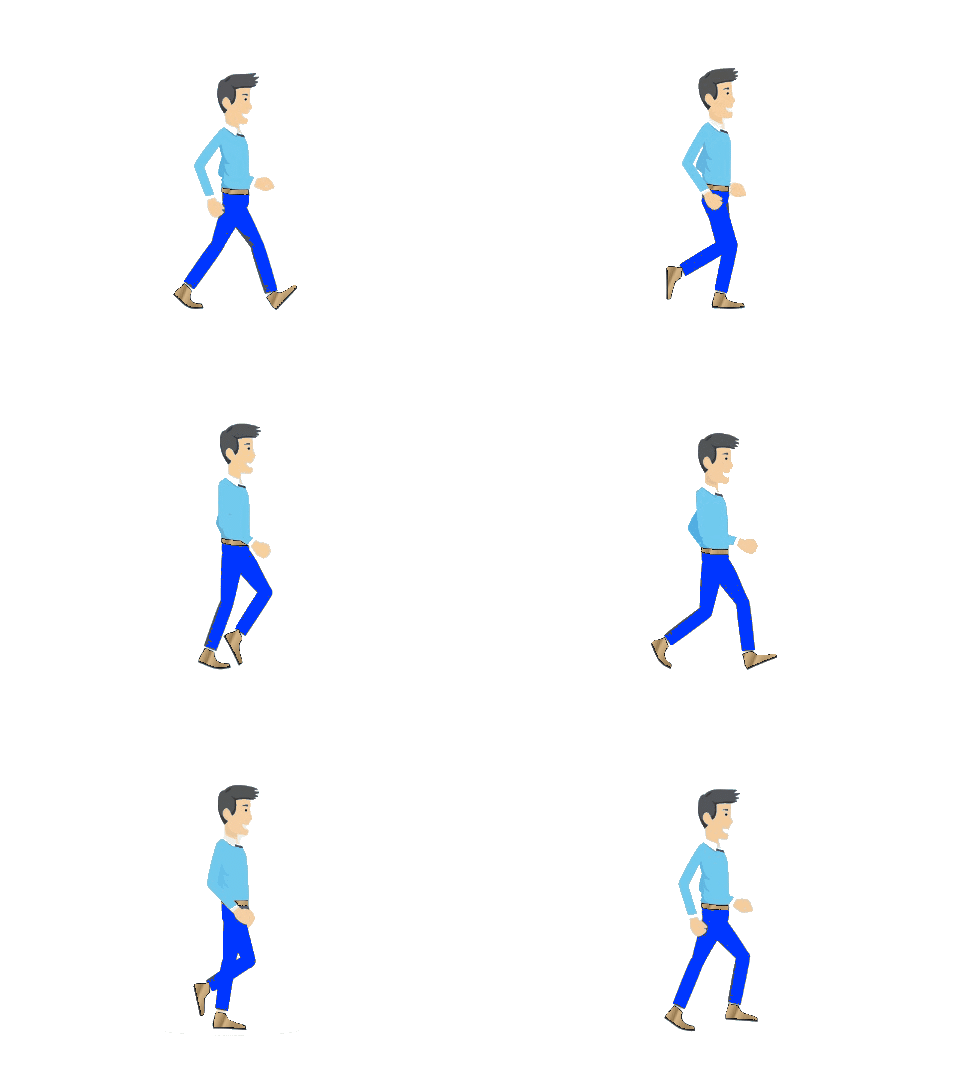
Here’s an example I threw together quickly to illustrate how quick and easy it is when you’re just using one Sequence to traverse across the display (Inspection is Open) -
And here’s the Gif if you want it, only 23 Frames -
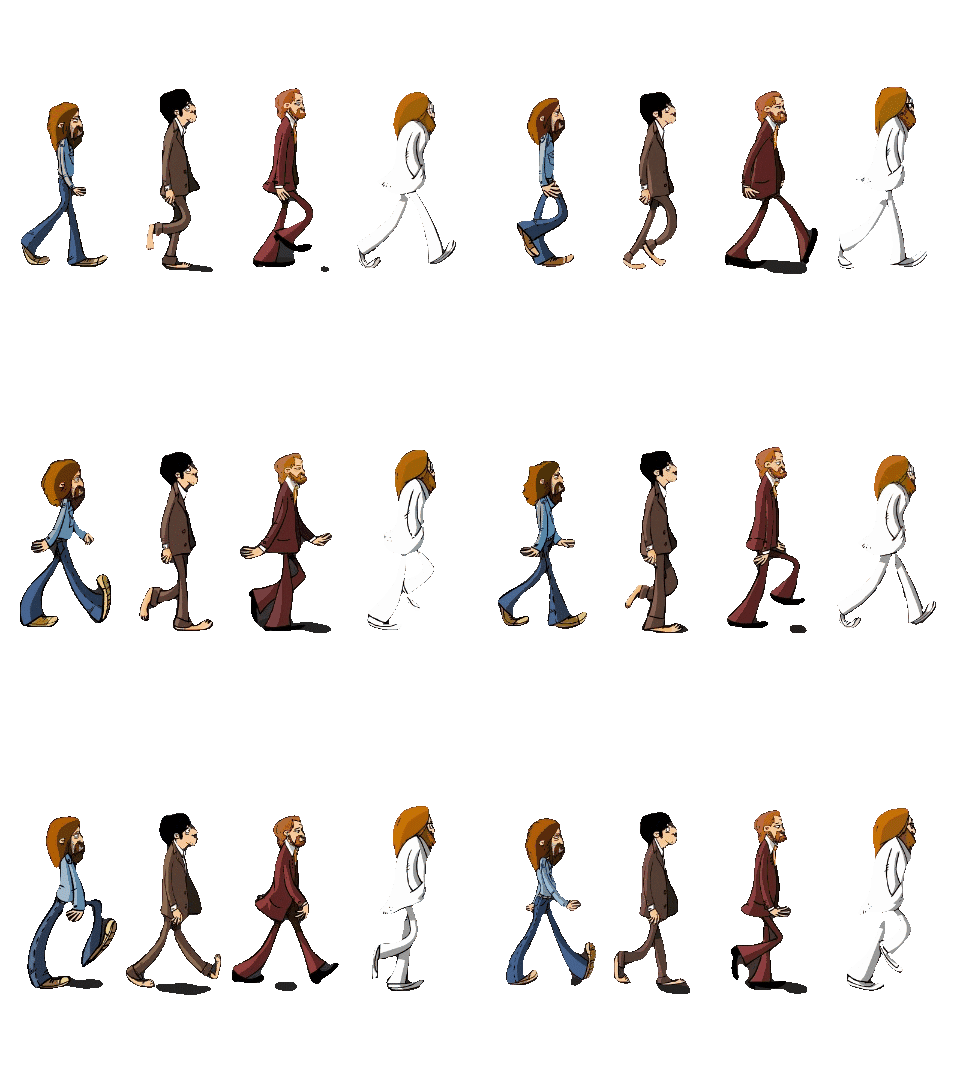
4 Likes
It was just an image used as an example…
2 Likes
Looks like John, Paul, Ringo and George to me on the Abbey road zebra
3 Likes
It certainly was my friend, 'til I changed it all  Now John, Paul, Ringo, and George are walking through the Death star
2 Likes
Can this be used for more than 2 frames and how would one be able to do so
1 Like
Welcome to the Facer Community 
Animations used as Sequences in the Facer Creator can be up to 25 Frames, and they are used simply by adding them as a Sequence in the Creator.
GIFs can easily be created using ezgif.com
3 Likes
This info is what I needed it as my animations get cut off cause of the 25 frame limit, thanks russellcresser.
3 Likes