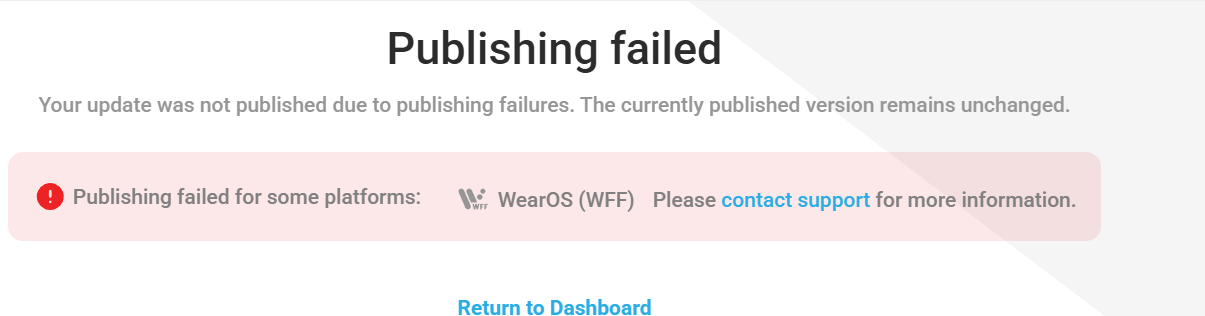
Does anybody know why every time I upload a WF I get this error even thou I fixed the errors, which is driving me mad.
If this is an .AAB import, it’s likely something in the Watch Face itself. I’ve had this happen, and it turned out to be that I had the seconds hand as 450x450px instead of 450x50px. I accidentally figured it out while recreating the watch face from scratch to try to get it to import.
You’ll probably figure it out before Facer does. That’s been my experience anyway.
2 Likes
One thing I have found is that if you have a formula in a text field of an element and another formula in another field, then this causes a problem. Or the formula is as complex as the below one. It is WOS6 compatible, but it will stumble when trying to publish.
For example this will not work. I had to make 2 text elements and use the opacity to differentiate imperial and metric setting:
$#UNITSYS#=IMPERIAL?((floor(((((#ZSC#*2.34)/52.8))/100)*100))/100) mi:((round((#ZSC#*2.34)/32.8))/100) km$
3 Likes
Oh my, I’ve had that happen also. I ended up rebuilding the whole thing.
1 Like
Conversion errors here and there are still a problem. “This too shall pass.”
1 Like
@Linlay
The other day I published one and it failed WFF conversion. I republished it a minute later and it passed WFF. I think the system is just getting overloaded at times.
1 Like
I’m fighting against the error for 4 months… I simply publish my faces with with my Samsung Tablet. You just had to tell Google to display the usual website. Some rumors told me that my account was detected as an spyware or scamming account… Two weeks ago I reported the support the failure for the third time and now it’s running fine
1 Like
 Third time is the charm for me.
1 Like
What will kill WFF compatibility right off is any string type expressions in the text box. Or ANY expressions in a text layer text box. A string expression would be something like I used to use for the distance that would automatically switch between metric and imperial.
Example:
$#UNITSYS#==IMPERIAL?((floor((#ZSC#*0.0455)))/100) ML:((round((#ZSC#*0.00724)))/10) KM$
2 Likes

1 Like