I had hands like these that I constructed from images of hands I liked, but changing the color on those turned out to be harder than making a new set. Not as 3D as the others, but acceptable.
4 Likes
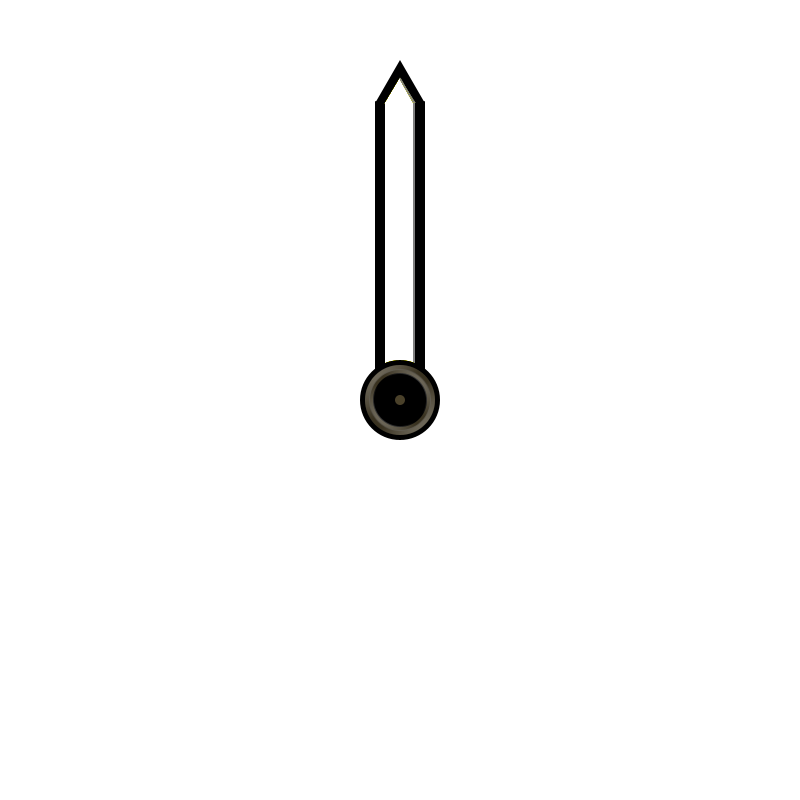

Solid yellow, one color, easy to change the color in this case as all white. Just did a “fill blue” on the yellow minute hand and it all turned blue except for the pixel or two thick grey I put in along the inside right edge attempting to get some pseudo depth.
If I’d used some sort of gradient color fill it would not work as well, but anything but a solid color is generally to fancy for my abilities.
1 Like
Sorry . I did not look that closed at the hands . Good Work .
Honestly, I like the center mount point art best. Something that looks roughly 3D hanging off colored flat bits. Do envy the folks with some skill in Photoshop etc.
1 Like
Thanks for the Nice Hands .
.
1 Like
Hey @russellcresser Russell, what does this do? $accelerometerRawY()>=8?100:0$
1 Like
Hi @pinbal24 . It reads the Gyro angle of the Y axis ( forward and back ) and switches the opacity at 80 degrees . The angles are 0 to 90 , 0 to -90 ( Below the Horizontal ) . If you are a non Pro Maker it is about the only Interactive we have but can be fun and seems to be working nicely again on Facer .
1 Like
Thanks! What is the angle number? the =8? And I don’t pay for the pro anymore because a lot of stuff doesn’t work with the new format, I’m not going to give Facer free money for stuff I can’t use.
2 Likes
This what I use the accelerometerRaw functions for - artificial horizon in an airplane cockpit. It used to be broken on pre WOS6, not sure it was ever fixed, but it now works nicely on WOS6 watches.
I guess with the condition above, you can rotate your wrist and when it hits the “8”, you can display something or do something.
1 Like
Yeah Sorry . 0 to 90 is represented by 0 to 9 in Creator . I do apologise for being a bit Glib . I have been there and back with gyro stuff . Facer have misnamed the Expression . Accelerometer measures G ( Gravitational Force ) . Gyro measures angle . When I was testing it a the beginning the Facer Gyro stuff did not give good readings . In my experience I found the the Raw expressions were the only ones that work . I have published a test that has them all on .
The gyros stuff on Facer is not a Pro utility . You have probably looked through the list of Tags in the Documentation . You must look out for the Expressions as well . That is next level stuff .
Yeah Tom . The Accelerometer Expression is working well again . I am thinking of doing an Artificial Horizon on the Other Platform . Thanks for reminding me .
1 Like
@tudza Sorry to Hijack the Topic .
.
Not a problem. Don’t think I have a use for these functions at the moment, but it is interesting.
1 Like
@tudza Tudza Did up a face with your hands
1 Like
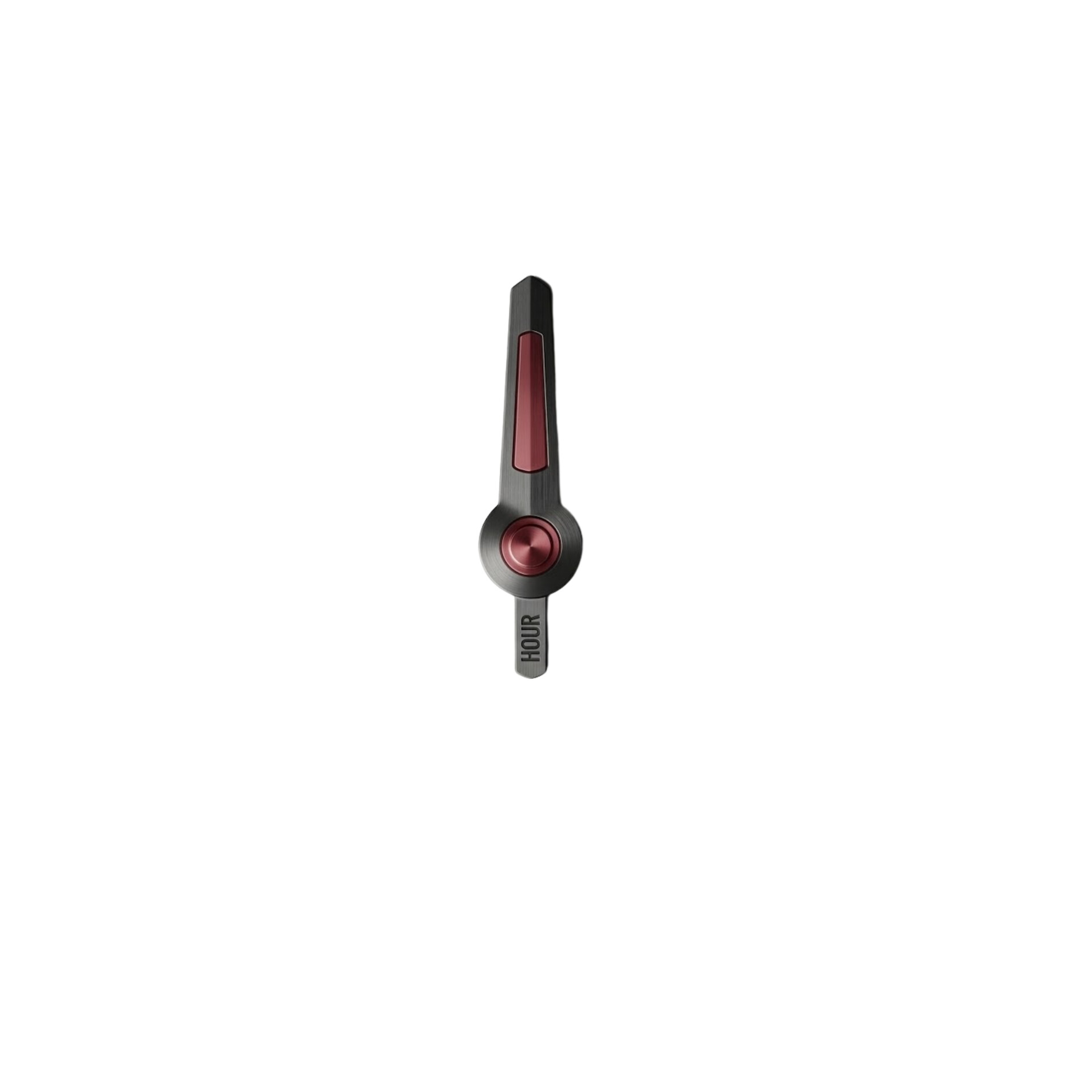
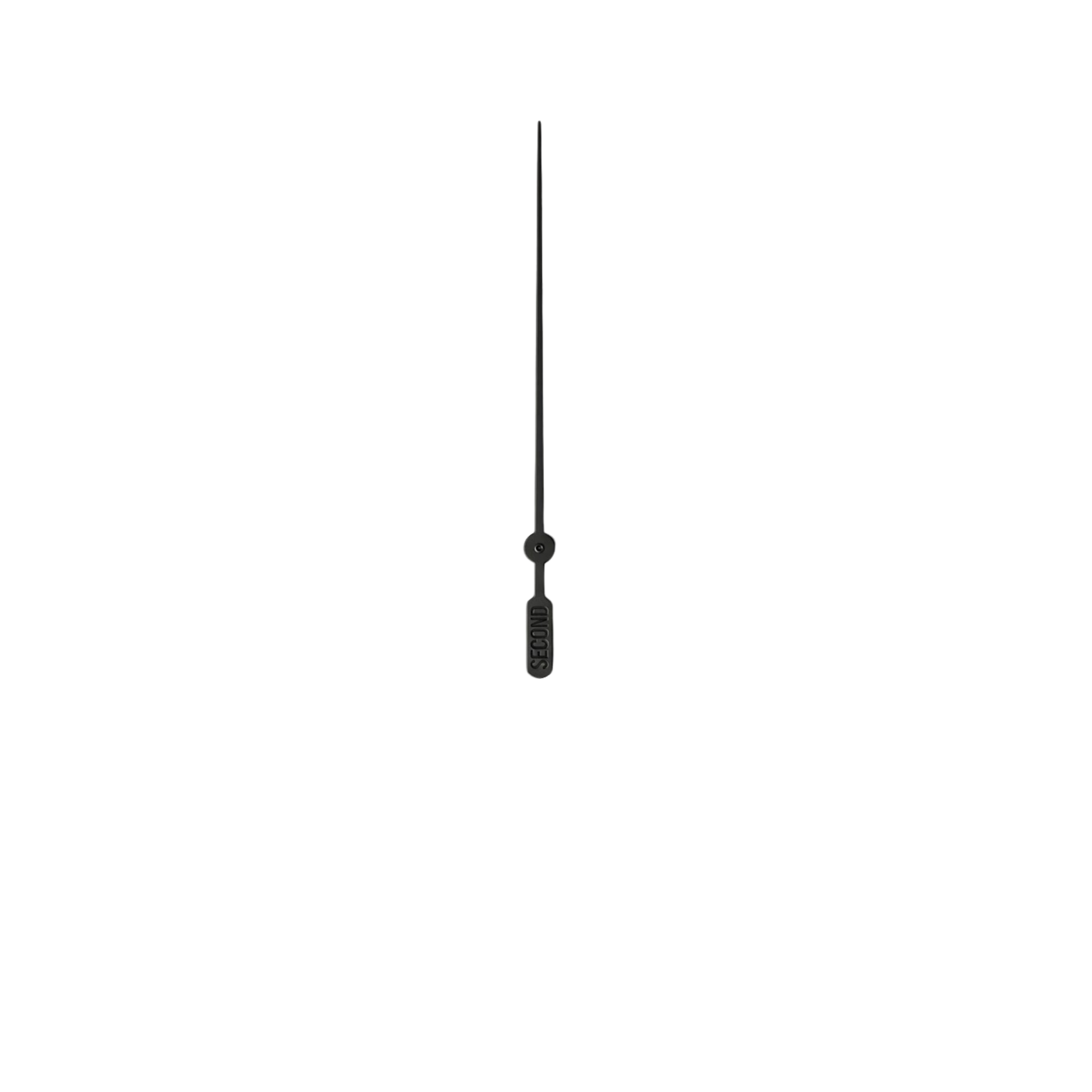
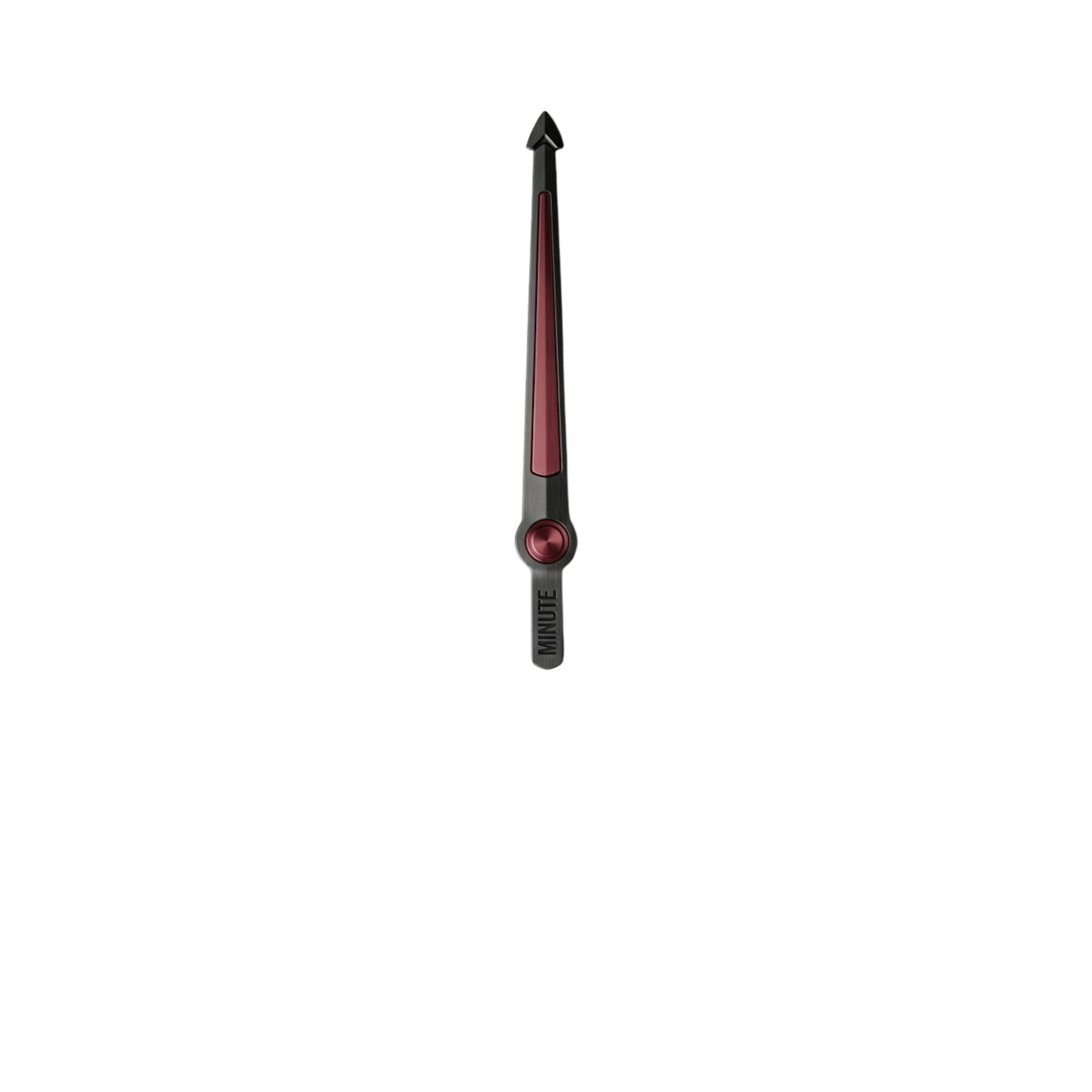
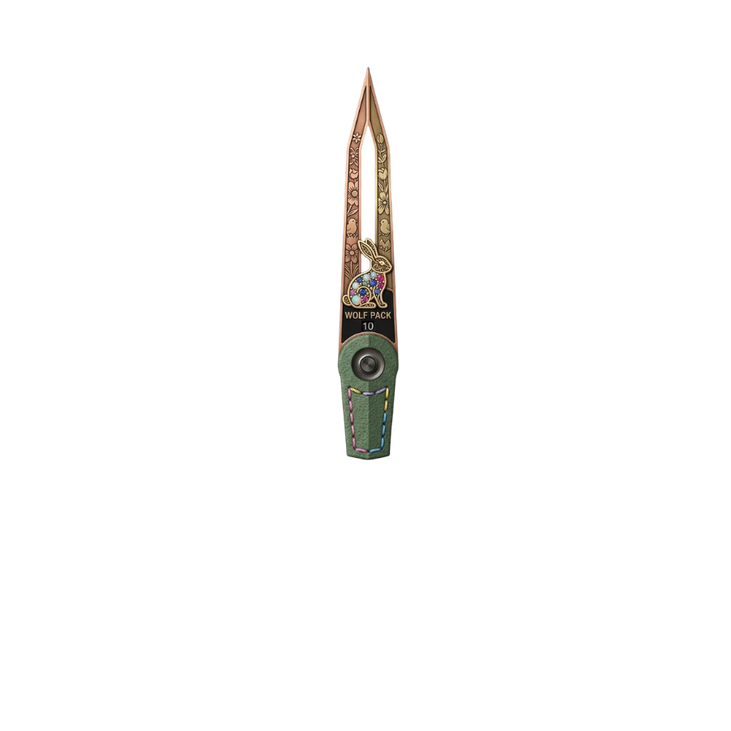
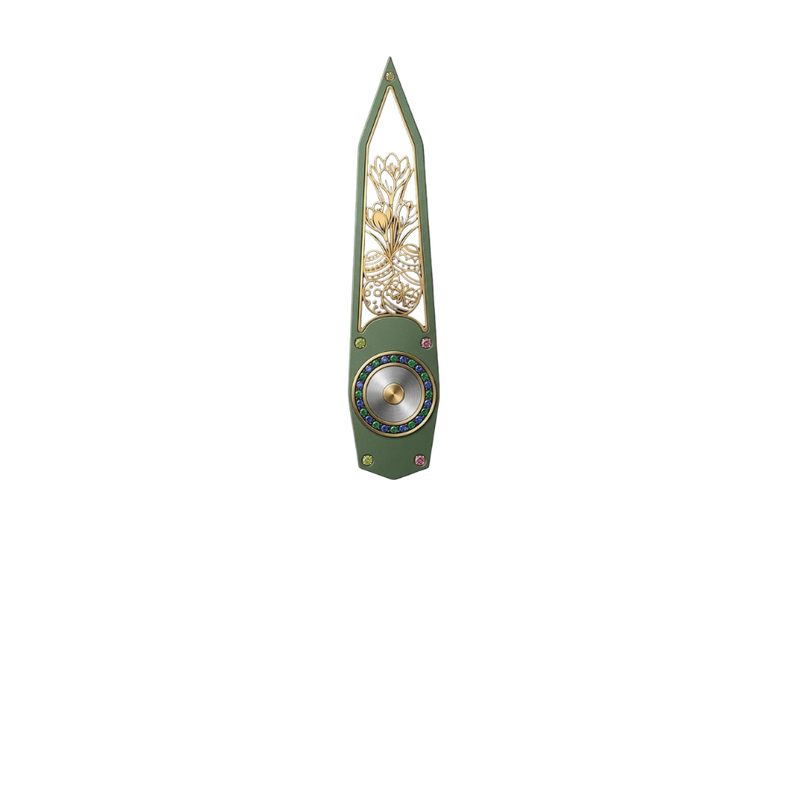
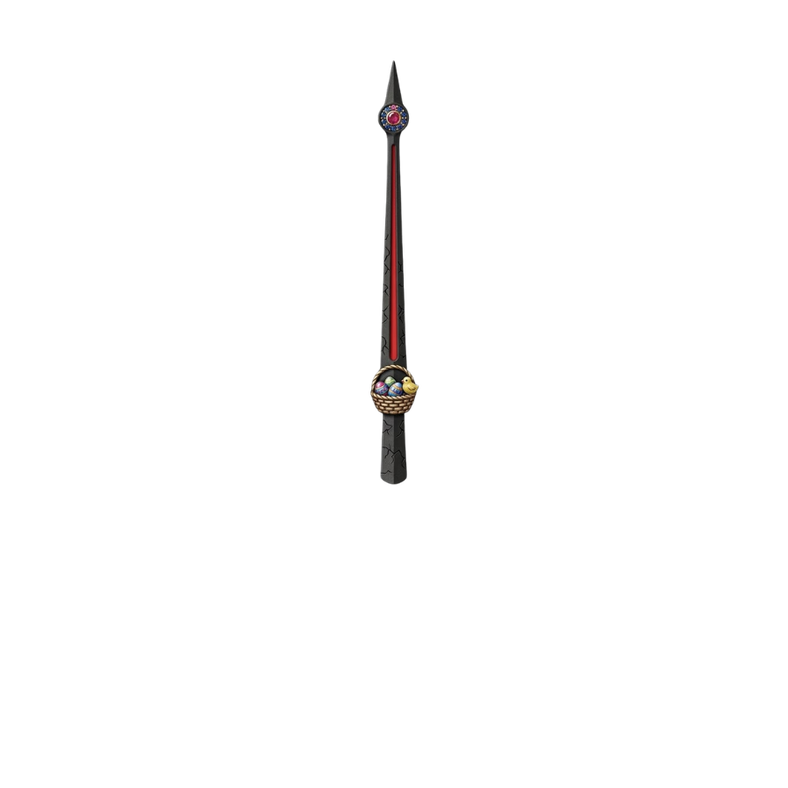
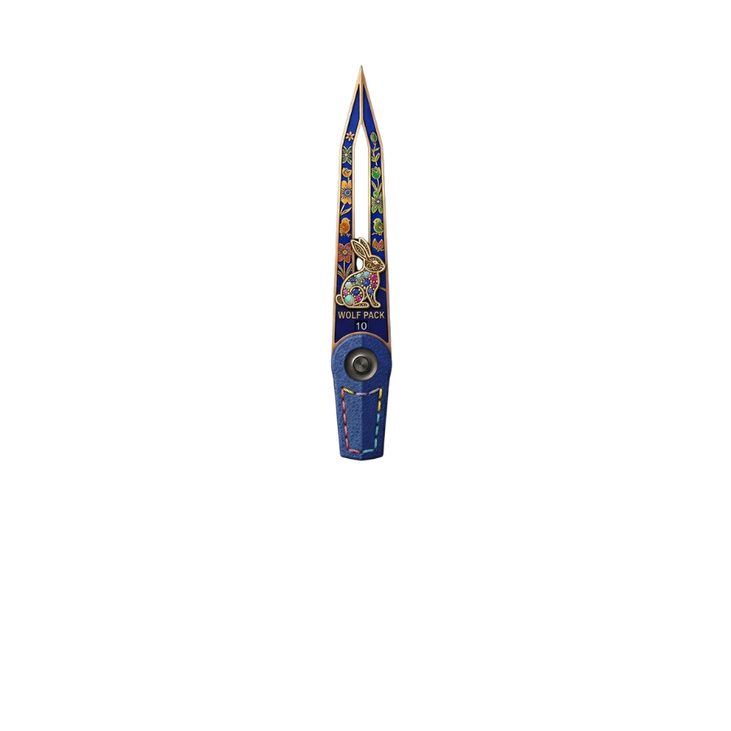
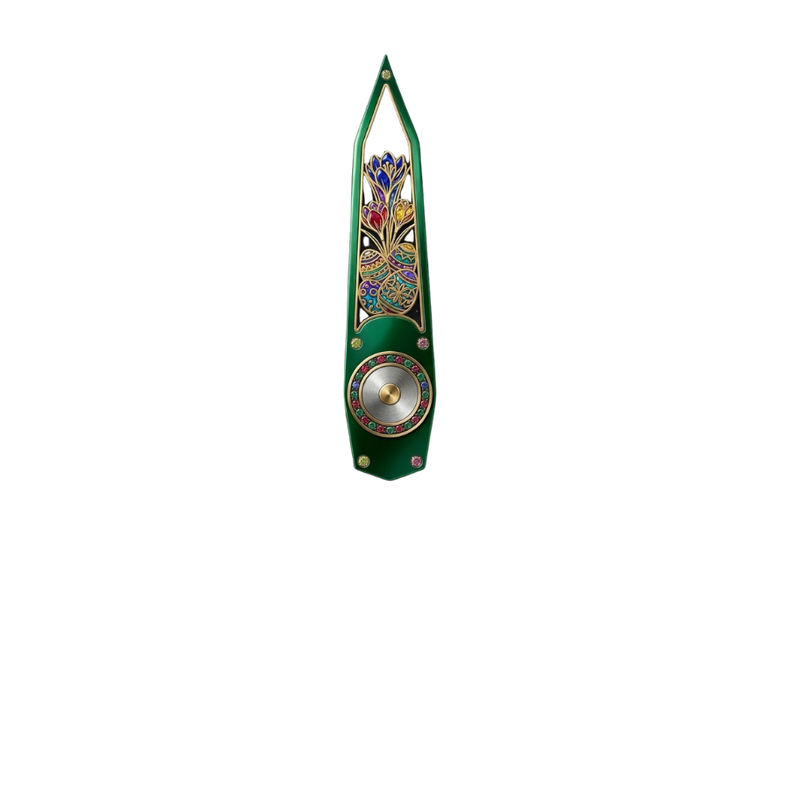
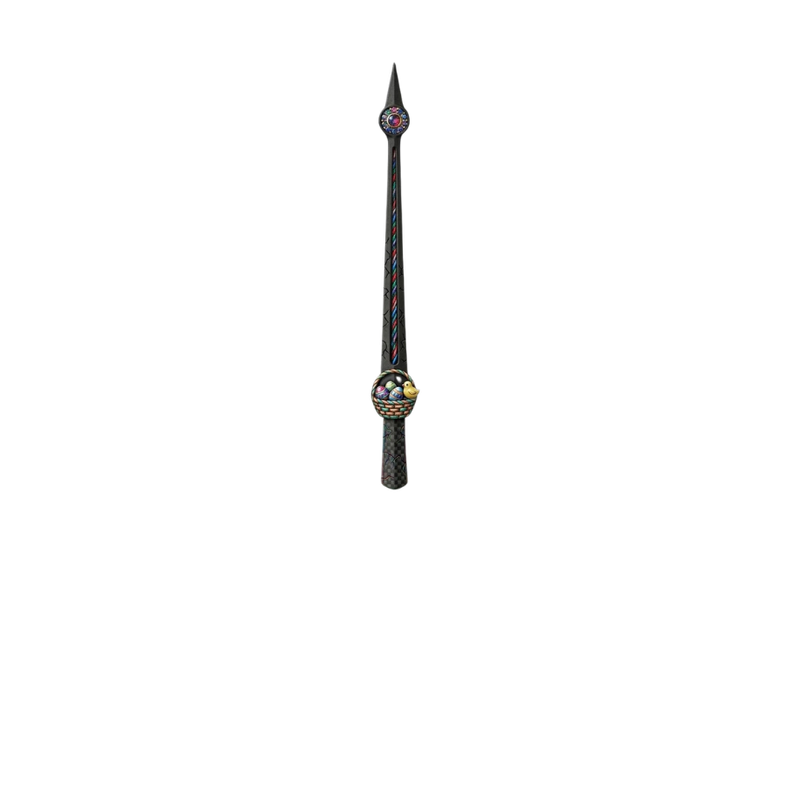
These I will certainly use at some point.
I don’t think I can make a face pretty enough to do these hands justice.