hello experts check my design and suggest me any change.
2 Likes
Very nice!
In Dim/Ambient mode all the digital information except the weather icon are white, which is not so nice. Either make them black or if you want to leave them white, then the background should be darker.
The hour and minute hands seem a bit short.
3 Likes
I don’t understand the AOD mode.
2 Likes
Thank you, sir,
I have completely changed the hands. And I don’t know how to change the color of the text. Please explain to me. Thank you for your valuable advice.
1 Like
Great work! In Creator, at the top left you can see that you can change between what’s visible in Active mode and Ambient (Dim) mode. By toggling between these tabs, you can change the colour for active vs dim mode.
1 Like
There are several discussion in the community about AOD - Always On Display. You can search for it…
I am one of those that does not like a black screen on my watch, so on my watch I switch AOD on.
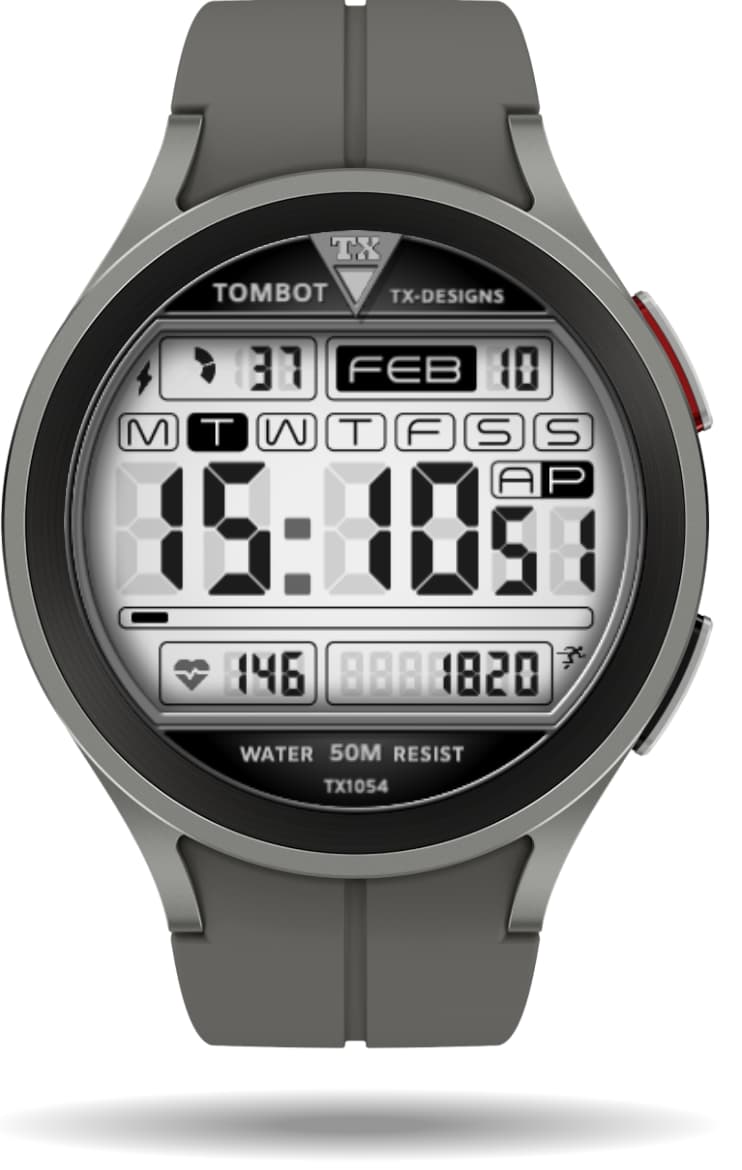
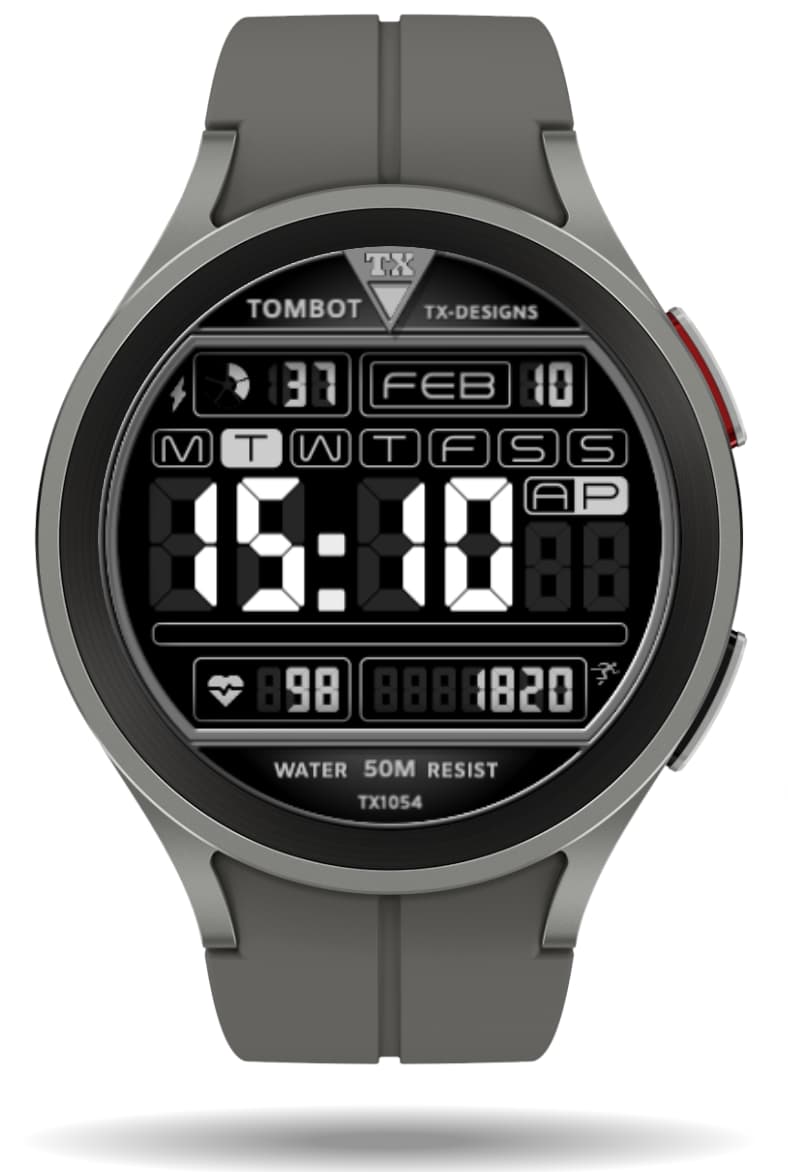
The watch still goes into some DIM mode, so not truly AOD. And for this mode (after a number of seconds - which can be set on your watch), you can define how that face looks like.
Typically for a very bright face, I would invert the face for that DIM/Ambient mode, like so:
4 Likes
Hi there. This is actually a very nice design indeed. Nice and clean. I would try and include step count somewhere, maybe at the top where you have lots of space and then change the AOD mode text to black. Just a thought, otherwise a very nice design. I like the hands that you have used!
2 Likes