Hi all
(Website now live and free to use - https://facestudio.manus.space/ )
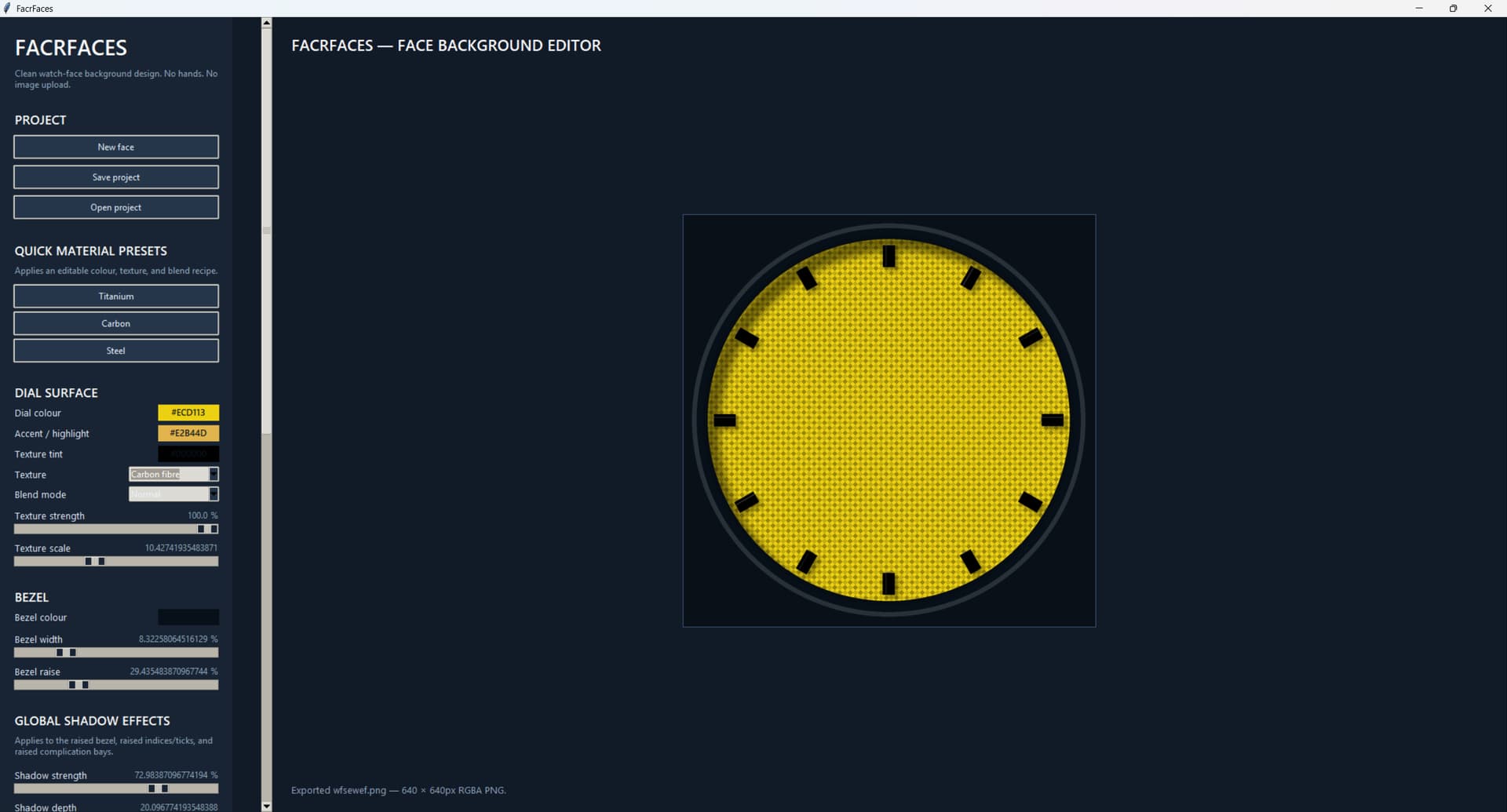
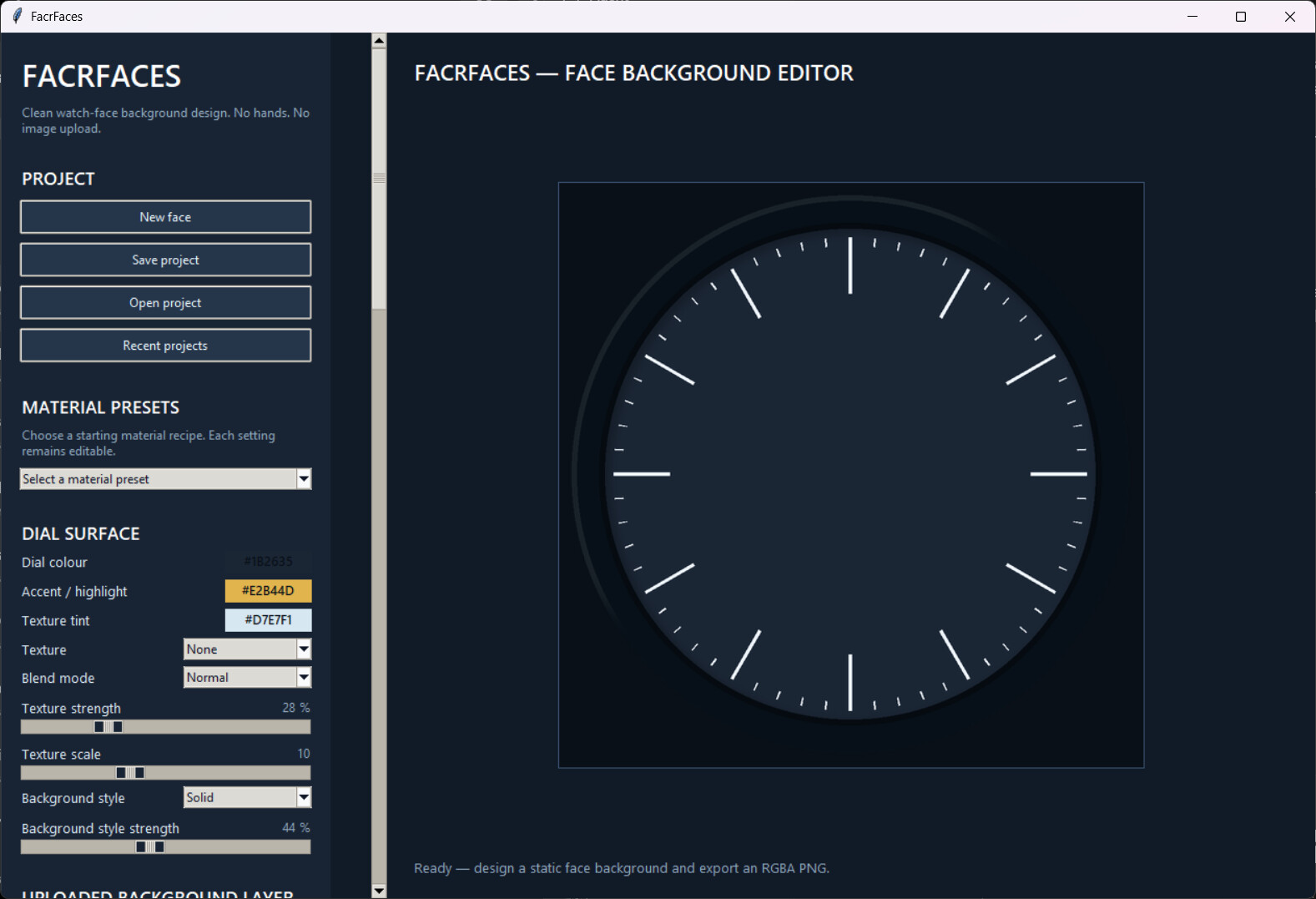
I’m creating a desktop app called FacrFaces which is a customisable tool for creating faces. There are a load of options already implimented, but I’d love to know what you think is essential?
It is a static editor, it only creates backgrounds, bezels, indices, markers for importing into Facer where you can then add all the moving elements.
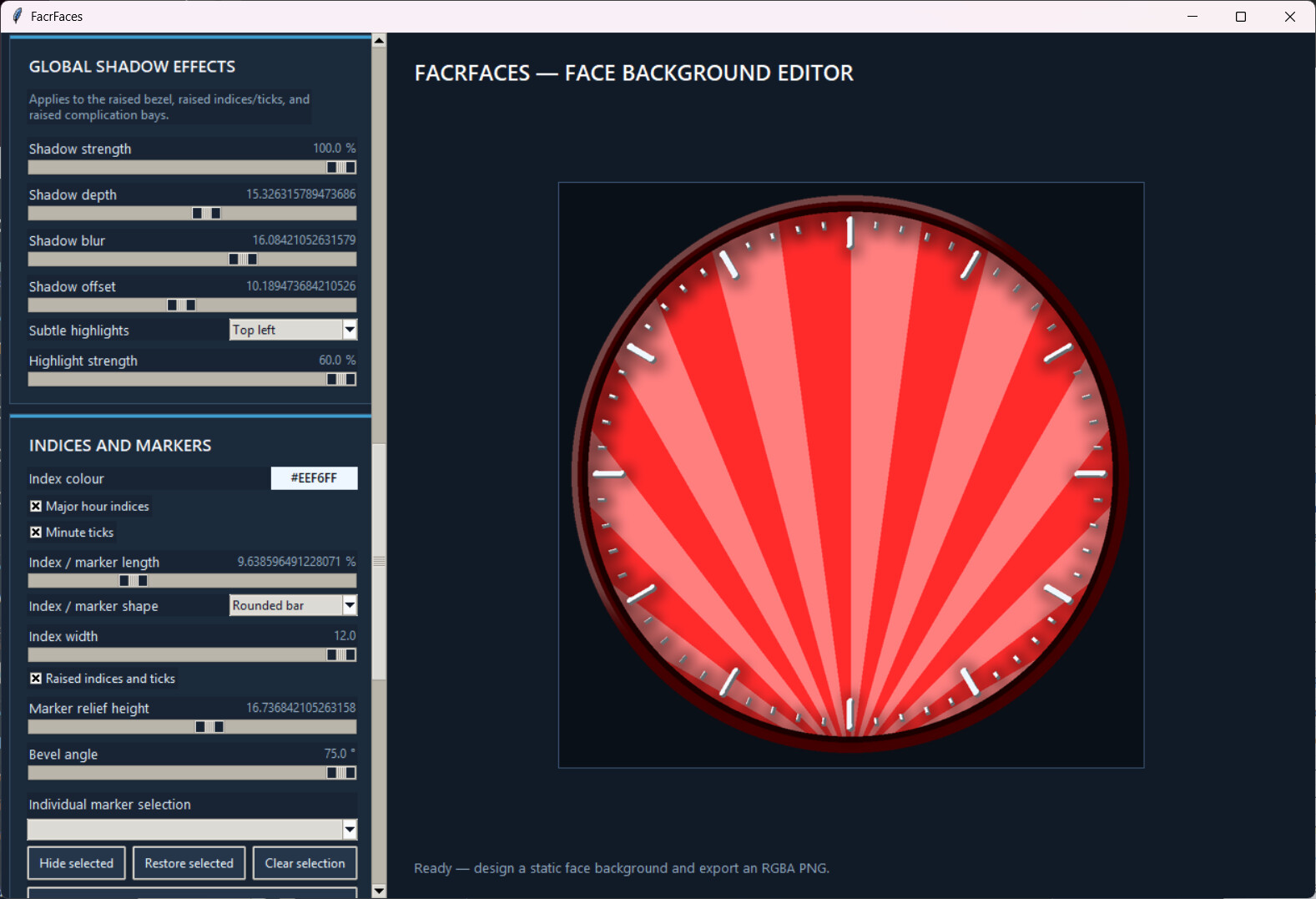
Customisable global shadows and highlights, etc.
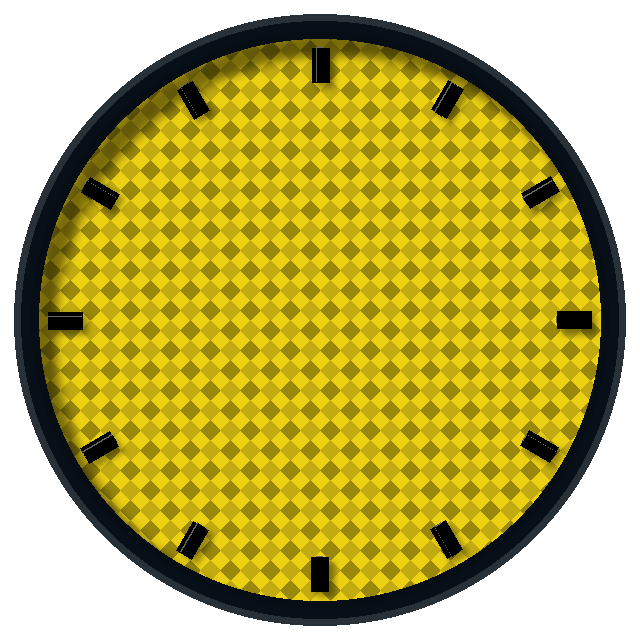
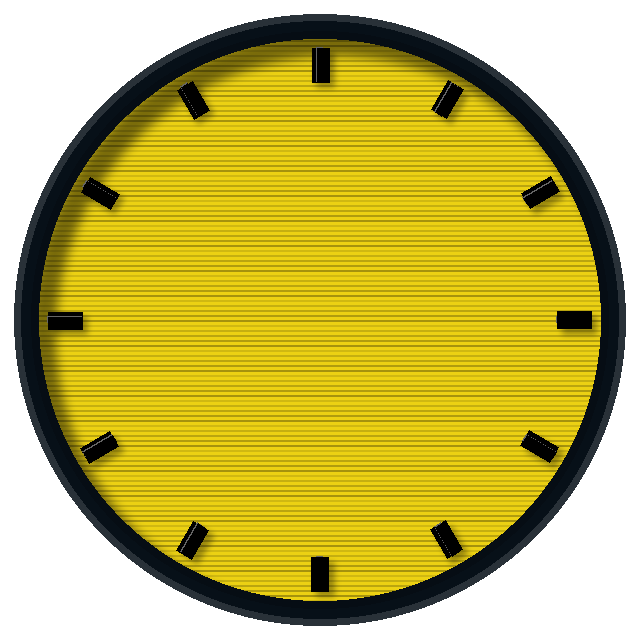
Here is a screenshot of it running, along with some sample faces.
6 Likes
Nicely done - congrats. Here are a couple of ideas:
-
Under Project, add a button for Recent Projects that shows a list of the most recent projects worked on. Order the list by last update date.
-
Change Material Presets to a drop-down list box. Because you’ll end up with more than 3 for sure.
-
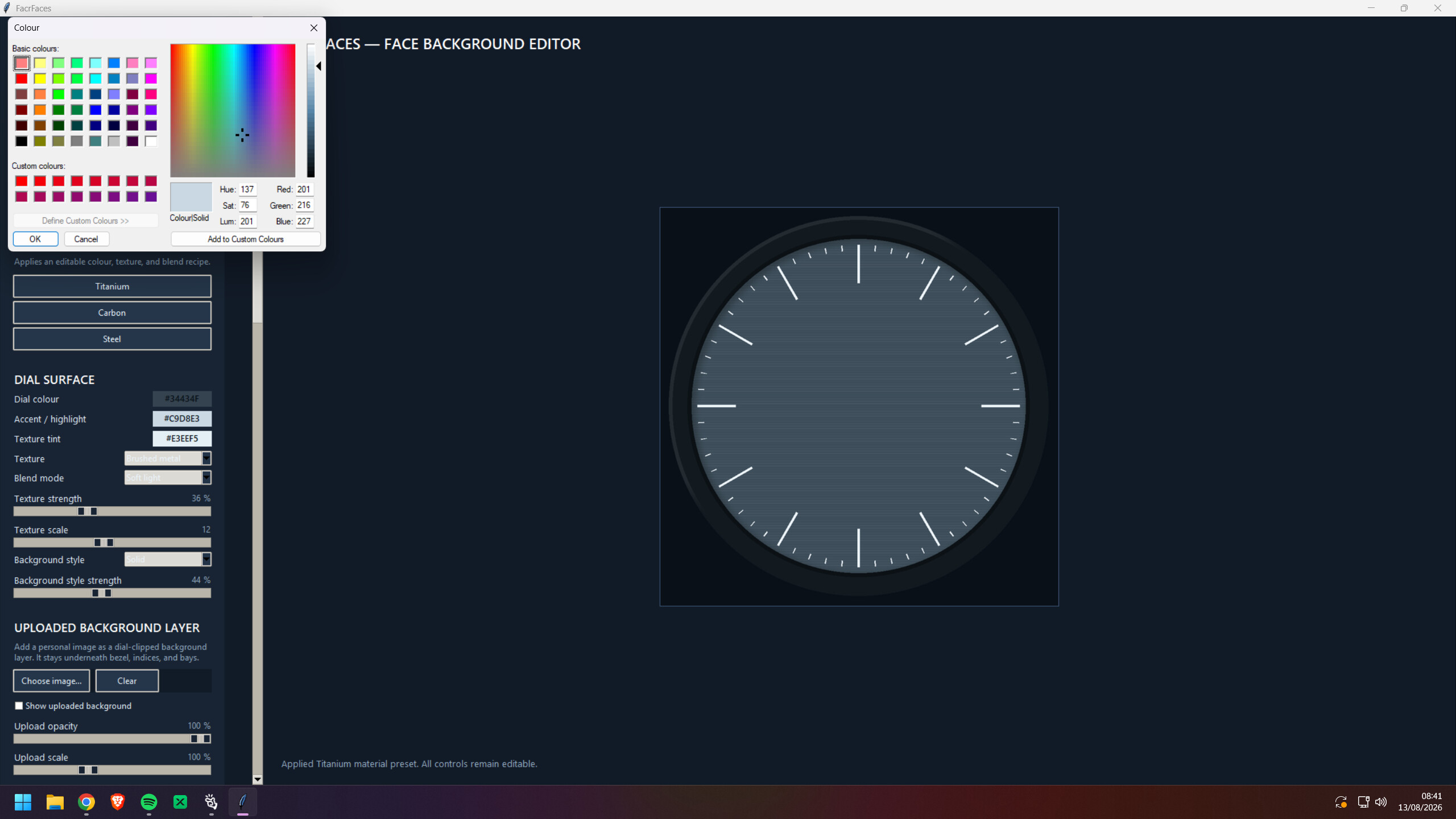
Most people don’t know about RGB values - so why not use the standard color-picker box that comes with Windows?
2 Likes
Thanks for the comments, really appreciate the feedback 
- Will do that
- Will do that too
- See new screenshot
1 Like
Nice work .
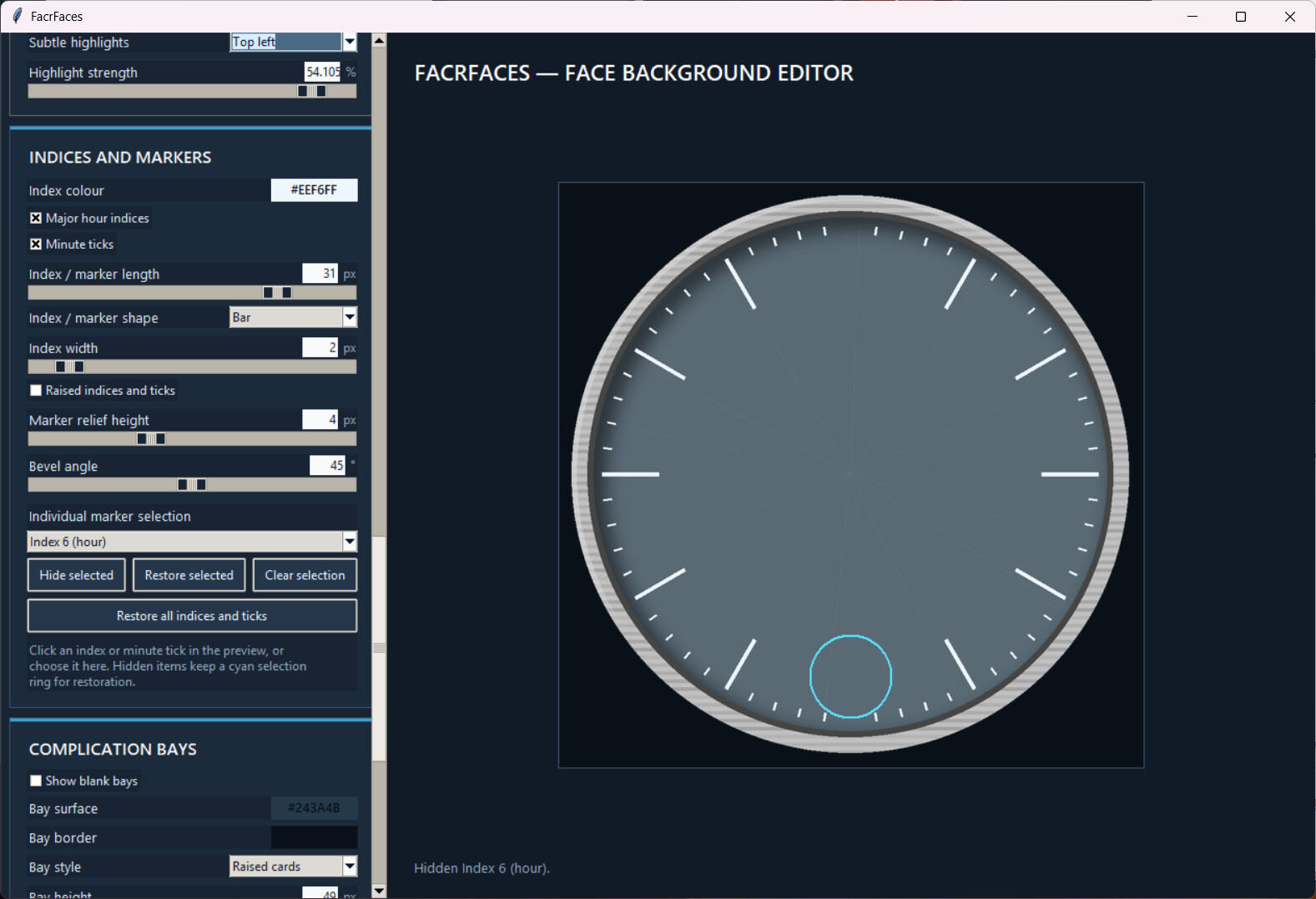
a / Can we type numbers in or just use the sliders to change size etc ?
b / Can we have a different number of divisions major and minor ?
c / Can we have start and end / included angle of an arc dial ?
I know this is a lot of work and my Hat is off for what you have done already .
2 Likes
Thank you, only started this 3 hours ago!
a. Im changing the percentage sliders to numerical values and allowing users to input numbers directly.
b. not sure what thjat means?
c. can you clarify that too!
2 Likes
I like the idea! One main use I would have is the shadows. Since WOS6 the shadow function on Facer does not work on the watch - on my Ultra anyway, not sure it is for all. I have to create shadows separately…
2 Likes
@RichWatch Is this tool available to use now? If so, please can you post a link to it. Thank you.
3 Likes
I started creating it earlier - I have a windows installer created but am thinking it may be easier to use if it were a website…
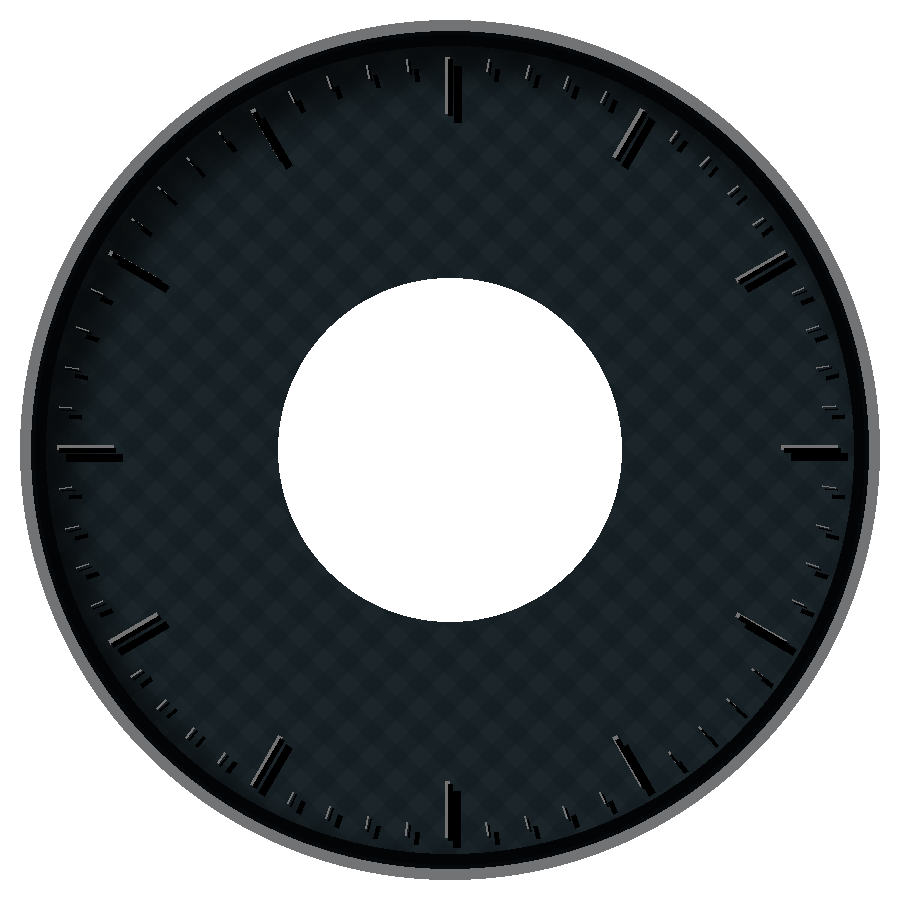
This is a sample output:

2 Likes
Looks like it’s worth checking out. I’ll have to check back later to see when you’ve posted a link to the installer or URL for the web browser route.
Is it possible to paste in an image and resize it? One of the things I do with my current tool for making faces is drop in the hands I want to use and size them to suit the face. Then I turn off everything in the background and save just the hands, one at a time, in a transparent background.
2 Likes
You can upload a background image and scale, rotate and change the opacity of it.
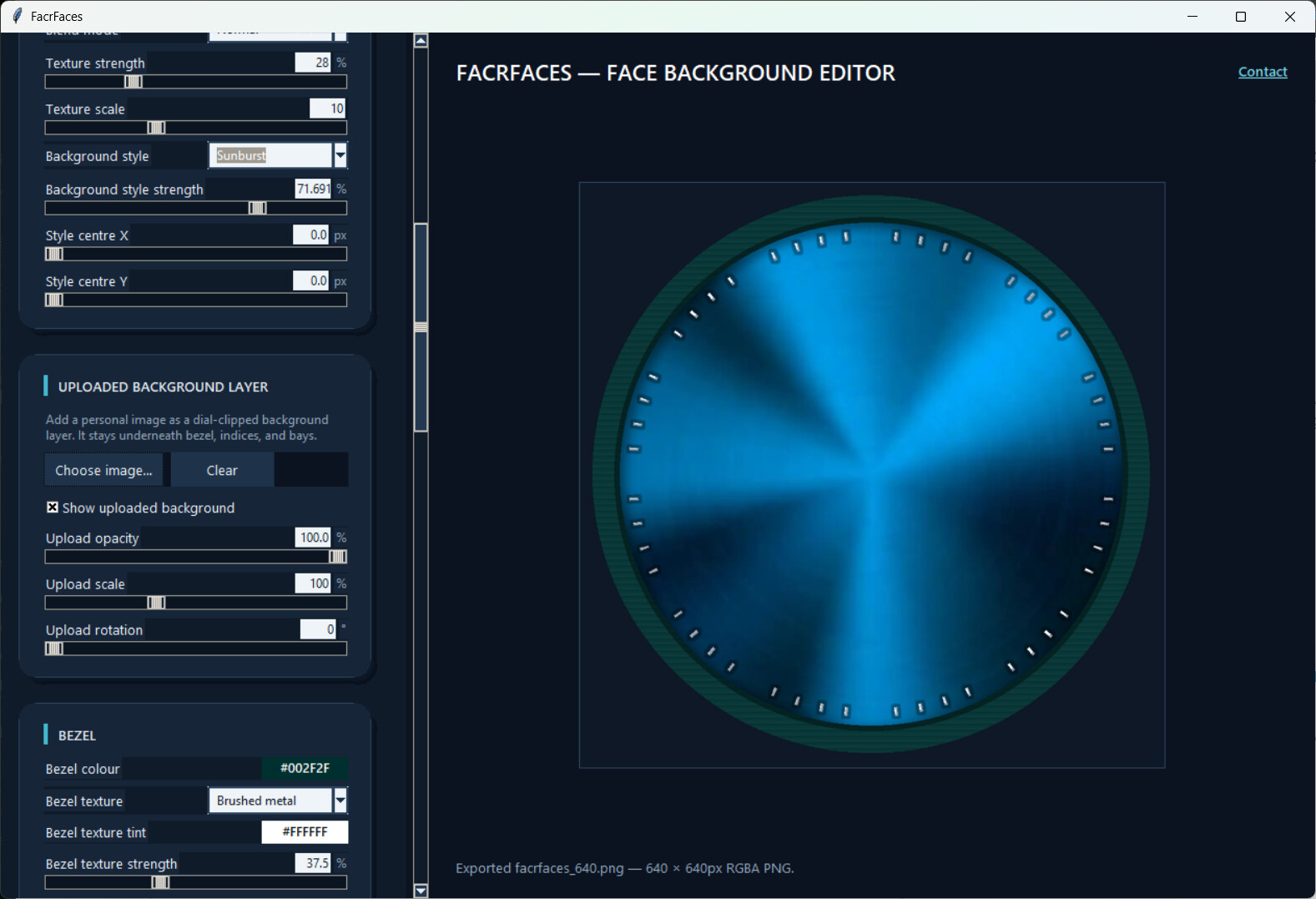
Once I am happy with how the Faces app is Im going to do a Hands app. I did create one already but I didnt like it.
1 Like
Sounds reasonable enough. So long as there’s a way to reference the face with the hands it would probably do what I need.
Honestly, when I make my own hands they’re a bit cartoony and I make them in the face editor I use. Import hands and size to face is for my usual MO, make the face and use hands from my swell collection of hands downloaded from the forum and other places.
2 Likes
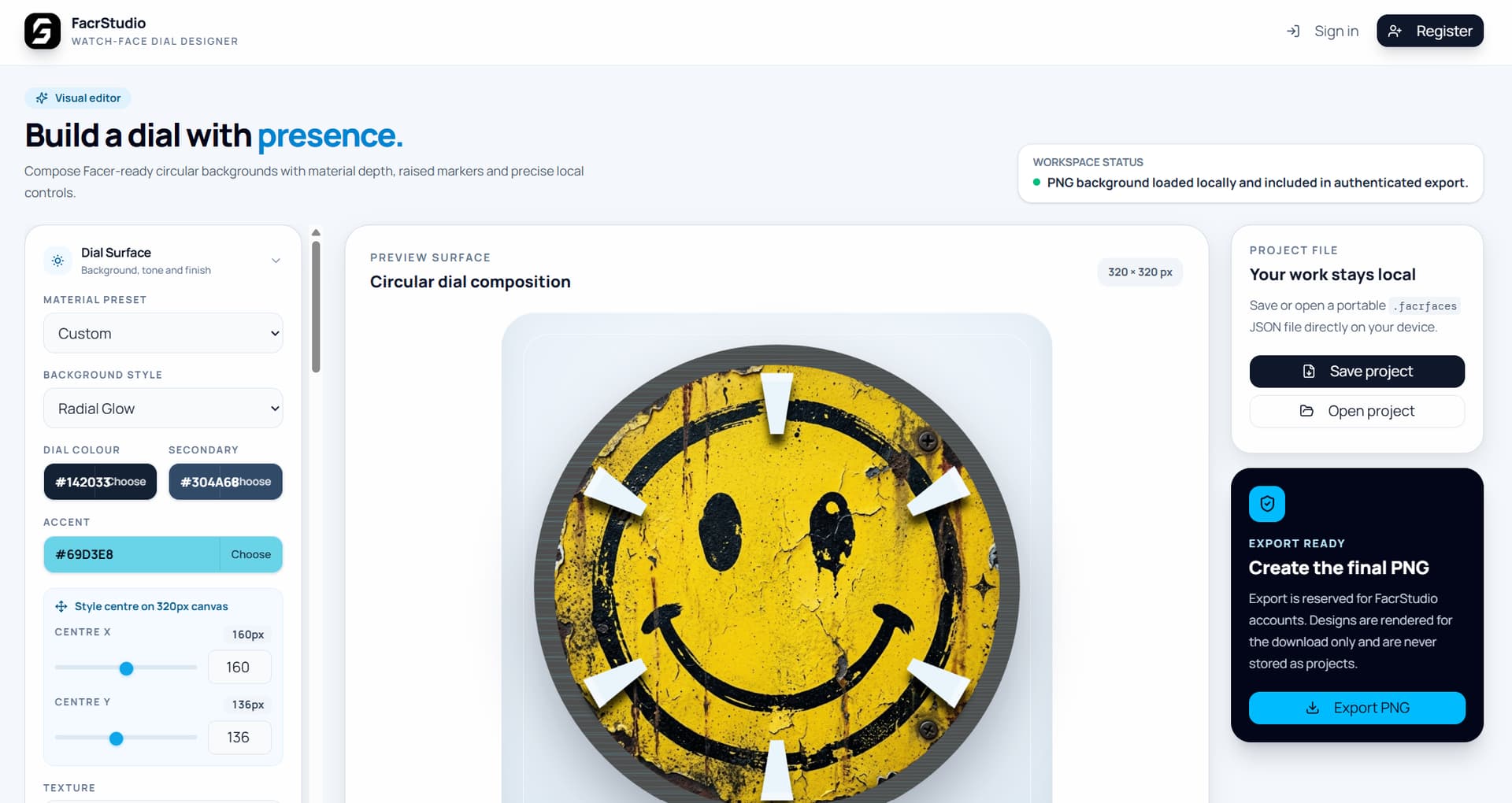
First draft website done, lots of changes to be made but it looks nice so far, and works faster than the desktop app too!
2 Likes
Free to use, no ads or anything. Create, save and open projects on your own device.
Only need an account (free) to download the final created image.
The account requirement is to stop bots from being able to spam the site.
2 Likes
Where is this at? Would like to give it a try
2 Likes
It’s on the way! Only started creating this morning 
3 Likes
Nice progress for one day.
Do you intent for it to just prepare individual resources, or even to assemble complete watchface?
1 Like
Thank you.
Its only for bezel, background, indices, tick marks, shadows and highlights at the moment.
There will be a Hands designer, but I think I will need a sleep before I do that…