I publish watch faces on playstore, now Im trying to import an .aab file for wearOS wff.
Can anyone guide me how to import the file to facer importer.
Ive so many doubts like do I need to change the package name as Im trying to import a watch face that is already published on playstore, Do i need to change the key
I believe anyone that publish watch faces on playstore and facer can understands my doubts, but I welcome all the suggestions.
I usually change my package name just to reference which platform I’m using, but that is just something I do to keep track. I use the same key that I use on the Playstore. Nice watch design, by the way.
On WFS i use the default package name for importing to Facer . I send the version I want to post to my watch . The an ABB is made automatically in the build folder . I never use my Key .
So you use the rod file instead of publishing it? Very interesting, as that would cut down on a few steps. How does the watch face image that you want to show get chosen then?
Thank you for asking . I was a bit brief with my Advice . Yes the rod_file_name Folder is in the Build folder . So I delete every Previous one to ensure that sending the face to my watch makes a fresh rod_ folder with the latest .aab file in it .
I avoided making another Key . Without your Help I would not have a new one for Publishing on Timeflik . I can keep .aab and .apk separate because the .apk will always be for Timeflik . Thanks for your help and inspiration .
You ask about which Image gets chosen for the preview. I guess it is the same one that shows when you have imported it and go to publish on creator . I guess we have to thank Marvin for that :::)))
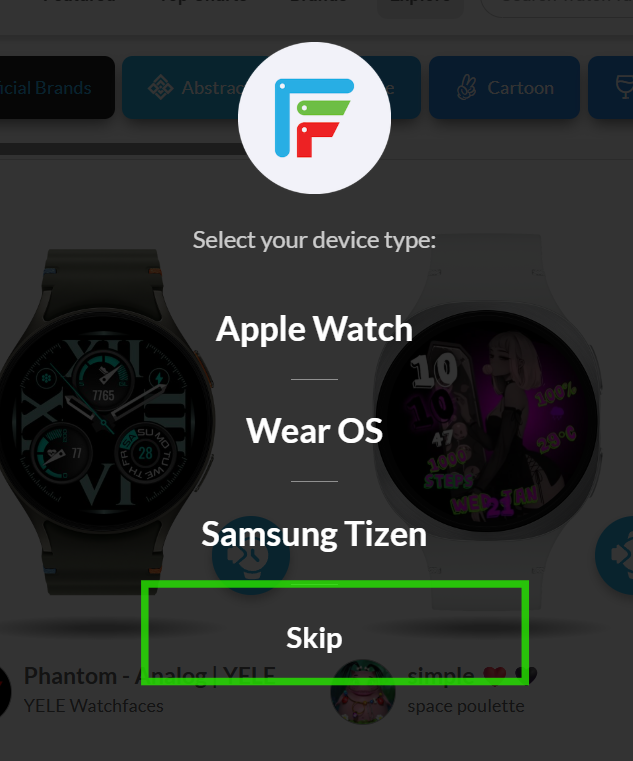
Make sure you have the correct watch selected in the Facer App, that has been updated with WOS6. I can see your design without hitting the skip button.
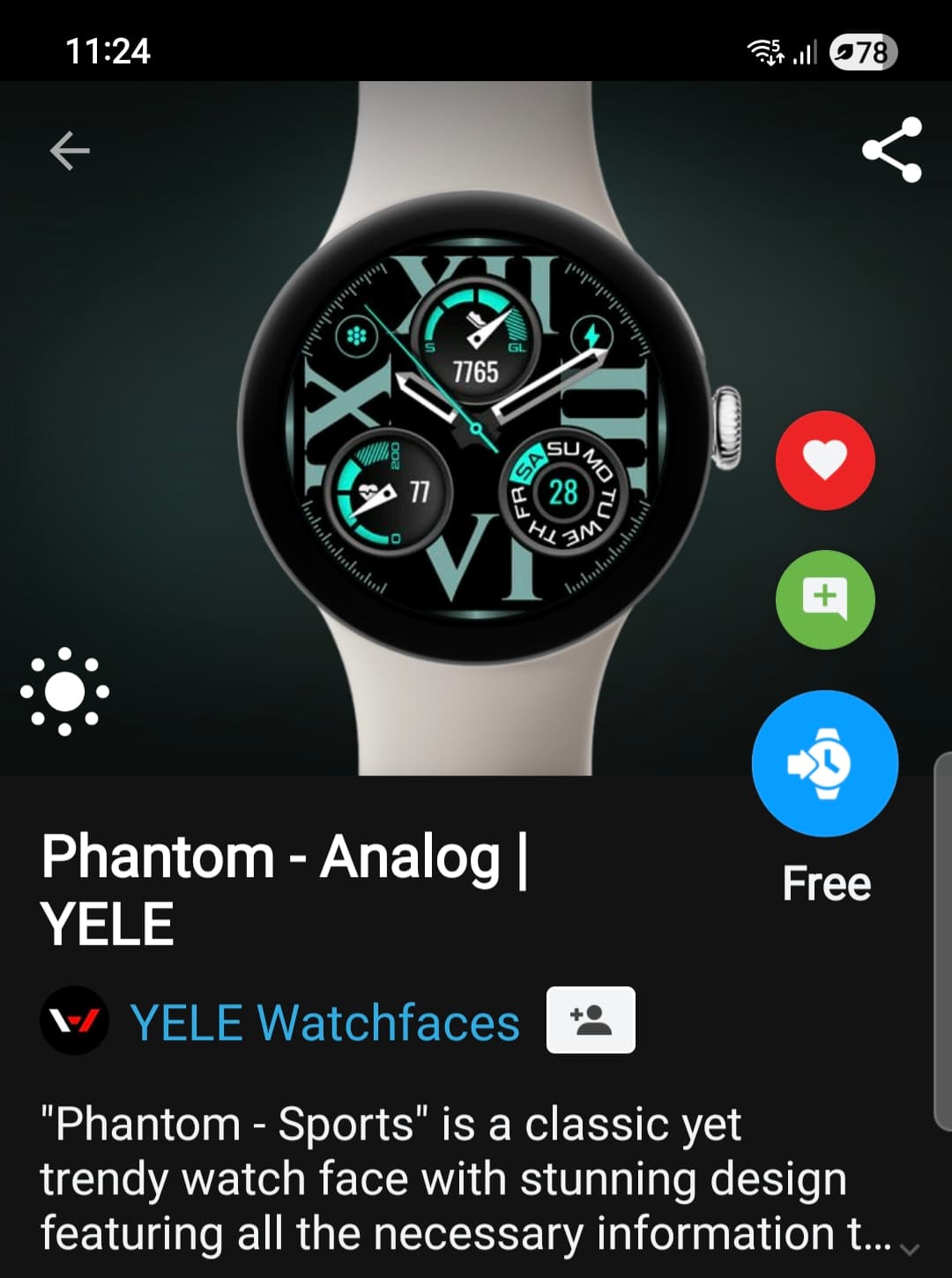
I create a .AAB file because you can add a preview image (this is the image that appears in the preview on Facer). If you use the ROD built file, this is not possible. The keystore password doesn’t matter when doing this. This is only for the Google Play Store.
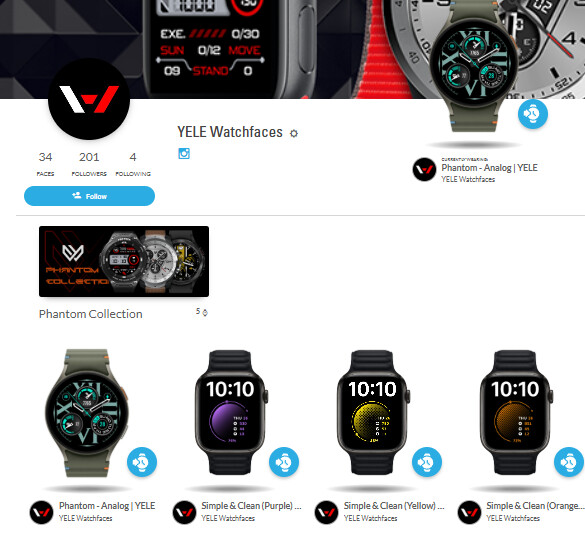
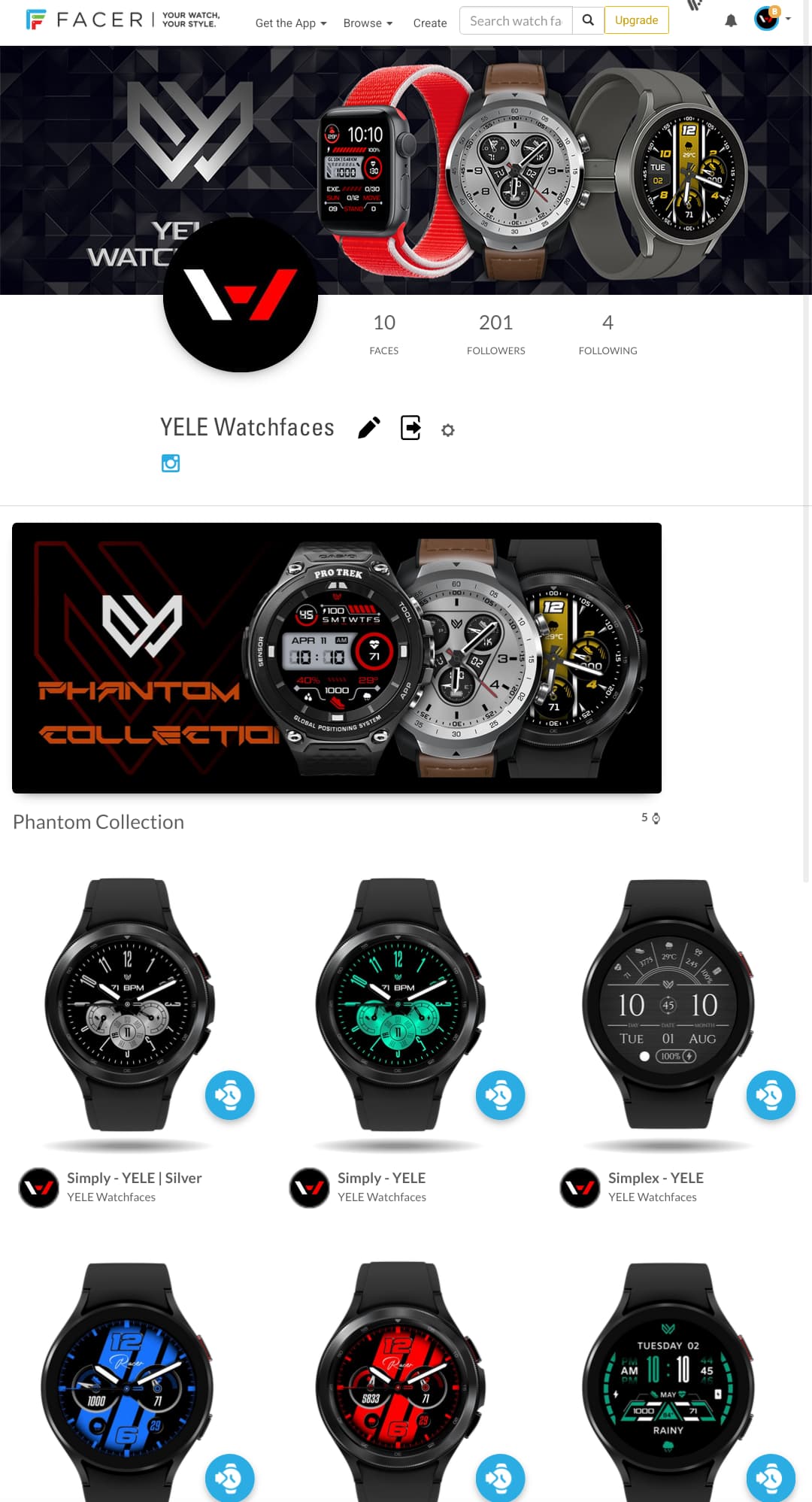
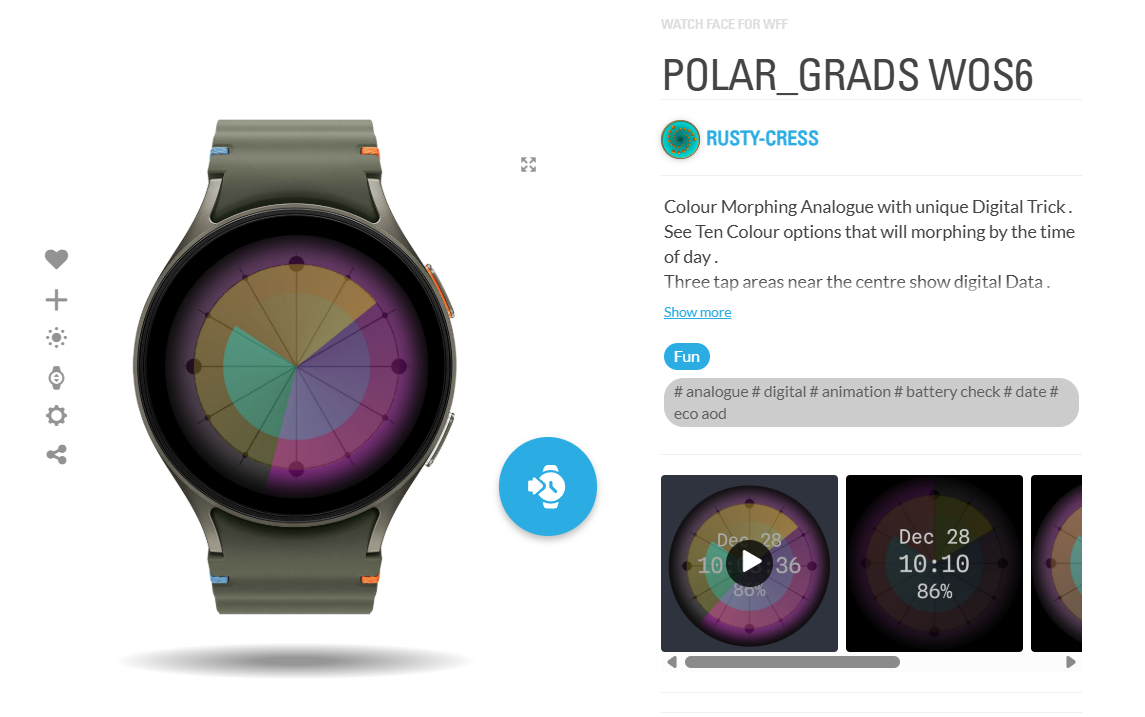
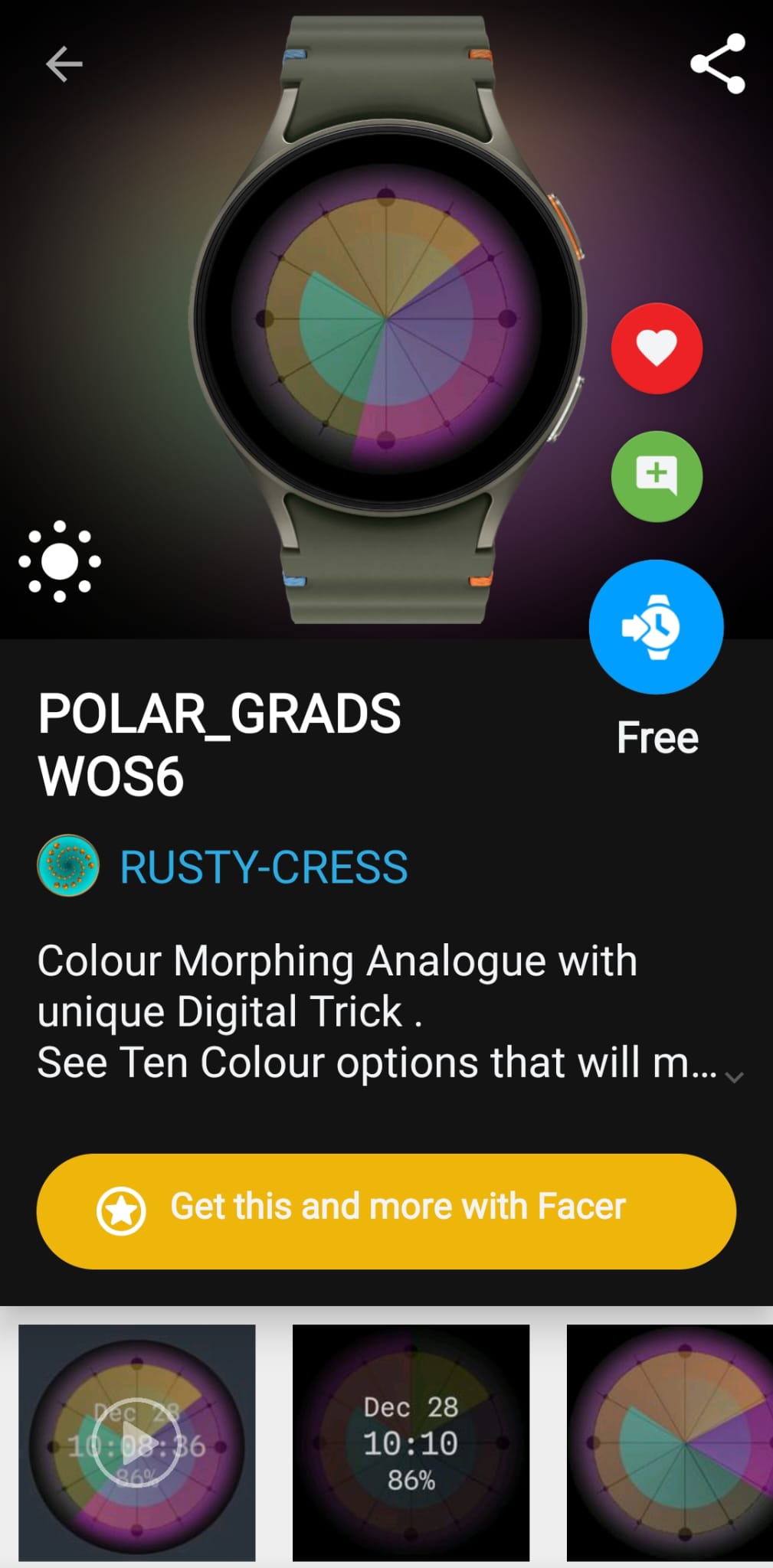
These are two shots of the the previews with auto generated images on a Publication of an .aab file in a rod_ folder .
One on the app and one on the web . I use Google Chrome BTW . WFS 1.9.5 . I use Creator Beta mostly .
.
Yeah, it’s pretty generic. I give a preview with all of the Complication Slots filled so the user can see what it would actually look like. It often involves photo editing.