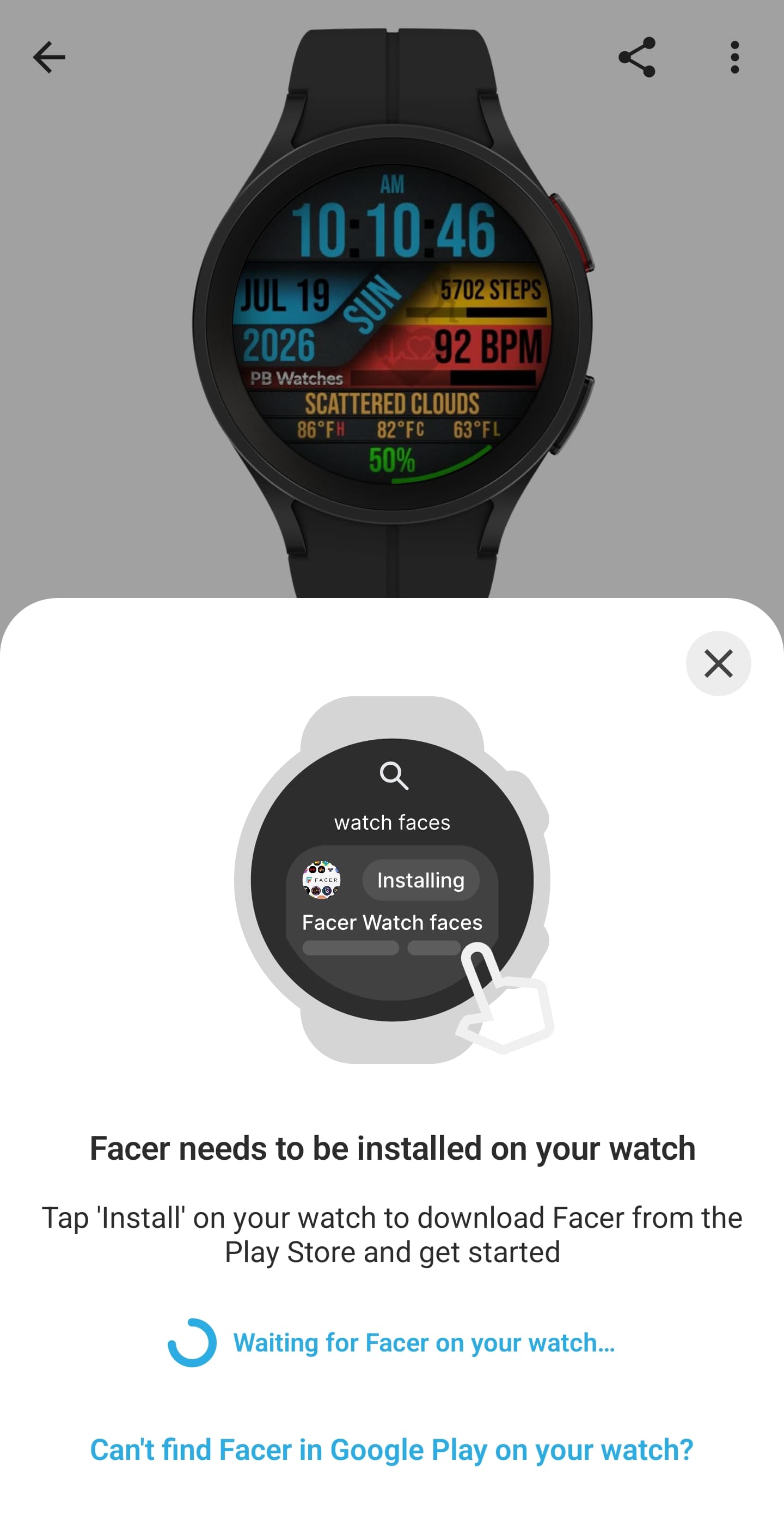
I am able to sync from the webpage on PC but not through the phone. The app is on my watch so have no clue what the hell is going now.
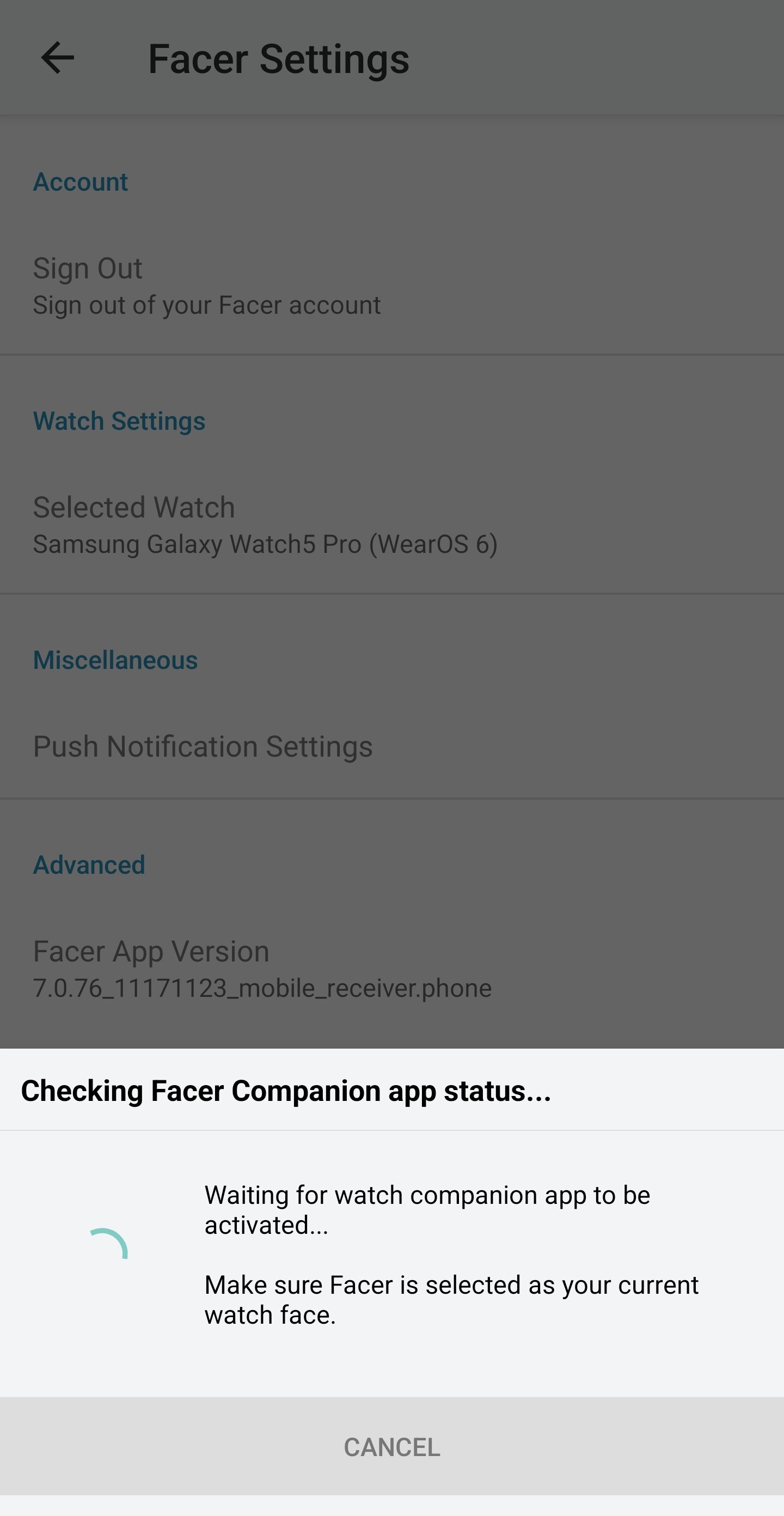
Then when I go into the settings in the app on the phone is does this:
Open the Wearable app on your phone and make sure it is connected. On your watch, open the Playstore and check if Facer companion app requires an Update.
I also have issues, but that is because I am in the Apple world.
I can sync published watch faces easily when I use my Android phone and the Facer App is running. Then I can sync from any browser on any PC or my iPhone.
For faces in Draft, it is best if I take the face URL and open it in Chrome on my Android phone and sync from there.
Strangely, sometimes I can sync draft faces without my Android phone on. But, it does not always work. It has worked over night when my watch is on charge. I have not figured it out.
I guess I have to live with it…