Hello all friends expert’s senior and Junior members.
Which software you are using for watch face designs. Please name mention here.
2 Likes
Rhino4 and Sketchbook Pro . EZgif , Remove Background and many other Web apps . Those are the main ones . I do use Gimp when I have to .
4 Likes
Mainly CoreDraw, but also:
- EZgif
- Irfanview
- Digital Colour Meter
- Corel Photo-Paint
- remove.bg
4 Likes
I mostly use Paint.net and EXGIF Editor and sometimes NightCafe for AI artwork.
4 Likes
I mainly use Inkscape and paint3d. As you can see from the replies above there are many to choose from - one not mentioned above is MSPowerpoint!
5 Likes
Photoshop.
4 Likes
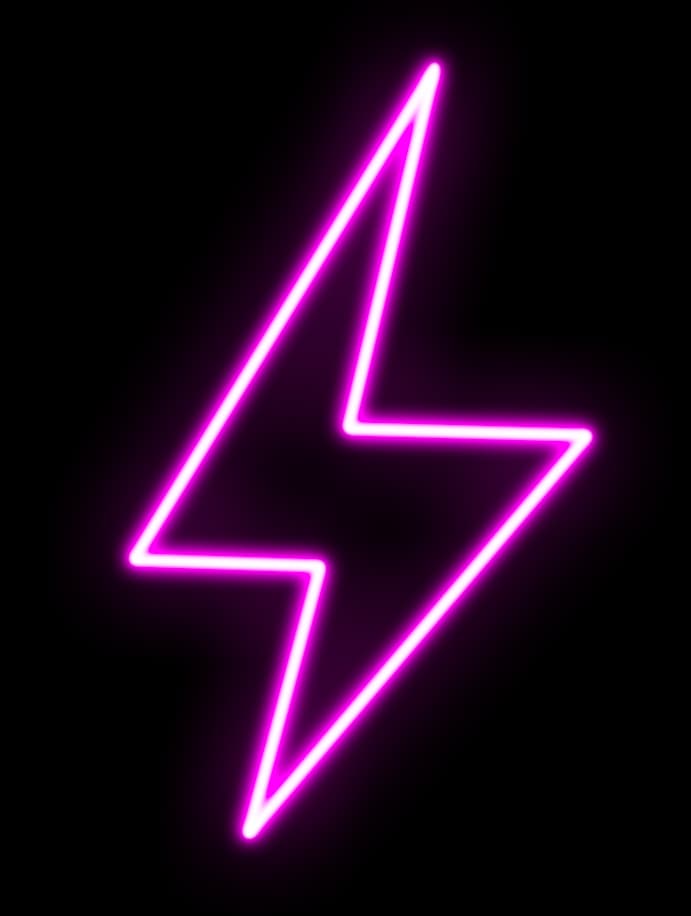
Cool neon effects template I made if anyone uses PS…
NeonEffect.psd (706.1 KB)
4 Likes
screenshot of example…(I set the file up so you can just paint on the layer and it’ll paint in neon)
6 Likes
For basic stuff I use nothing but Facer browser-based creator.
For simple things like curved text or some shapes I use Microsoft Powerpoint
For fine tuning anything I mostly use Gimp.
For arrays of ticks I sometimes used GWD or WFS
For some fine precise placement of details I tried to use Microstation CAD, but exports from that always caused trouble with antialiasing so I did not try more
4 Likes
Ha Ha . I use Creator for a lot of basic stuff and colour replacement ( transparency ) on another App . I have never thought about going to WFS . They have a new thing there for Polar arraying ticks and the angle can be specified . Great for Quad Gauges .
2 Likes
Adobe Photoshop and illustrator.
3 Likes
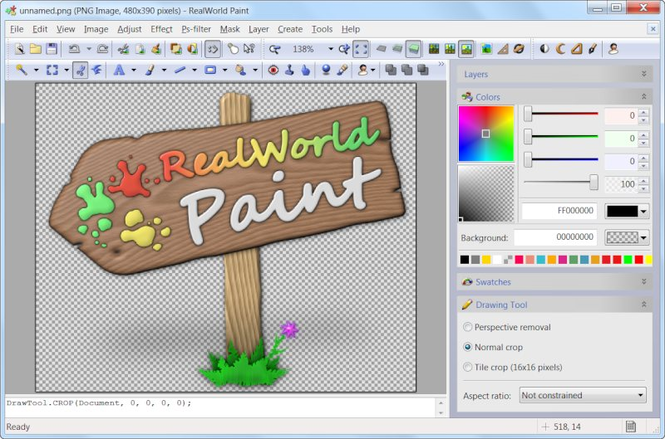
Paint.net is taking me to a GoDaddy landing page encouraging me to register the domain.
2 Likes
Paint.net is the name of the program. The URL is getpaint.net to download it.
2 Likes
Ibis Paint x for drawing editing images.
For AI Images i use:
1 Like
I use PhotoImpact for working on images, Creating hands, text objects, clock numbers. Then I put it all together with the Facer Creator
3 Likes
best and easy app " Affinity Designer 2 "
best for 3d effect , drop shadow .
1 Like
Photoshop
2 Likes
I use Figma, there’s a free plan, works in your browser and does most of the magic you get from Photoshop
4 Likes