Hello everyone,
I’m opening this post with the same title as the one I was inspired by, but since it’s old, I don’t know if it was appropriate to post there:
https://community.facer.io/t/moon-phase-formula-updated/35691/77
For my watch face, I used the formulas from the last reply:
but I noticed they don’t correspond to reality.
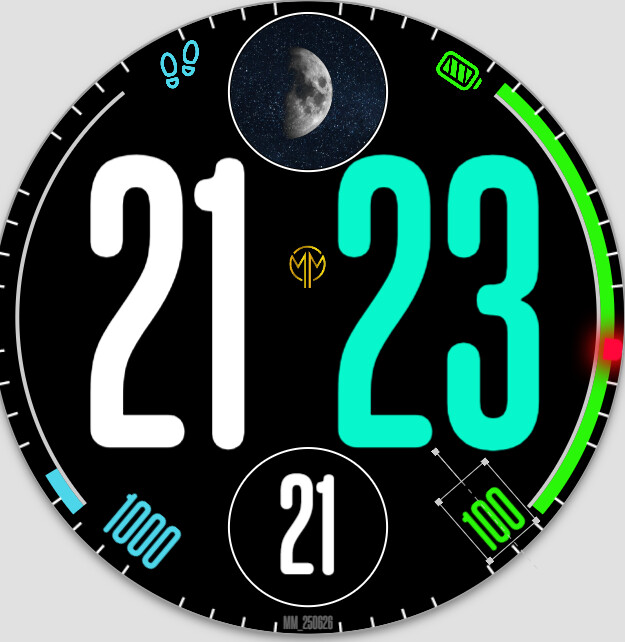
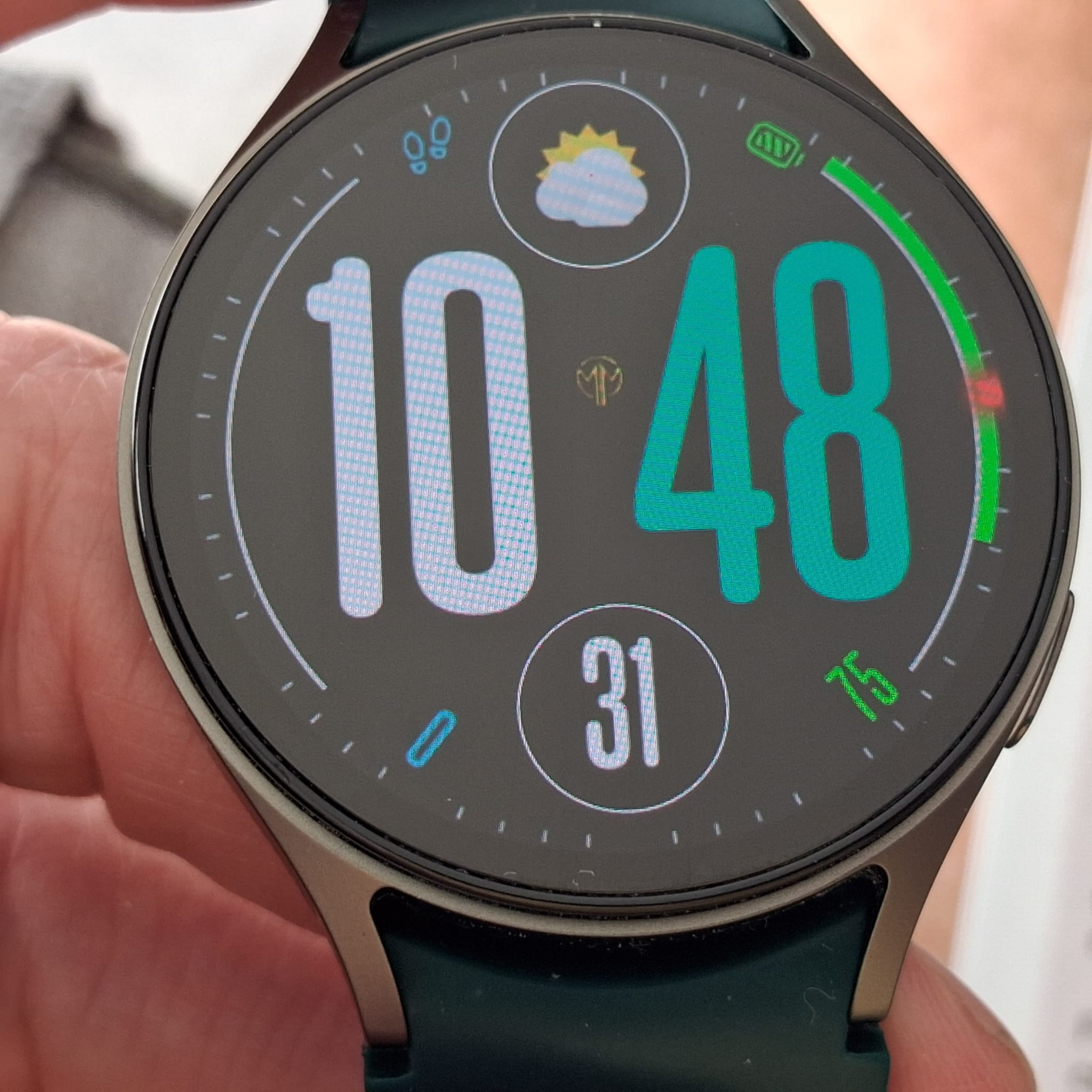
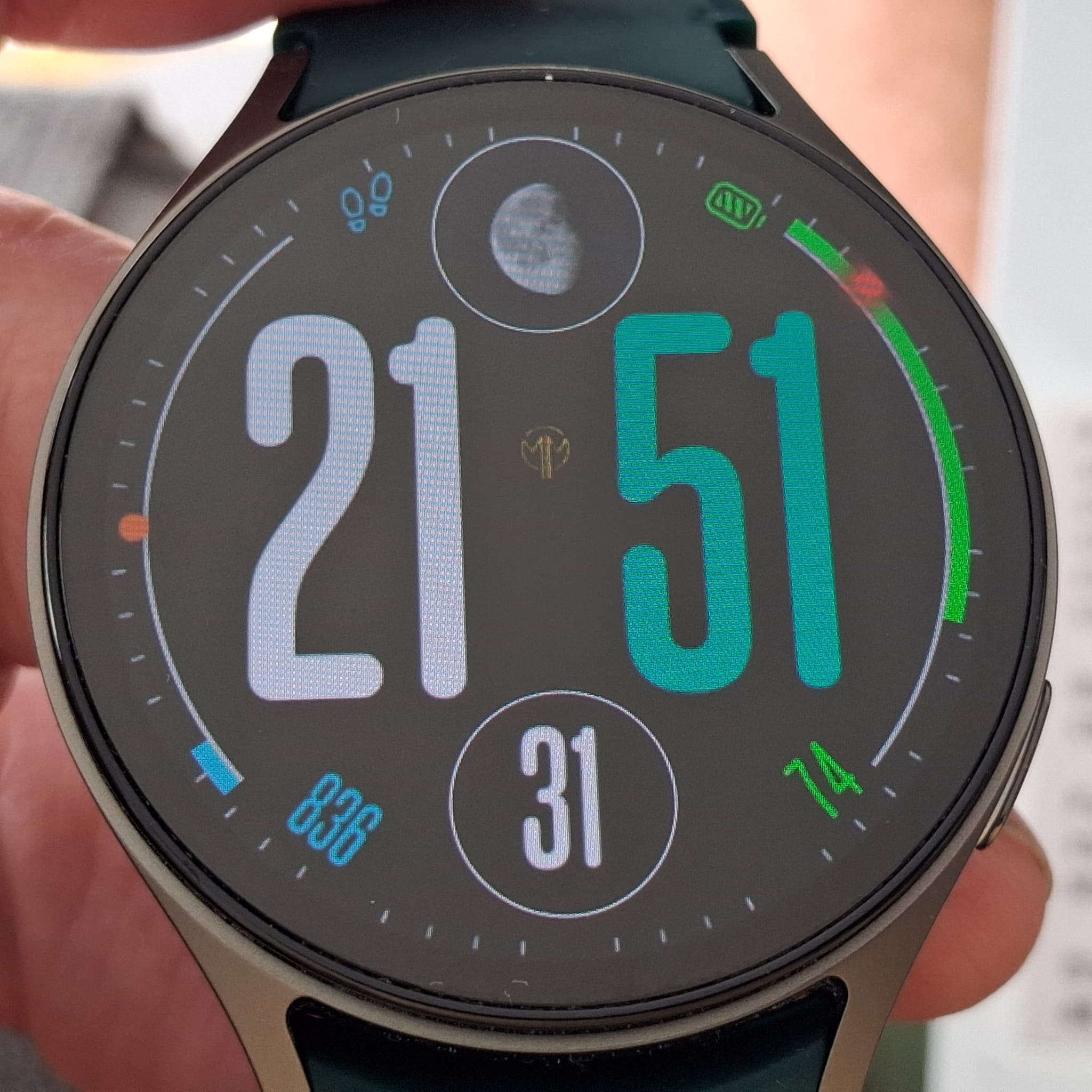
Or rather: on the “creator” app, the phases are fairly consistent (Pisa-Italy) with the lunar calendar I find online. But, for example, while on the “creator” app yesterday I saw this phase:
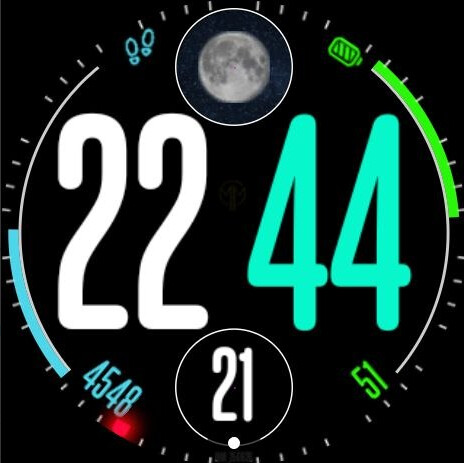
On the smartwatch, I saw this:
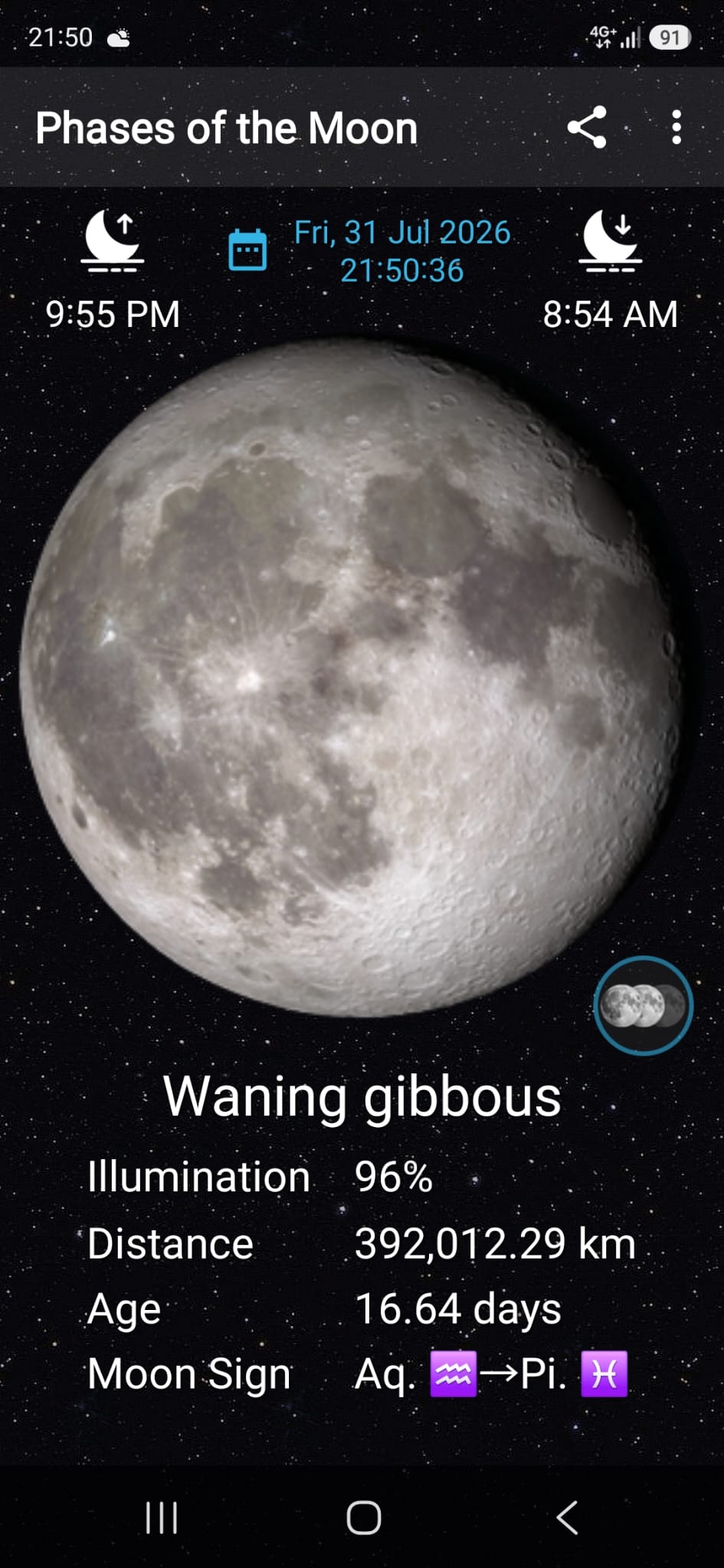
From this site
I see that on July 21st the Moon is waxing.
Above all, I’m wondering why there’s this difference between “creator” and smartwatch.
Thanks
1 Like
As Far as I know ther should be little difference betewwen your location and Creator . Creator reports the Moon phases as per Los Angeles . Pleas make sure when you are doing tests that the date on creator time machine and your Moon phase calanders is the same . I am very happy with what I have seen so far . +/- half a day . I am in the UK .
Thanks for the feedback.
Of course, I’m comparing the watch and the creator on the same day.
I’m probably doing something wrong, I just need to figure out what 
Maybe it’s all in your observation: “Creator reports the Moon phases as per Los Angeles”…
1 Like
As far as I know there should not be too much difference visually of the Moon Phase observed from the planet apart from inversion for the Southern Hemisphere . Obviously there is a small Time zone difference . For me we are doing Art not Science . If you made your face Inspectable we could have a look inside at the workings .
Very gladly, thank you for your time.
This way, can you see it?
https://www.facer.io/watchface/UIGThWUOwN?draft=true
1 Like
I have had a very quick look . You have over complicated things . If you are not using more than 8 images post them into the Facer Moon Phase Layer . I assume you only want to show the moon at night . Use ISDAY . I will get back in a bit .
#DISDAYTIME# returns true or false mathamaticaly 1 or 0 . Most go for that . Toggles at SR and SS .
It’s the first thing I tried to do, but Creator gives this warning and I understood, reading on the forum, that you could no longer use the default lunar phases, so I went looking for those formulas…
1 Like
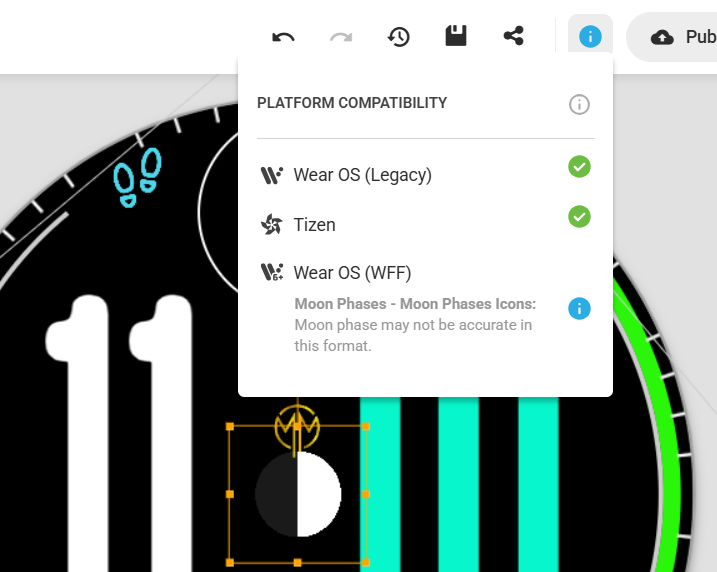
Oh Dear Lord @marcomhtc . I am so sorry . I did not realise that that the Moon Phase Layer is depricated . My Profound appologies . I did not take the time to look carefully at your Formulas . We have a Moonphase tag that works . I will make a quick test and post it .
OK all the Moon Phase things are depricated right now .
I was loking at
#MOONPHASE#
Gives you 0 to 7 New being Zero . Remembering that this Phase gadget shows the same phase for 3 or 4 days .
So you are using the Old Long hand formula . It is difficult to bend if you are not experianced .
We are busty doing Summer Sunshine stuff with a Visitor . I will try put some time in when I can .
I think this is the formula for your X position .
$#DH#>=20||#DH#<=8?160:555$
I am struggeling to check it because you Image is so tranasparent . I think it is intended as a filter .
Your Long hand formula Bending looks right to me .
More Later .
1 Like
Hi,
You absolutely don’t have to apologize for anything, of course you do.
I’m just sorry for those who have already downloaded this face; I’ll get a few downvotes, but at least it’s free 
I applied the formula on the Xs because I only want to show the moon between 8 PM and 8 AM.
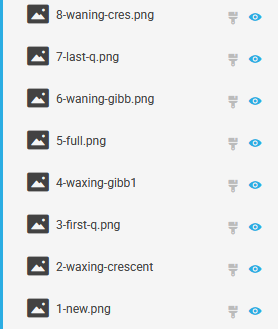
Anyway, I tried duplicating the 8 lunar phases, applying the formula in opacity
$#MOONPHASE#>1?100:0$
$#MOONPHASE#>2?100:0$
etc.
but it doesn’t seem to work very well.
I also don’t understand what you mean here (Google isn’t helping):
“I’m struggling to check it because your image is so transparent. I think it’s intended as a filter.
Your long-hand formula bending looks right to me.”
I’ll wait for your help with an example, perhaps, but in the meantime, thank you so much for your attention.
1 Like
So first of all your formula needs fixing .
$#MOONPHASE#>2?100:0$
Could be
$#MOONPHASE#==2?100:0$
#MOONPHASE# gives whole numbers from 0 to 7 .
So are you using Google to Translate . Some times I use Jargon and that does not translate well . Some times I type Gibberish and even English speakers have no Idea what I am talking about .
Let us deal with one solution at a time . It is important to make a series of simple tests untill we have a compete understanding of what goes on . I will send you a little test in a minute .
So I forgot that MOONPHASE is deprecated . Any way here is a test . See I always use a Filter over my Ballmoon images .
However your Longhand formulas for the moon phase are fine . Your only error was the X position formulas . You should look carefully at the Correction I made for 8pm till 8 am .
I put the night time X position in each layer of your Test and it works fine . you just need to get your moon images sorted and the themprature dismissed at night with the sam formula . Opacities inverted .
.
1 Like
Hello again,
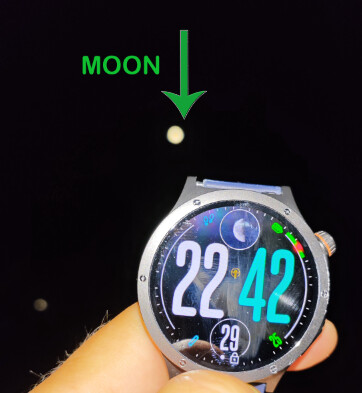
here’s a new example (sorry for the terrible photo…)
Here’s an example from last night: in Creator, I have a full moon (formula $#MOONPHASE#==4?100:0$), just like it was in real life,
But on the smartwatch, the moon image shown is the formula $#MOONPHASE#==6?100:0$
1 Like
It looks to me that you have still not applied the Formula I made for you for the X position of your images . Your image of the full moon is showing corectly on Creator . You have to give Permission for GPS Losation and Permissions for the weather app . I run Open Weather on my phone in the hope that it Gets the relevant Info more often .
You’re always so helpful, thank you!
I also installed Open Weather on my phone…
I verified that on the smartwatch, location permission is always granted to the weather, while on Facer it’s only granted “when the app is in use,” but I don’t have the option to always allow it…
Regarding the formula for location X: I’ve now corrected it to
$#DH#>=20||#DH#<5?160:0$
Thank you for pointing it out…
I don’t think you can save changes with the inspector, so I didn’t see your formula…
Anyway, at this point, this whole moon phase thing will remain a mystery to me.
Maybe if anyone cares to try installing this watch face after 8 PM, we can see if the problem is limited to me.
1 Like
You are right . While inspecting someones face you can not save any changes but you can see if your sufgestion works . I will try Sync it to my Watch for you . But it is goo dto sort out as much as you can i creator . Making a decent moon phase gadget on your watch Face is not a Mystery . Check the catagory in Facer.io . But it always requires a Bit of work .
Looks good to me.
BTW sometime for this sort of stuff I change the time on my Phone rather than waiting till the sun sets or whatever .
.
.
.
1 Like