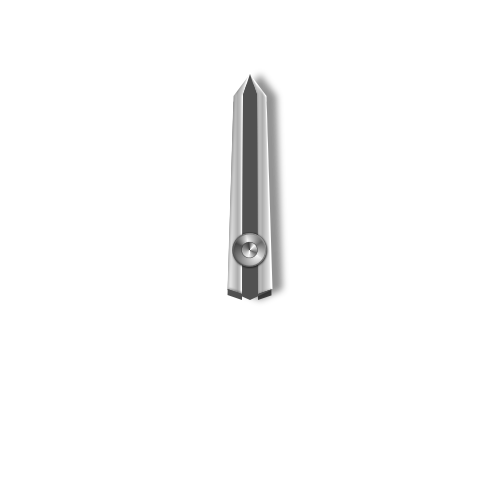
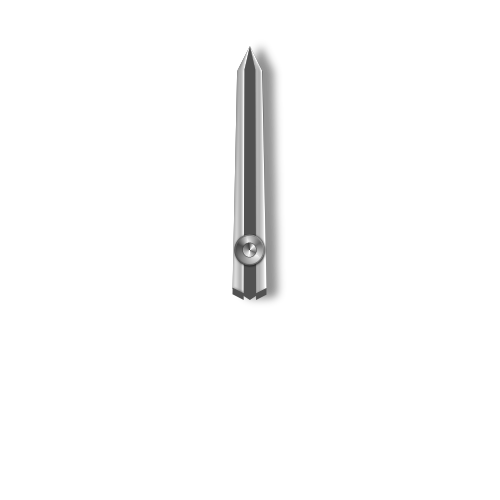
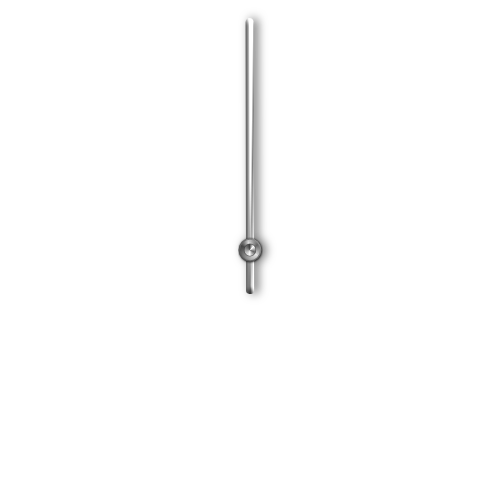
11 Likes
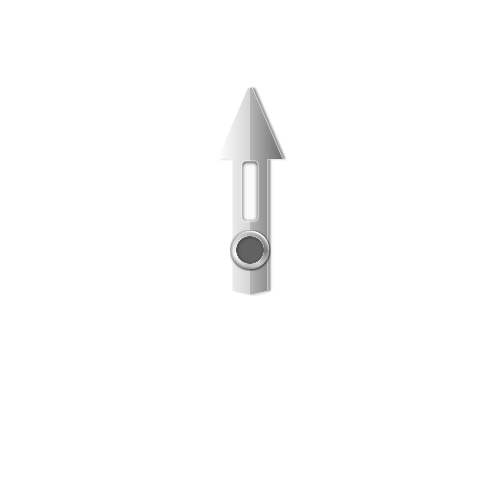
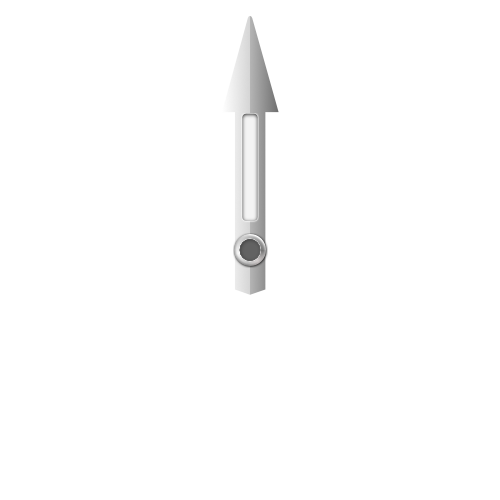
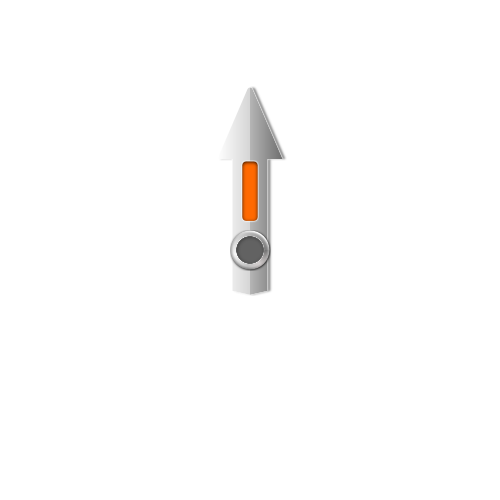
Very nice . It is good if the Shadows are seperate and if possible offer a seperate Lume in white . But Excelent Rendering .
4 Likes
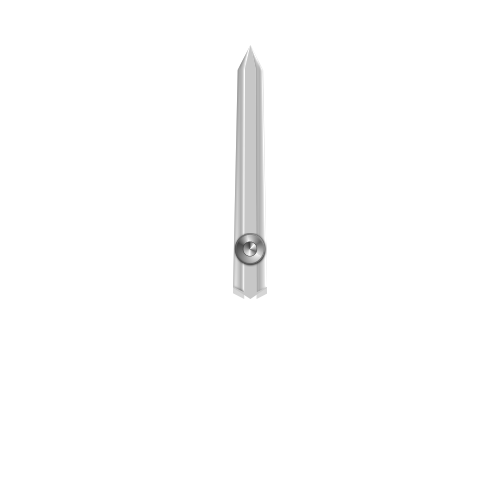
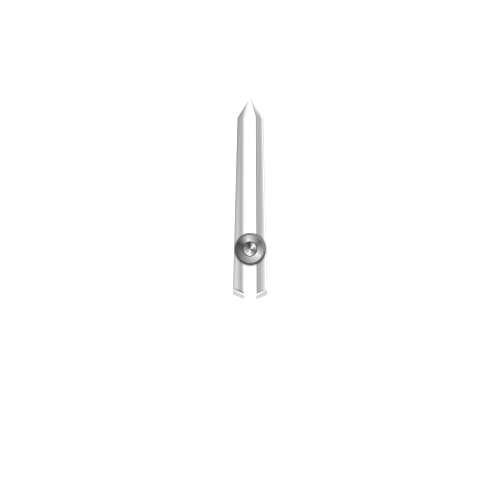
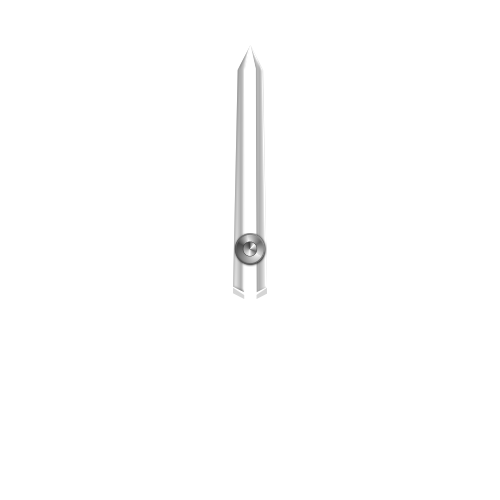
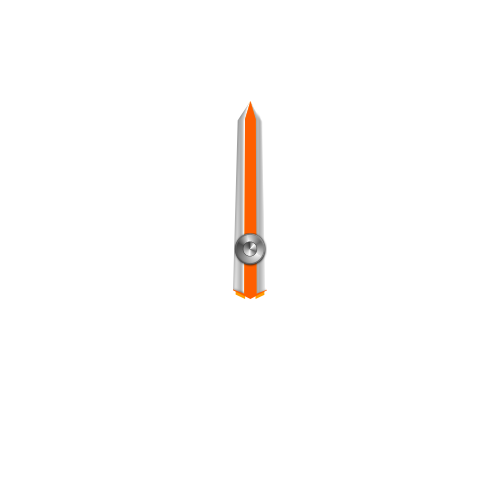
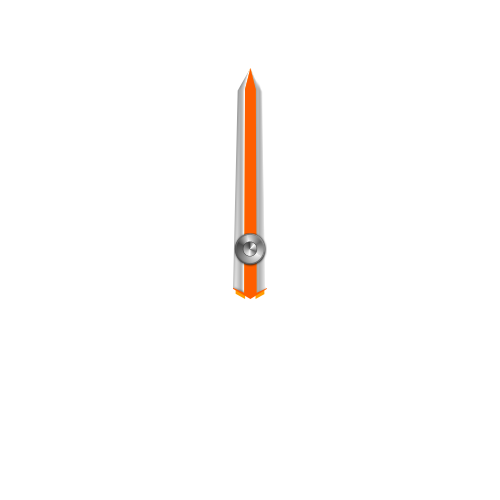
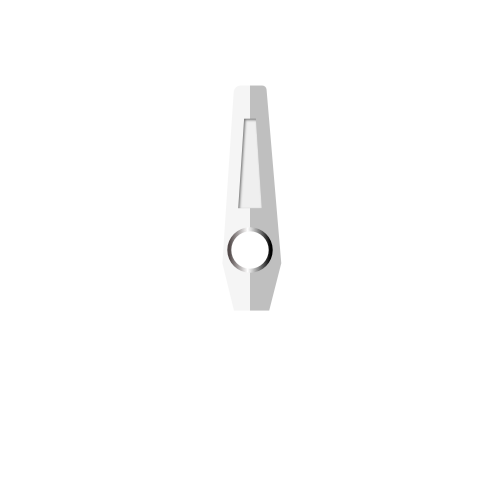
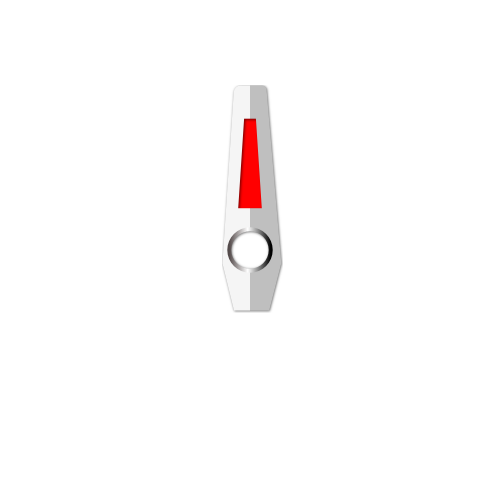
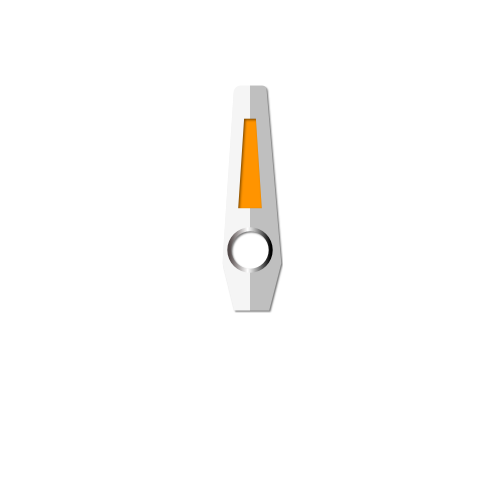
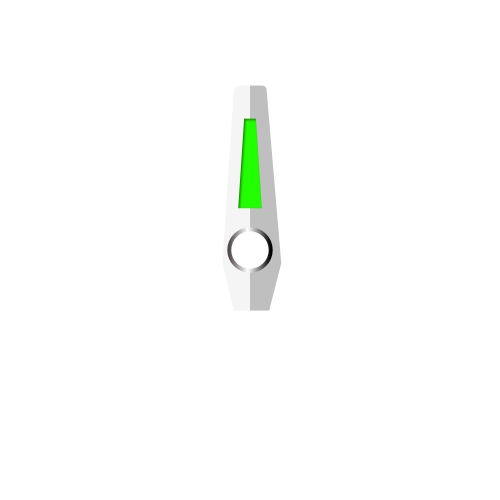
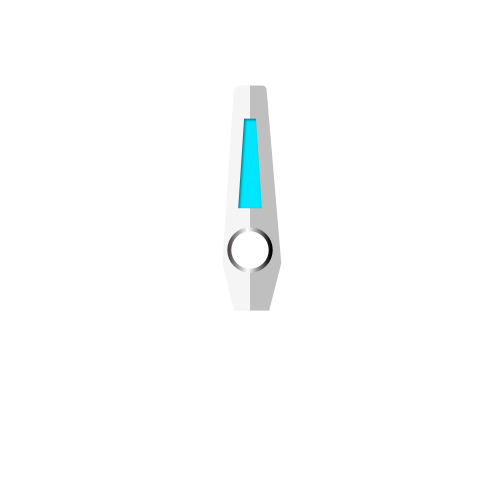
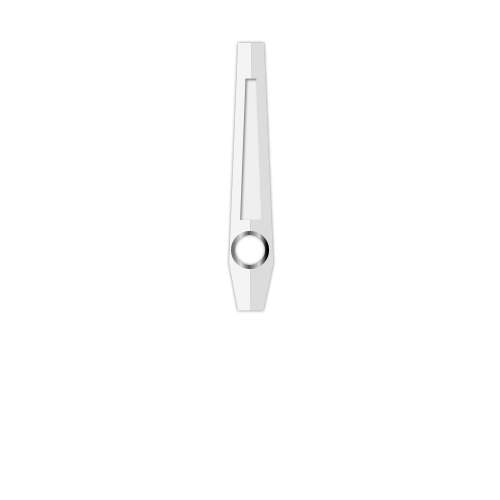
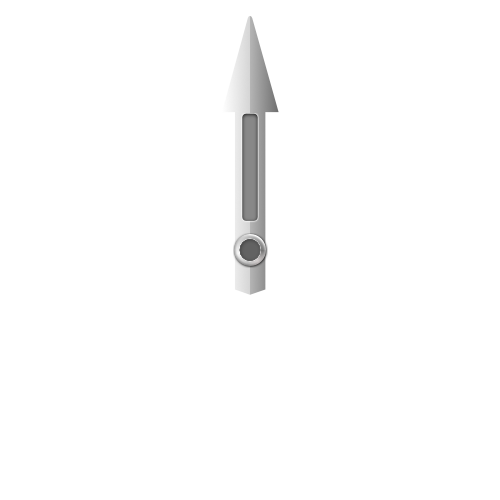
Great - nice hands! Is it possible that you could remove the shadows and make the centre black stripes on the hour and minute hands white so that i can make it a different colour to suit a design i have?
I spent sometime the last few days looking for suitable hands - if only you had posted these 2 days ago!
5 Likes
ok i will try .
3 Likes
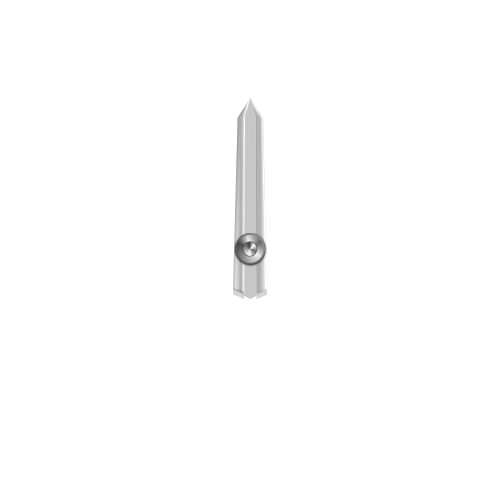
3 Likes
3 Likes
5 Likes
Excellent - thanks very much!
5 Likes

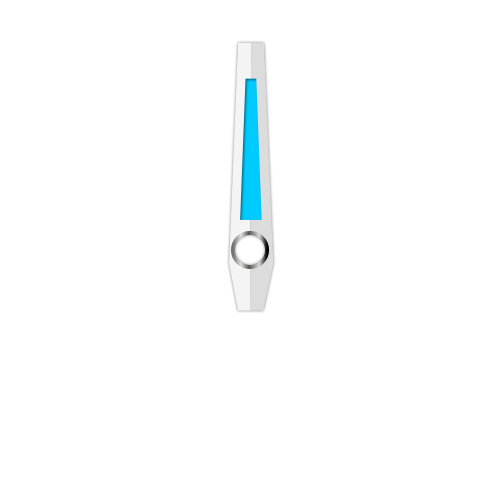
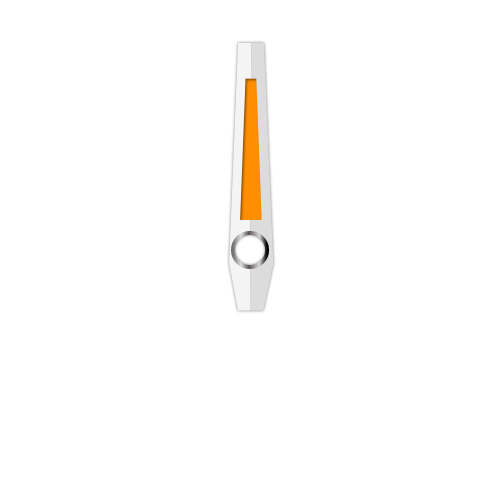
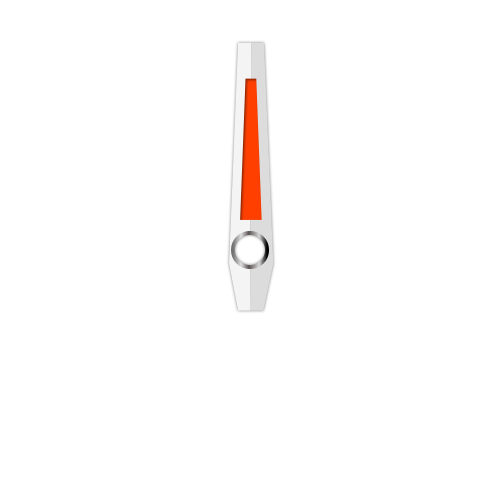
4 Likes
Very nice!
2 Likes
Thanks
2 Likes
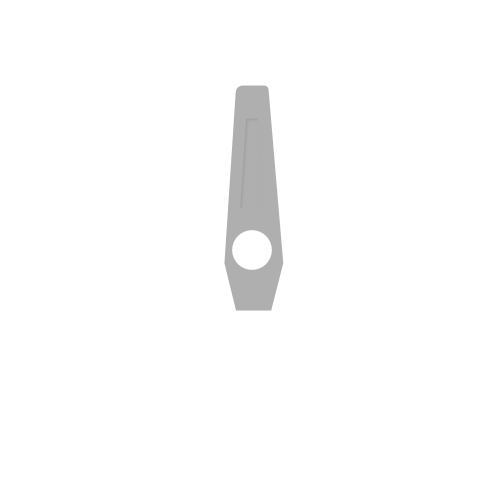
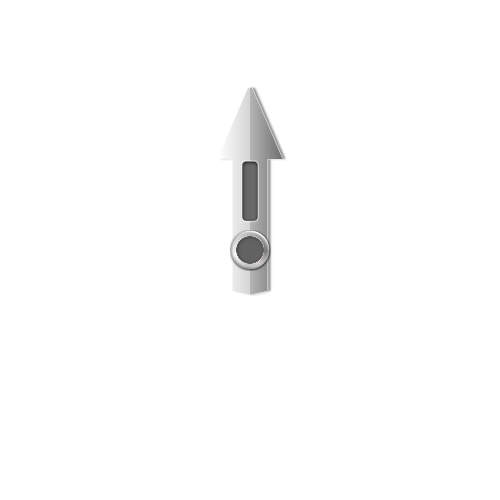
What are all the grey hands for?
2 Likes
shadow of hands
3 Likes
Might I ask, which app or program do you use to make these? I’ve been working on some myself but yours look a lot cleaner.
2 Likes
Affinity Designer
2 Likes
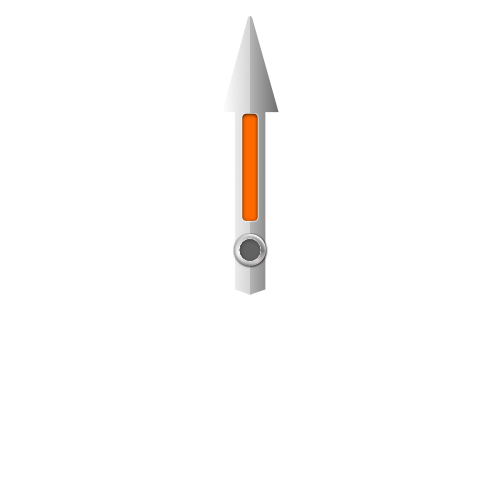
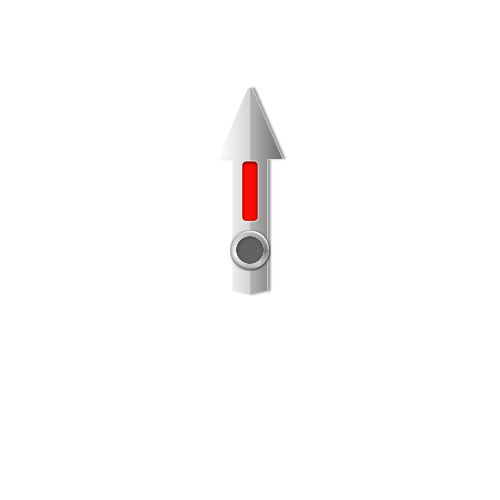
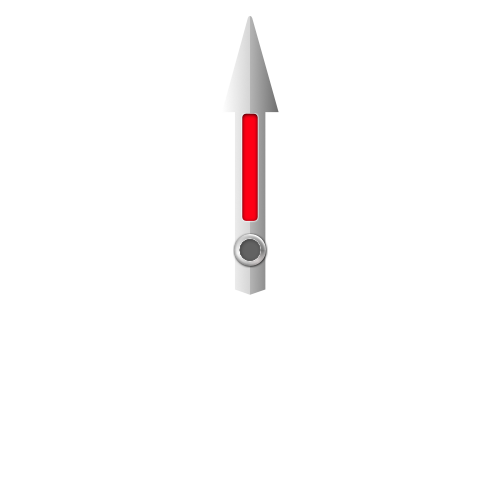
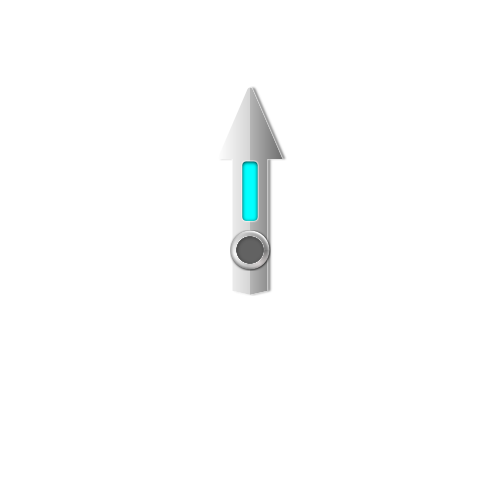
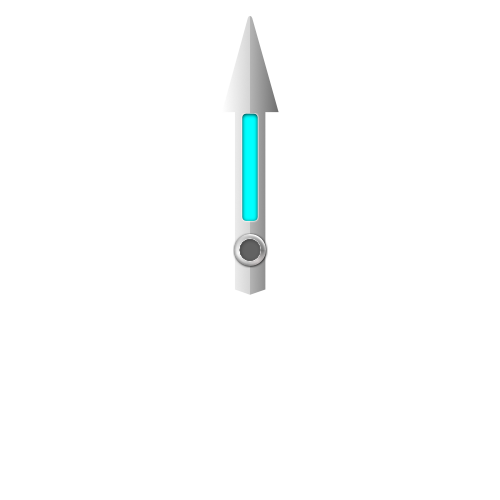
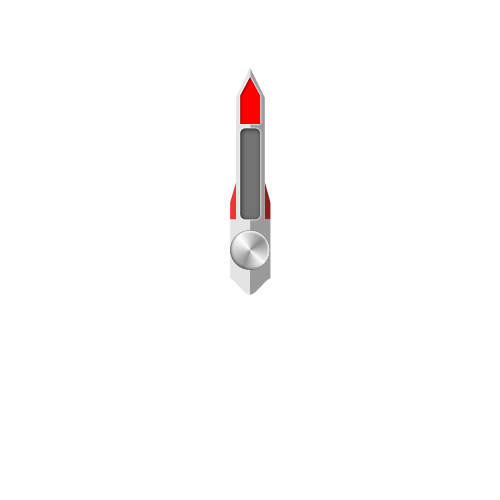
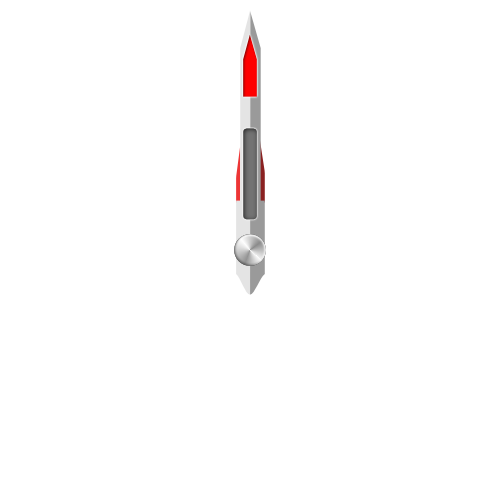
3 Likes
Lovely thank you!
2 Likes


Cheers! Looks great
3 Likes
Those are very nice looking hands! One detail that often gets overlooked is in regards to the highlights and shading on “3D” hands on the watch face. If you assume a light source is coming from 120~90° from the top…the highlights/shading would switch as the hand crosses 6 o’clock. Many designer make great looking hands but lose it when the highlight/shading dont change according to the hands location on the dial. Use the example to see how it’s done where the highlight/shading orientation changes as the hands crosses 6 o’clock to give added realism. it should be inspectable and should work in WFF although I have’t tried it yet.
I got this snippet over 3 years ago and I am sure @russellcresser had something to do with it.
7 Likes