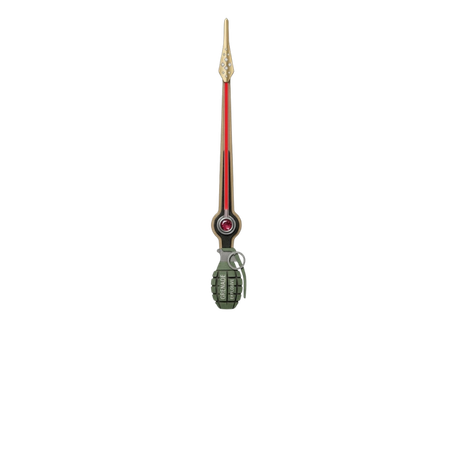
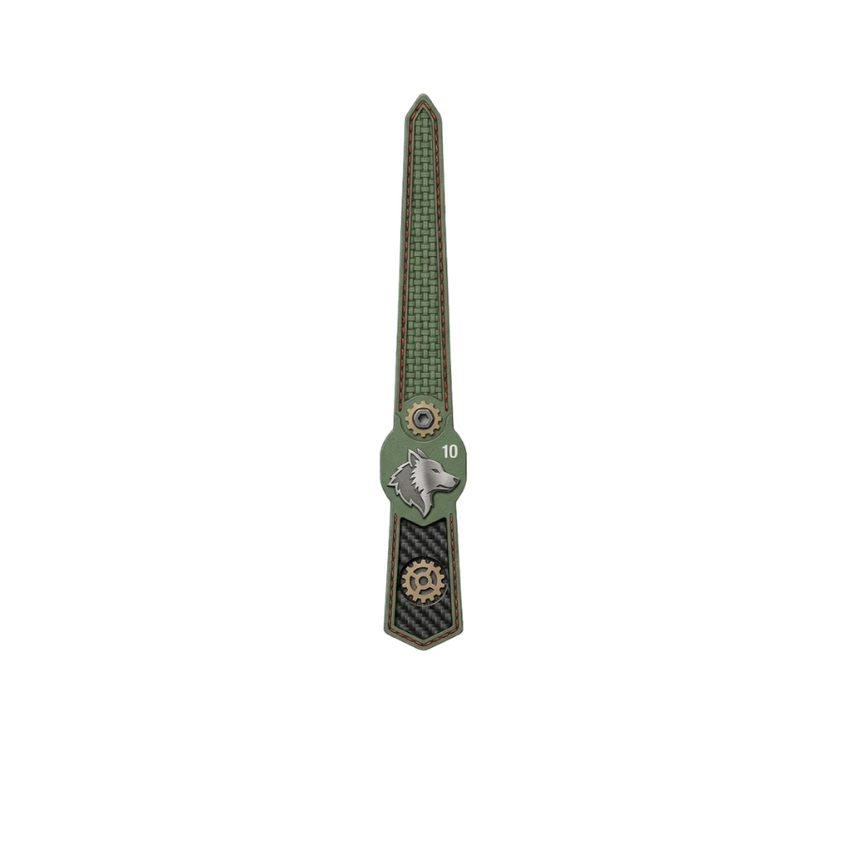
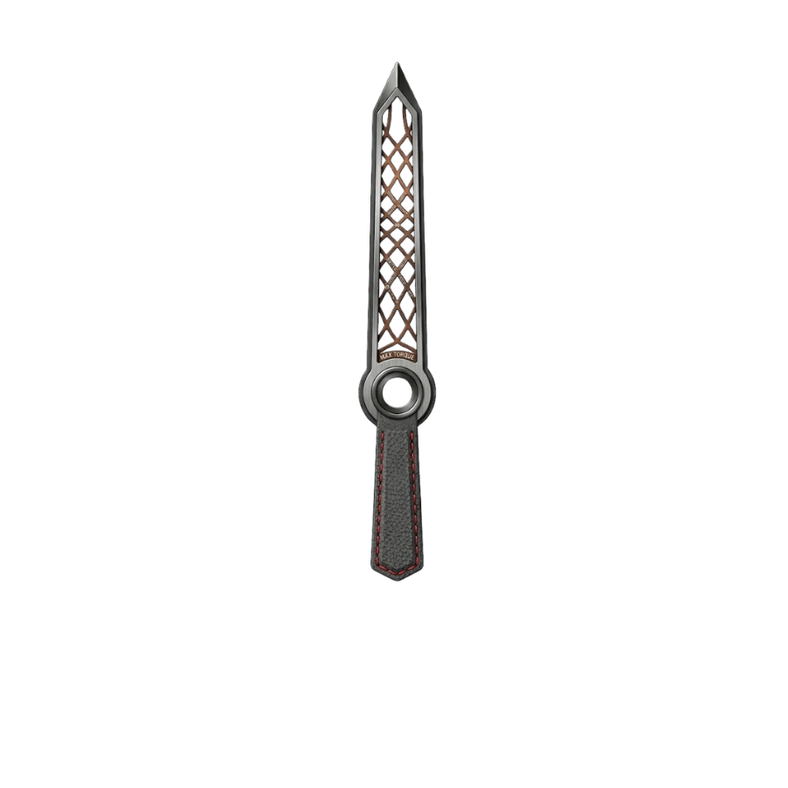
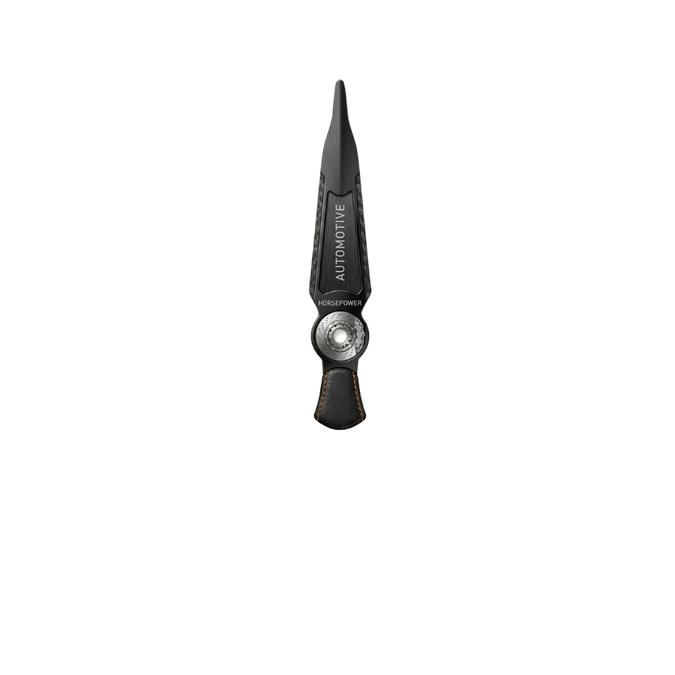
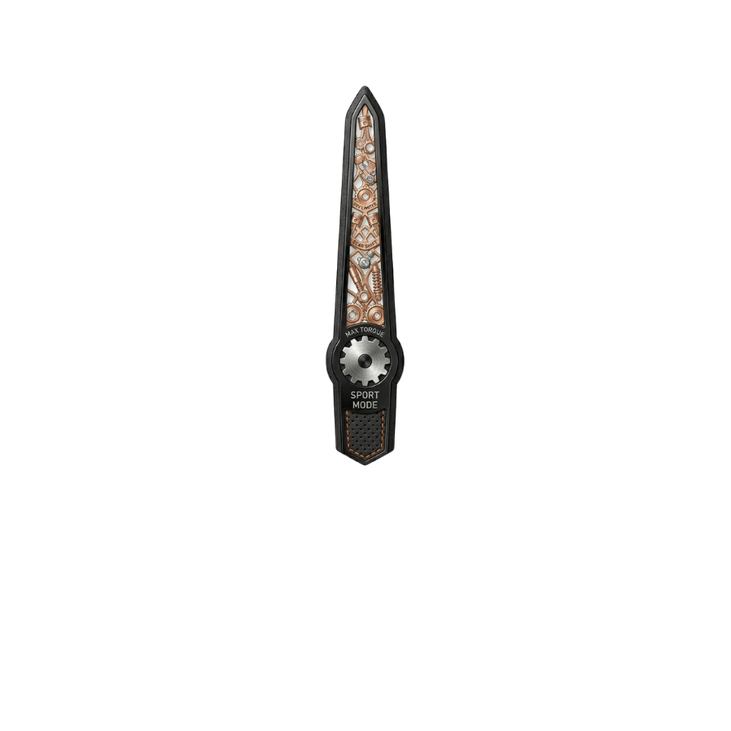
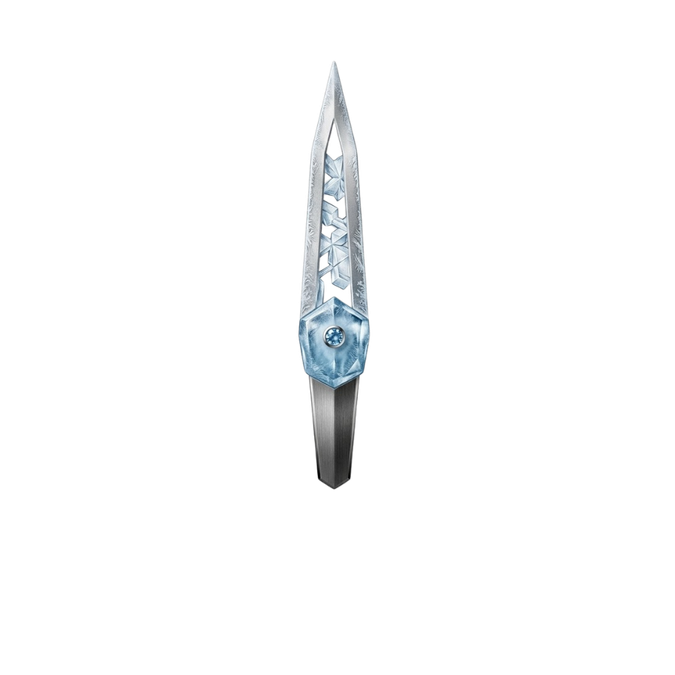
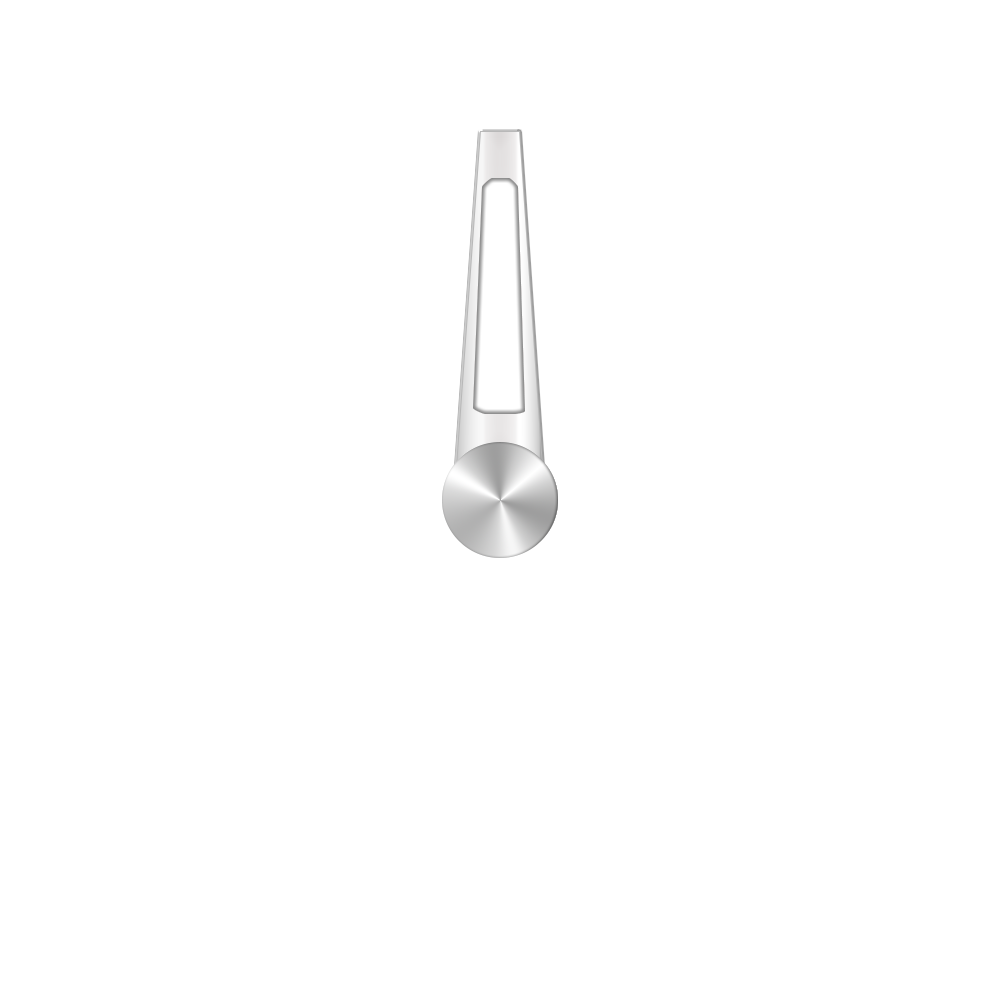
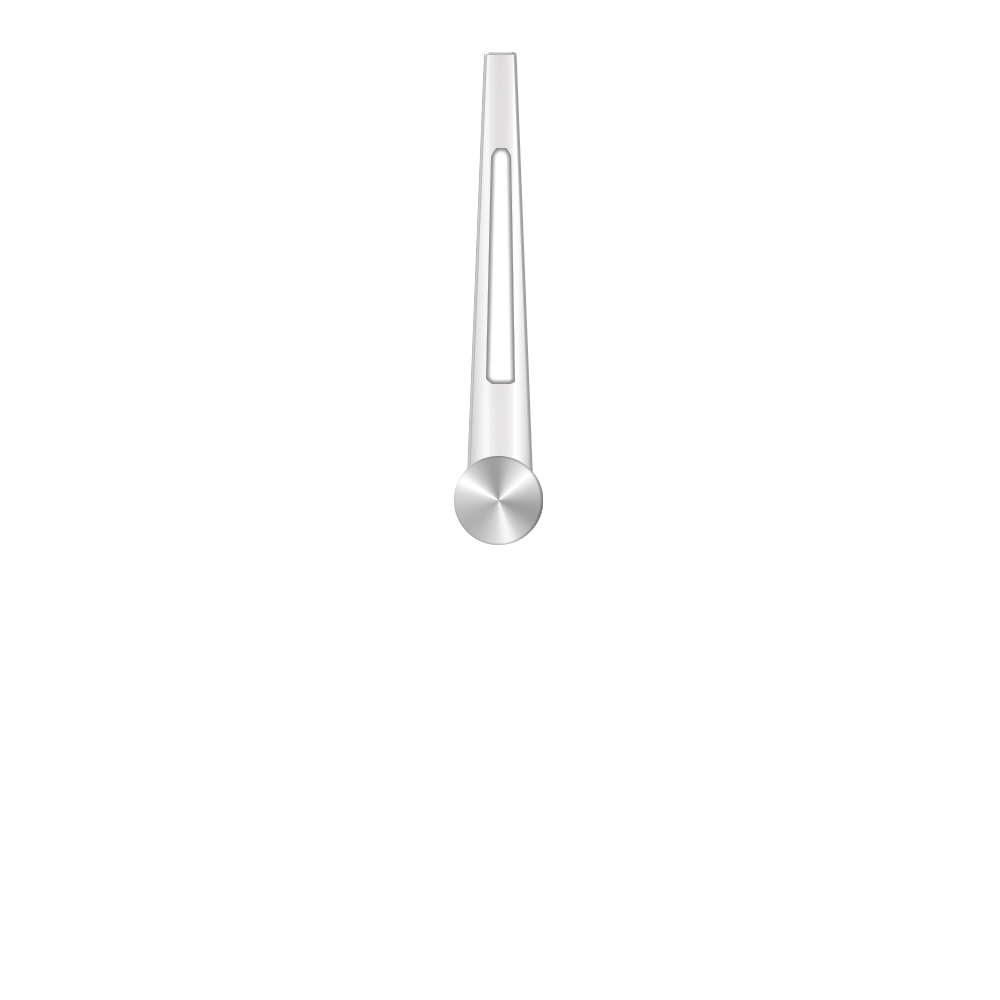
That is possible, if you place both versions of the hand in one image, but the set of expressions needed for them to switch pivot point is even heavier.
You can check it here, but I do not recommend to do it this way.
this are the images I made of the templates above:
i wonder if it were possible, for both concepts, with a limited dynamic changing light source during awakening. I am not found on fixing things. Surely the lazy hands for hour and minutes, would benefit from that dynanism. I always find the second hand the most sexy one, seen its is moving before our eyes every sec. The other thing is, perhaps you could reduce the laziness of hour, min hands by sweeping them towards their position, entertaining us with that beautifyl shadowing and reflections. But then again, the other remaining static objects, like indexes, would… suffer.
My trouble with animation is, that preview of #DWE#, #Dsm# or #DWFSS# based movement looks choppy (at least on my PCs).
Maybe you remember my crude example with orbiting “virtual light source” where the highlights and shades on flat hands were changing accordingly. I may try to apply similar effect to hands with more “dimensional depth”.
I remember trying some dynamic effect on battery hands that mimicked hands on car dashboard after turning on the ignition, they jump up from zero, (sometimes even draw whole arc and return to the actual values). Ok, maybe I will give such thing another try in the evening.
I use all the time #DWE# with animations or sweeping hands, in combo with %. The choppy experience may depend from hardware to hardware, or watch to watch. I can only tell, on my GW5 Pro, with checked on always active, i dont notice that. DWFSS, DSM does not provide a correct awakening. I tried it, but that experience is like entering a movie which has already begun, which i dislike…perhaps if it is a bad movie…On the GW5 PRO, is runs smoothly. Newer OS run only WFF. Older, have perhaps too low FPS. So yeah, it has to be a match. On WFS, no DWE needed (not tag driven animations), runs smoothly, but only with SAMSUNG watches i read. So, always must hardware be a match with software, also in this case.
Ha Ha . Well done I just used Tag as a cross reference . I see other does not seem to be a limit to frame numbers apart from memory overload but frame rate is 15 fps unless you load a premade Animation . I have not done a lot with it but gives us a chance to do visual effects to make the face a little different :::)))
Yes interesting. I will zoom into blurring and frame steps to see what Blender can cough up. 15 fps can be enough, or not. Depends also on animation theme i feel. Dynamic lights and shadowing, 15 can be enough. Objects animation can be different.
Tests I have done scrolling and rotating stuff on WFS suggests that the Frame speed of what is published is 10 hz . So the animation has a March on that .