Is this WFF? This is for my now old GW5 Pro…
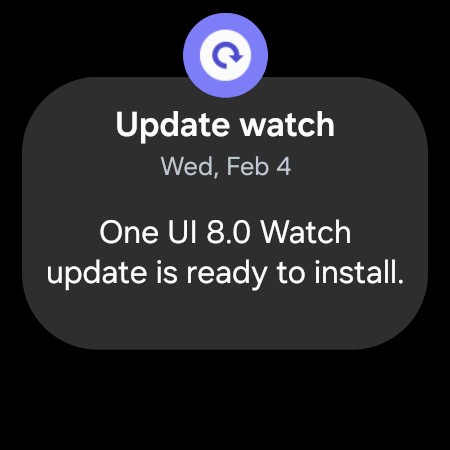
To update or not to update?
I still have my GW4 for usage and testing.
4 Likes
Yes, on Galaxy Watch 5 Pro with One UI 8 Watch, watch faces now need to be in WFF format. The old formats don’t work anymore.
4 Likes
you do have the option (for now) to perpetually decline/postpone the update. That’s what I’m doing with my GW6. I don’t want to lose all my faces with VAR toggles. This is the most important feature that’s no longer supported in the new format. But for anyone, you just have to decide for yourself.
6 Likes
This is something I have worried about for a while now and have avoided accepting the updates for my GW5Pro
I only have the basic Creator and all my watchfaces have the little WFF logo - from what I understand my watchfaces should be ok for both the new and old watches and I can accept the updates. Please tell me if I’m wrong
2 Likes
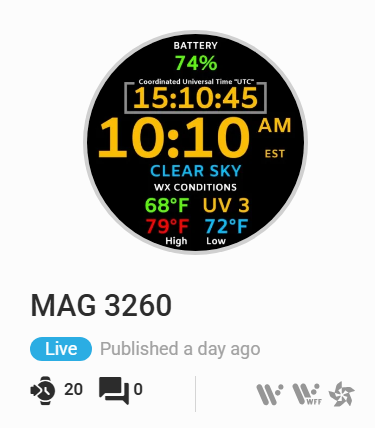
@BIELITZ, you are correct, if Facer Creator is showing you the WFF icon along with the WearOS icon side by side. All of my watchfaces have it like this and work fine on my WFF watches.
3 Likes
Thanks for the input guys 
If you don’t want to update, wipe off from your watch the connection to your internet line. This way the watch can’t reconnect by itself, even if you have disabled wifi from options.
I did so on my GW5 Pro and 6 Classic and I’m still on the old version
1 Like
Thanks for that - it’s put my mind at rest.