Oh well nothing that i was not expecting . We move forward into the future . No point Bleating about the Good Old Days . I had a lot of fun with Pro . Having a look at " Facer Chime " while my PRO still runs . 
2 Likes
My 2024 Ultra, 6 Classic and 5 Pro all did this (consumed battery like crazy 1% per minute) after the WearOS 6 update, a factory reset fixed them.
1 Like
We will not get the all the PRO stuff Back on WOS6 . Yey have two bits working but I do not believe they will ever have VAR .
…Facer Chime…?
3 Likes
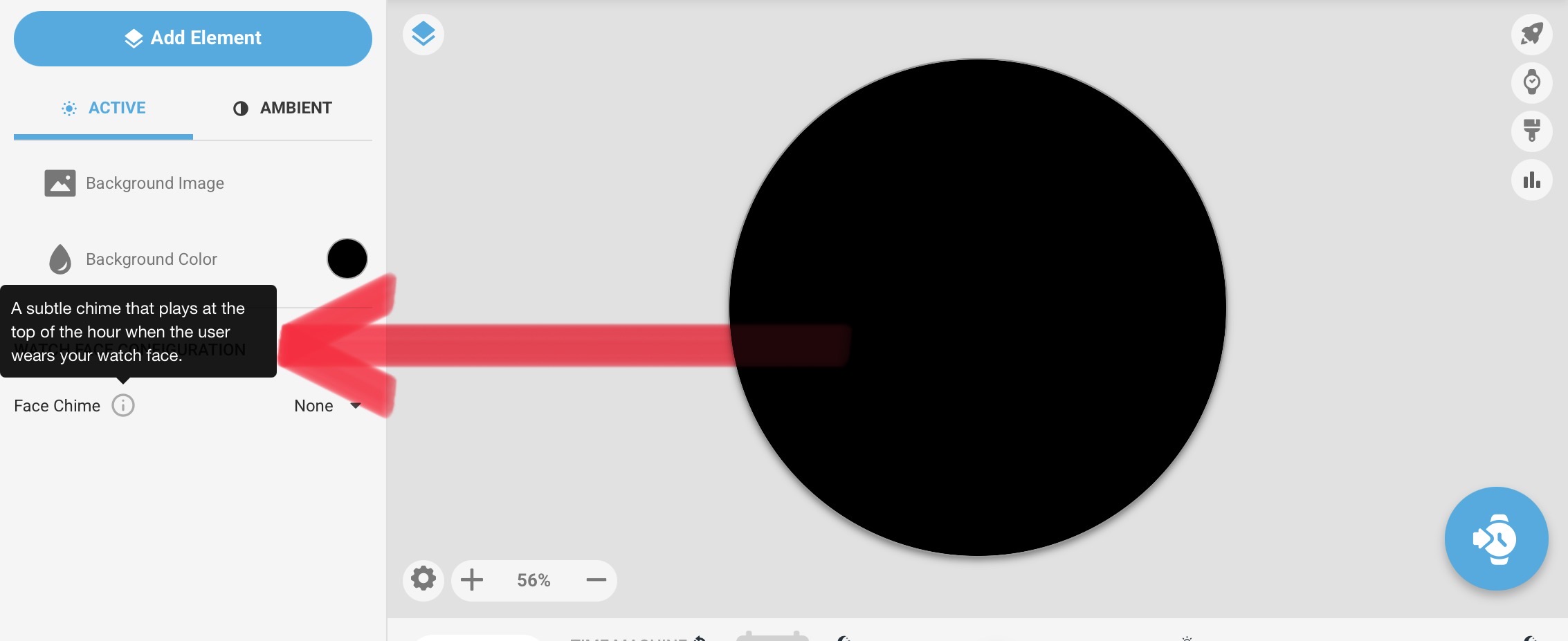
@Linlay @mrantisocialguy
.
Facer Unveils Major Platform Expansions, New Partnerships, and New Features at CES 2026 Facer Unveils Major Platform Expansions, New Partnerships, and New Features at CES 2026 | by Brook | Jan, 2026 | Facer
4 Likes
I can’t see there’s anything new for existing users here - much the opposite. New watches yes, new tags or even return of some of the old ones - no. Reading the blurb and that Watchfaces made in wff can be imported, I think that Creator will be depreciated entirely before too long. Evidence of this is the lack of any comment by Facer on posts here about a user basically developing an alternative to Creator.
1 Like
Good article. Thanks, Russell.
1 Like
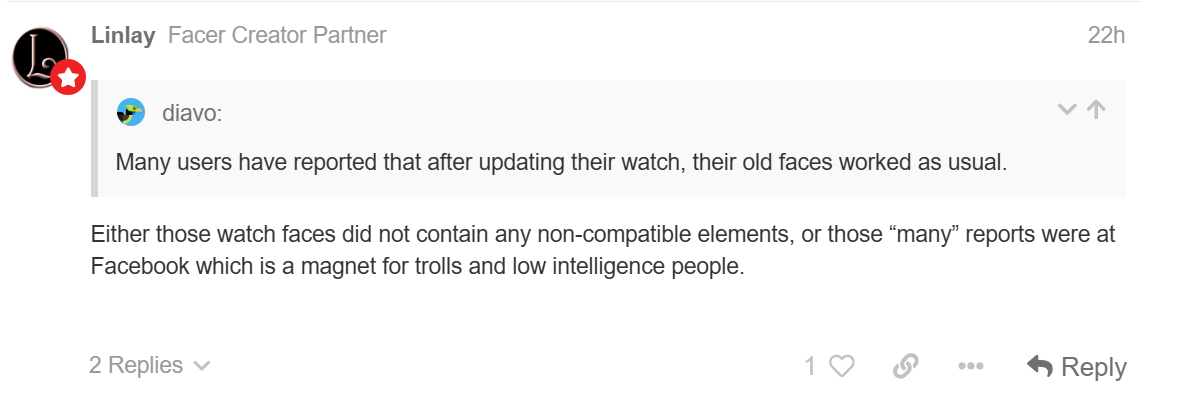
I hate to say it, but it looks like Facer is making fun of us. It has been said ad nauseam that the old Faces were not compatible with the new WFF, but from the many comments I have read it seems to be absolutely not true. Many users have reported that after updating their watch, their old faces worked as usual. That is, until an update of Face or Facer Companion made it impossible to use the old features.
What does this mean? It means everything could work as before, and that Facer is complicit with the damned Google & Co.
There is no other explanation, since before the Facer or Companion update everything worked, WFF or not.
This leaves me perplexed and disappointed. Why is Facer complicit with Google? Money?
Even though I have to comply, I didn’t like it.
1 Like
Either those watch faces did not contain any non-compatible elements, or those “many” reports were at Facebook which is a magnet for trolls and low intelligence people.
1 Like
That’s not the case, everything works until the actual Facer app gets updated on the Watch and Phone. So you can be on WearOS 6 with the old Facer apps and Legacy faces work fine until you update to the new Facer apps. So there must be some kind of agreement between Facer and Google to stop that stuff from working.
3 Likes
What’s not the case?
Obviously in order for Facer to use the new OS there would have to be an agreement. Google does own the OS. Unless someone was at the table they are only guessing and spreading rumors.
By the way, I’ve never been, I’m not, and never will be on Facebook
2 Likes
I can confirm here was a period when the Legacy Pro stuff on Facer worked fine after the watch updated to WOS6 . However for me , not for long as I used the connection to my Phone to update the Pro Bits on my watch . Very soon my Watch updated to the Non Legacy Companion app . So then it all stopped . Sadly The last Legacy Companion app was quite the Best Facer ever Made .
1 Like
Can anyone help with with this one please? I’ve recoded it to make it Wear OS6 compatible and now it stubbornly refuses to re-publish. I can’t see for looking! Bravado - Empire - watch face for Apple Watch, WearOS, Galaxy Watch, Pixel Watch, Huawei Watch, and more - Facer
1 Like
Nice Face . I have had a look and can not see anything that jumps out . All I can say is Put everything in text boxes inside Parentheses . I know it seem silly but that is just me . Things like #DTIMEFORMAT# and #Da# .
I did not see anything in particular either.
But maybe “Day of Month”: $#Dd#<10?0#Dd#:#Dd#$
Not sure about the “0” after Dd, may be an issue
Not sure about your formulas, like:
((floor(#Db#/1))-((floor(#Db#/10))*10))
I use the following syntax to split the hours, minutes, seconds:
last digit: (#Ds#%10)
1st digit: (floor((#Ds#/10)))
2 Likes
Sorted, thank you. I’ve used the same code for date, munutes etc. in many published faces before with no problem. But your simpler code seems to have resolved my issues here and will be my go to from now on. I really appreciate your help. Thanks again.
2 Likes