How do I identify the problem? Any suggestios on this error? This WFF is driving me crazy…
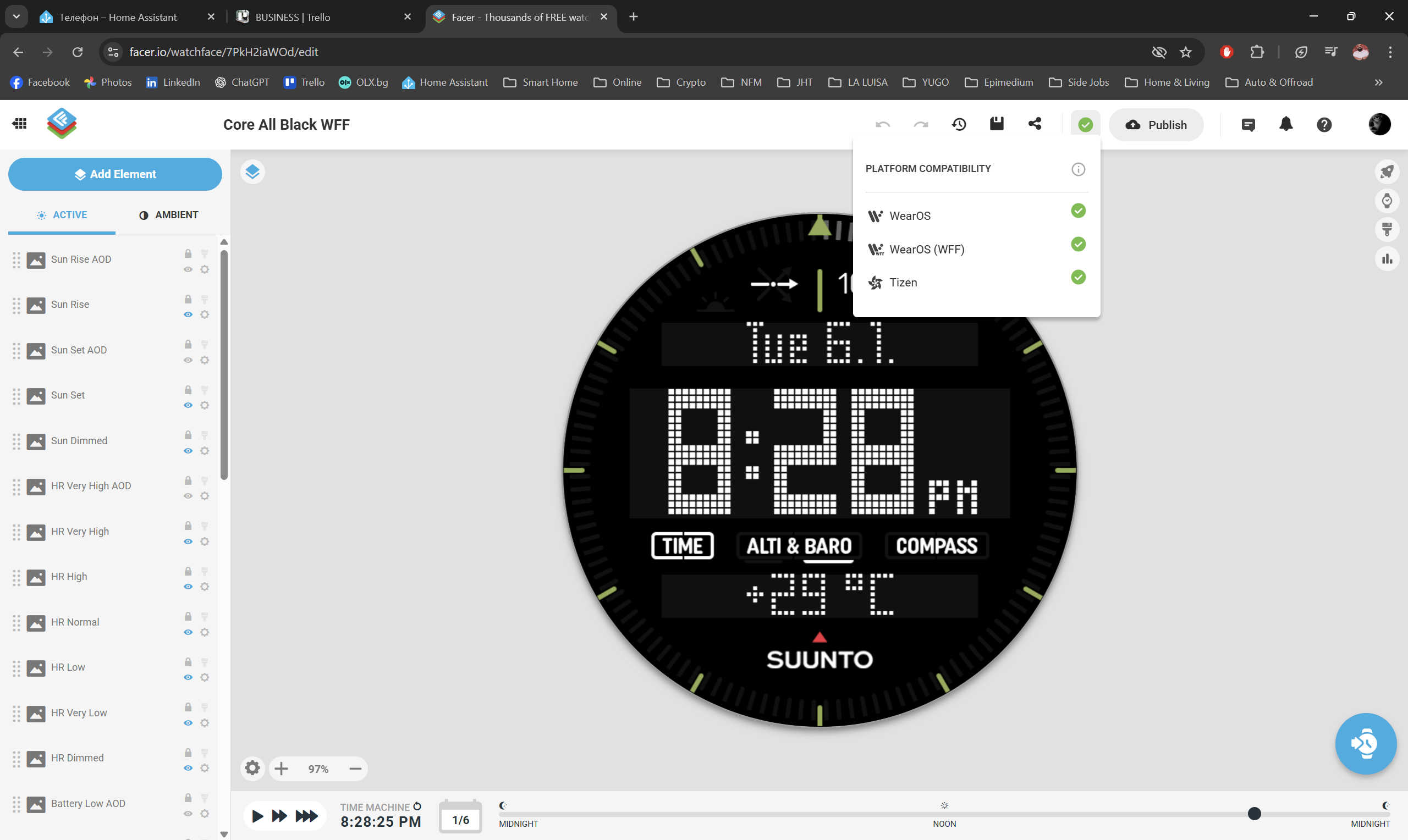
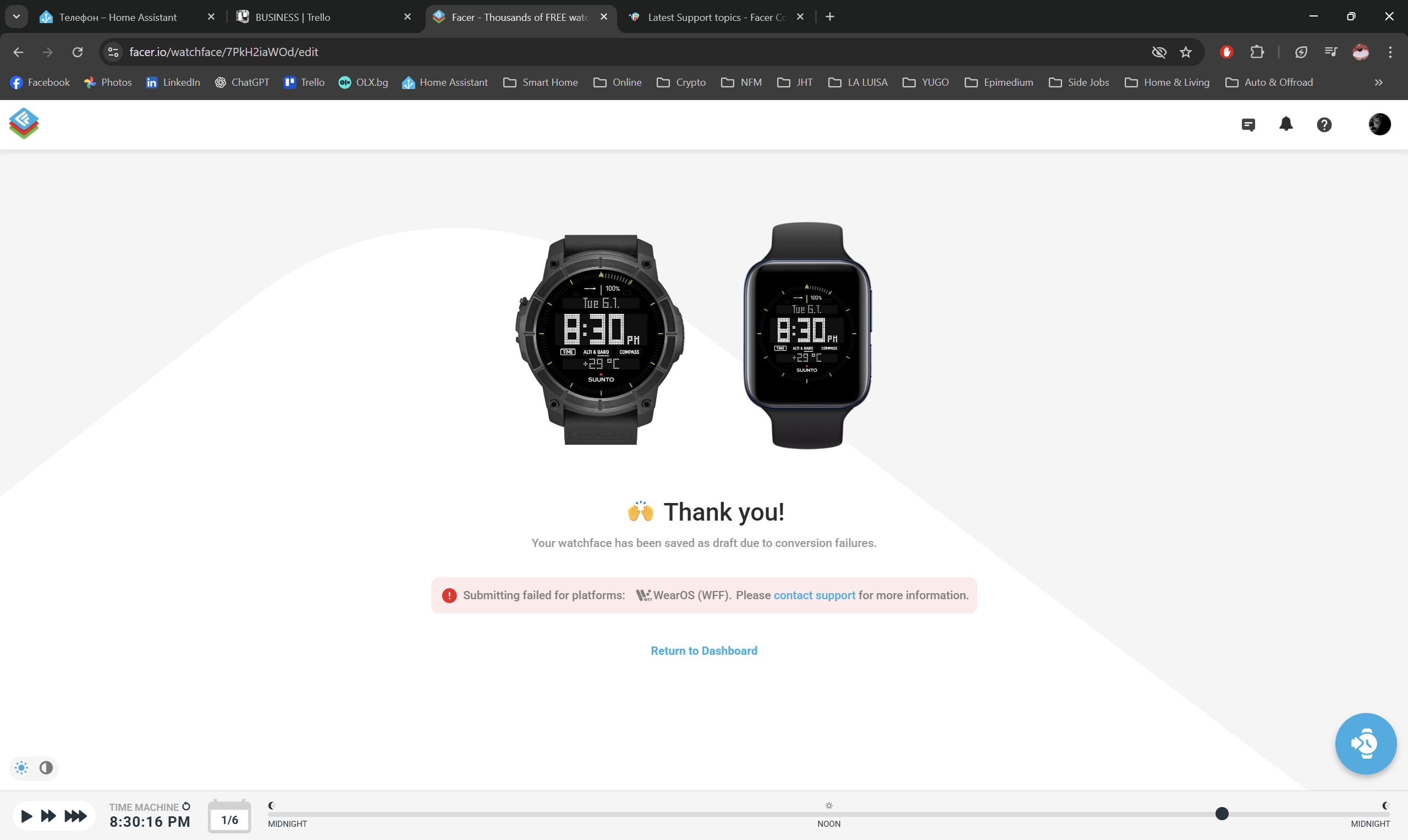
If you open inspection to your draft watch face and put in the link to it, we can have a look.
1 Like
A workaround I have found mostly works is to make a duplicate, remove the word “copy” then submit that duplicate.
1 Like
Great, thank you so much @tom.vannes, here it is:
@nsreeves Alredy tried this, doesn’t work for me… 
1 Like
To make sure we search for mysterious glitches only in relevant elements, I would remove from draft all unused layers like battery levels or auto/noauto backgrounds and try again.
I dont say it causes the fail, but I guess the sunset/sunrise wont work on WFF only watch.
2 Likes
@demonizator I wonder if your SUUNTO is flagged by Marvin . There is a Tag that can show the Makers name that can sometimes cause a Fail . But I bet that is a No no for updated watchfaces .
2 Likes
I think if that was the case, the message would look different and instead returning to draft, it would be removed (true, even this brand reference may cause problem someday eventually too)
3 Likes
The first thing I found is your time display with #Db#:#DmZ#$#DTIMEFORMAT#==12?#Da#:$. Facer considers that a string expression which will not work in WFF and will keep it from publishing. I found that one out the hard way. You will have to put the $#DTIMEFORMAT#==12?#Da#:$ part into the opacity box to fix. You also need to change the names of the layers with Suunto in them. It’s not hurting you now but I have had faces flagged for element names in the past and changing the element name was the only way to fix the issue. Update: I forget to mention you can’t have sunrise or sunset times in WFF because they don’t work. I don’t know if that will prevent WFF publishing, but even if it doesn’t, it won’t display the correct times.
3 Likes
You are using the tag #WRH# in the element “Sun Rise AOD”. That is not compatible with WFF. All sunrise/sunset elements will not work either.
You can check the tags here
4 Likes
Thank you all so much for the inputs, I will try now everything that you suggested.
Anyways, I just installed Watch Face Studio and already started recreating this watchface there - everything seems pretty straightforward so I guess I’ll be moving in that direction.
1 Like
UPDATE: Apart from $#DTIMEFORMAT#==12?#Da#:$ there was also $#WCT#>0?+:$ for the temperature. That’s it, this did the trick (I put both in opacity). I also removed the sunrise/sunset icons if they won’t work anyways.
I used my debranded version just in case, but it was not the issue because it also wouldn’t upload without removing these two string expressions.
Thanks once again!
3 Likes
Glad we could help…
btw. I like that font you are using… inspiring to do something with it
2 Likes
Thank you. Feel free to use them. Just be aware that I created them explicitly for this watchface so they’re missing a lot of glyphs… 
3 Likes
Cool!
btw. @petruuccios has a number of nice fonts: Peter (Petruuccio) | FontStruct
I have a few as well: tvannes | FontStruct
5 Likes
You guys rock

3 Likes
Funny enough, I finally felt free to update my last WearOS 5 watch (Galaxy Watch4 Classic, the one I made this watchface for) to WearOS 6. And Facer still loaded my non-WFF version – and all compass, sunrise/sunset, the fields with string expressions – work just fine. It’s all scam! 
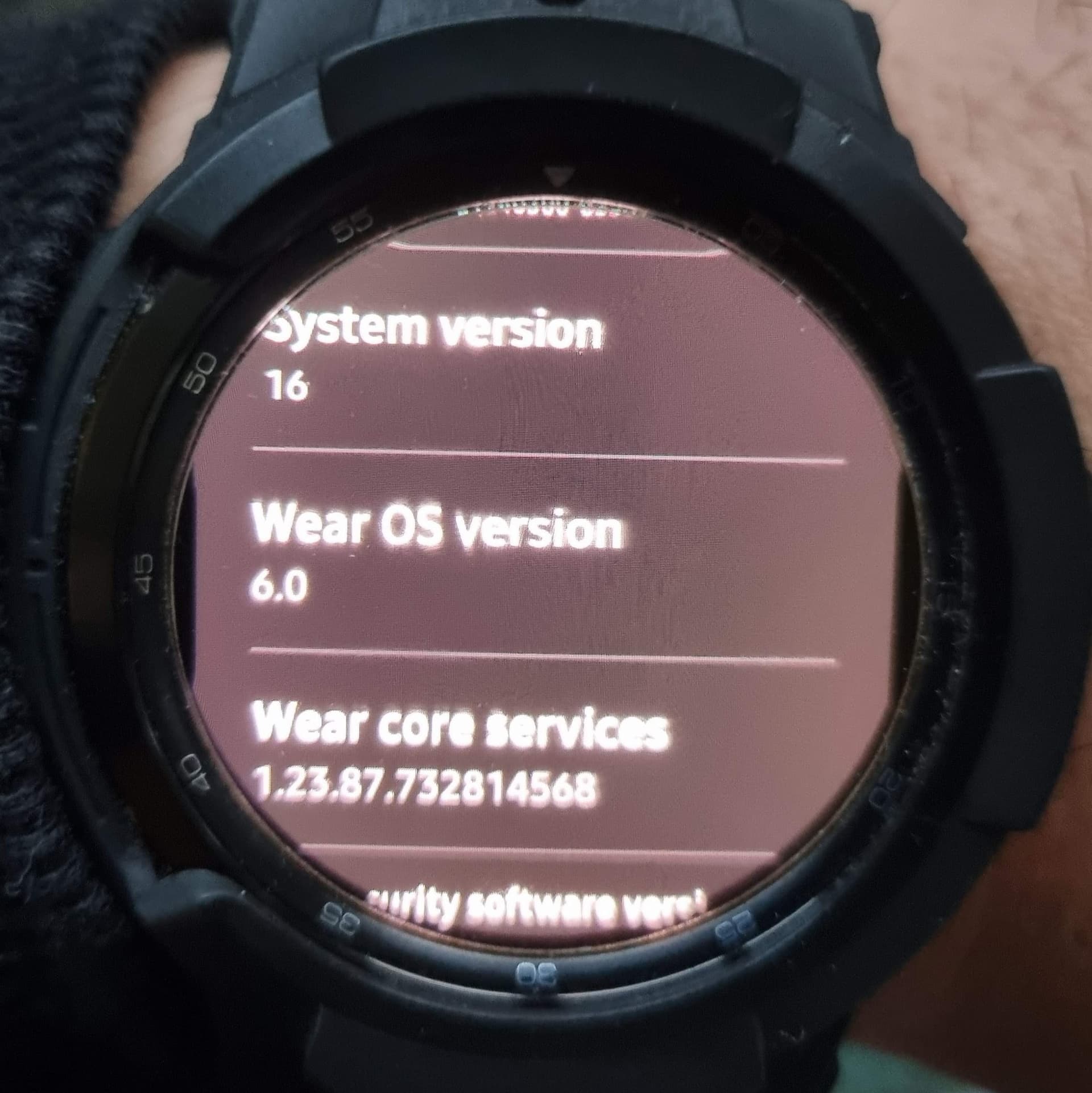
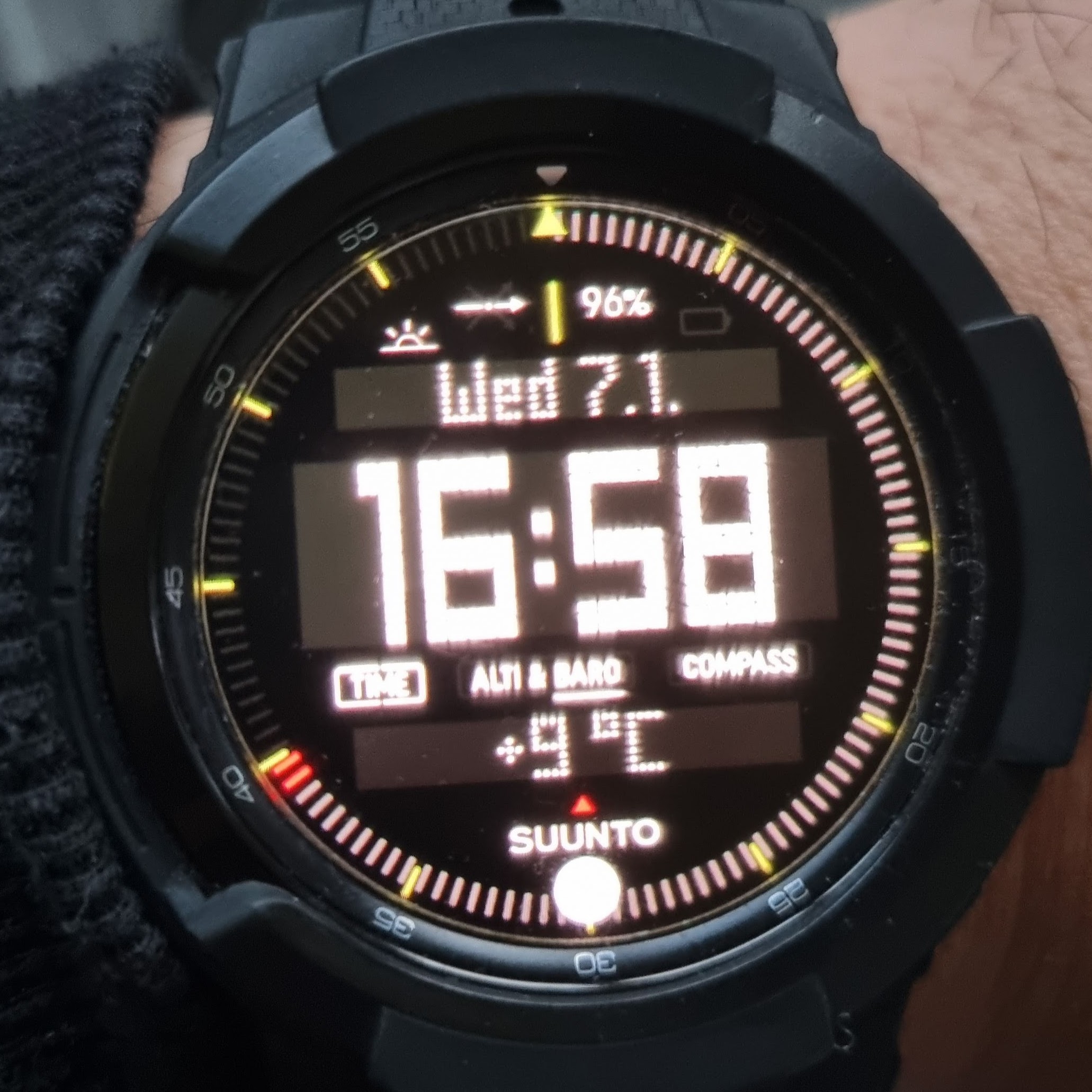
I’ll try not to restart/update Facer as long as possible.
2 Likes
Yes . When it updates the companion app . It will be different . At this stage I dont think there is a Companion app for GW4 watches . But I am not sure . I apprehended mine halfway through .
1 Like
Yip Yip Yip . I could not stop my GW4 Classic from Updating . After a Cache Clearance the Watch must have reestablished the WiFi Connection . Silly me I did not check . However the good new is as @demonizator has pointed out Despite running OneUI8 it it still running Facer Legacy Companion app . Basicical as a result of Facer seeming to not have a companion App yet for the GW4 . So @Facer_Official and @ariel ( I would invoke more if I could remember them ) Please Please Please do not build a Companion for the GW4 range . I beg you . I am so proud that You still suppot Tizen . Please let us have this one .
.

1 Like
I was a bit premature there . As Ever . Can not get thing from Facer on My GW4 Classic now . Oh well .
.
GW5 Pro Updated and the Power consumption had doubled . Google Play Store is the Culprit and as usual it can not be stopped . All permissions are off and I have Forced Stop . It just switches itself back on . Turned the Best watch I had to the Worst . I think I might sell it . Sell the lot and get a Garmin .
That sounds like a nightmare. So sorry, Russell. 
1 Like