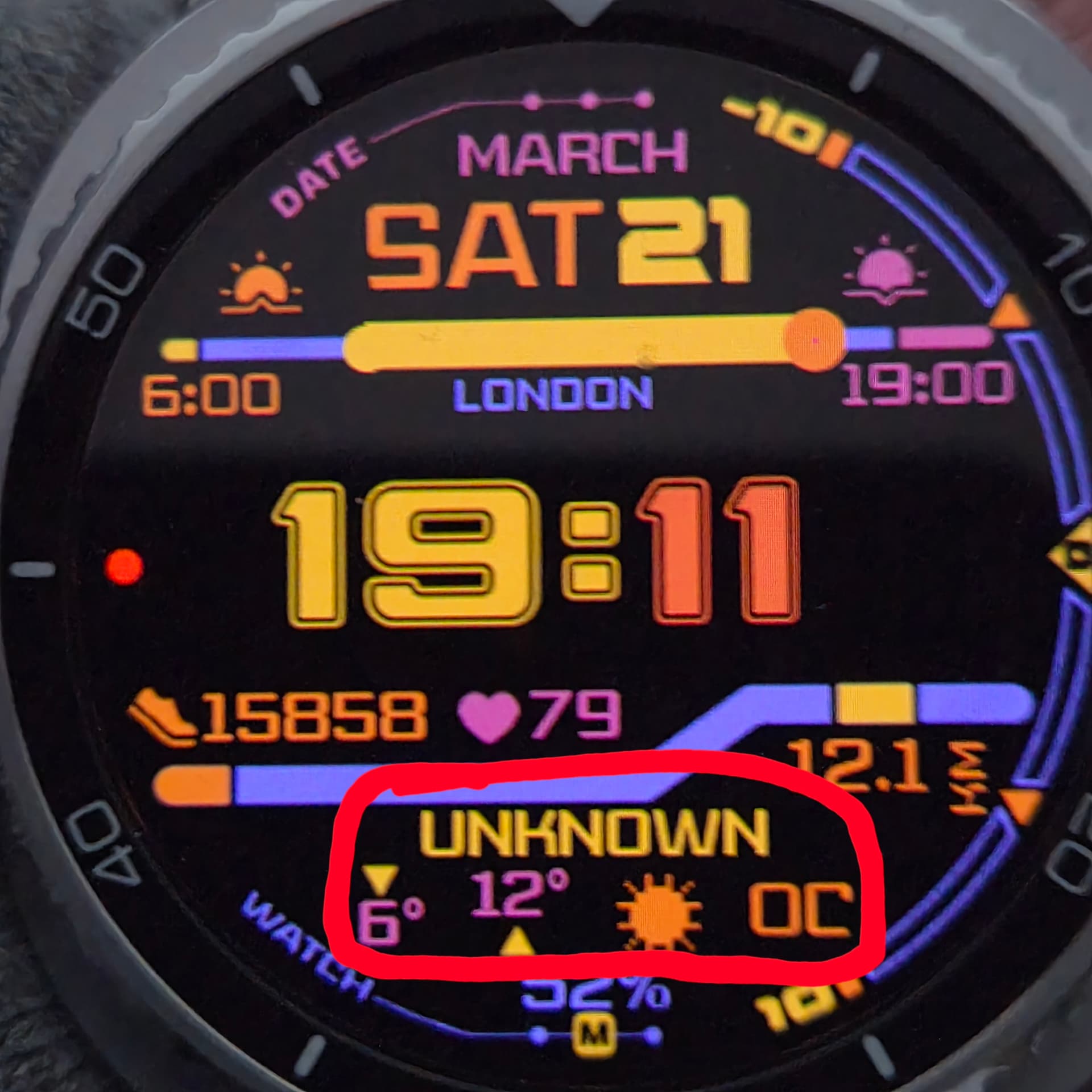
Is weather tag working for you on Wear OS6 watches?
Im using Samsung galaxy watch 8 classic and its not for me
@jason.clarke.uk
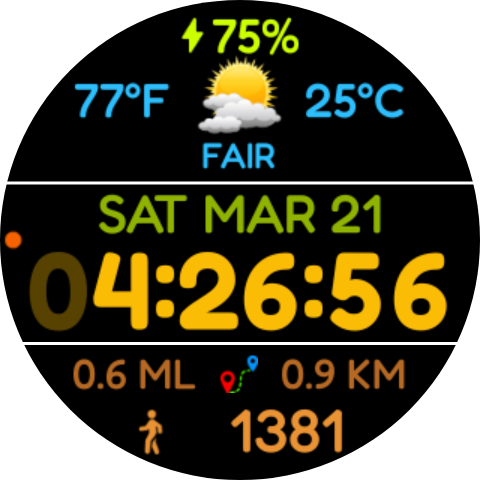
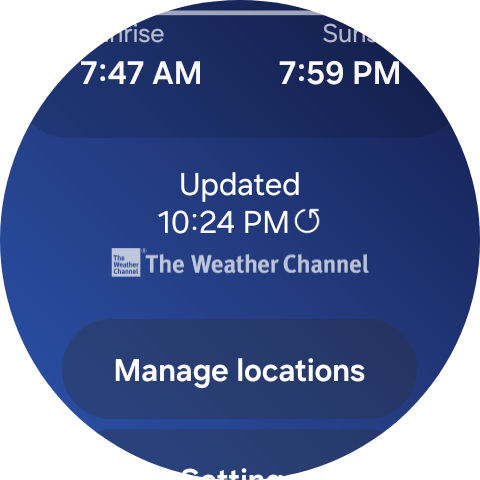
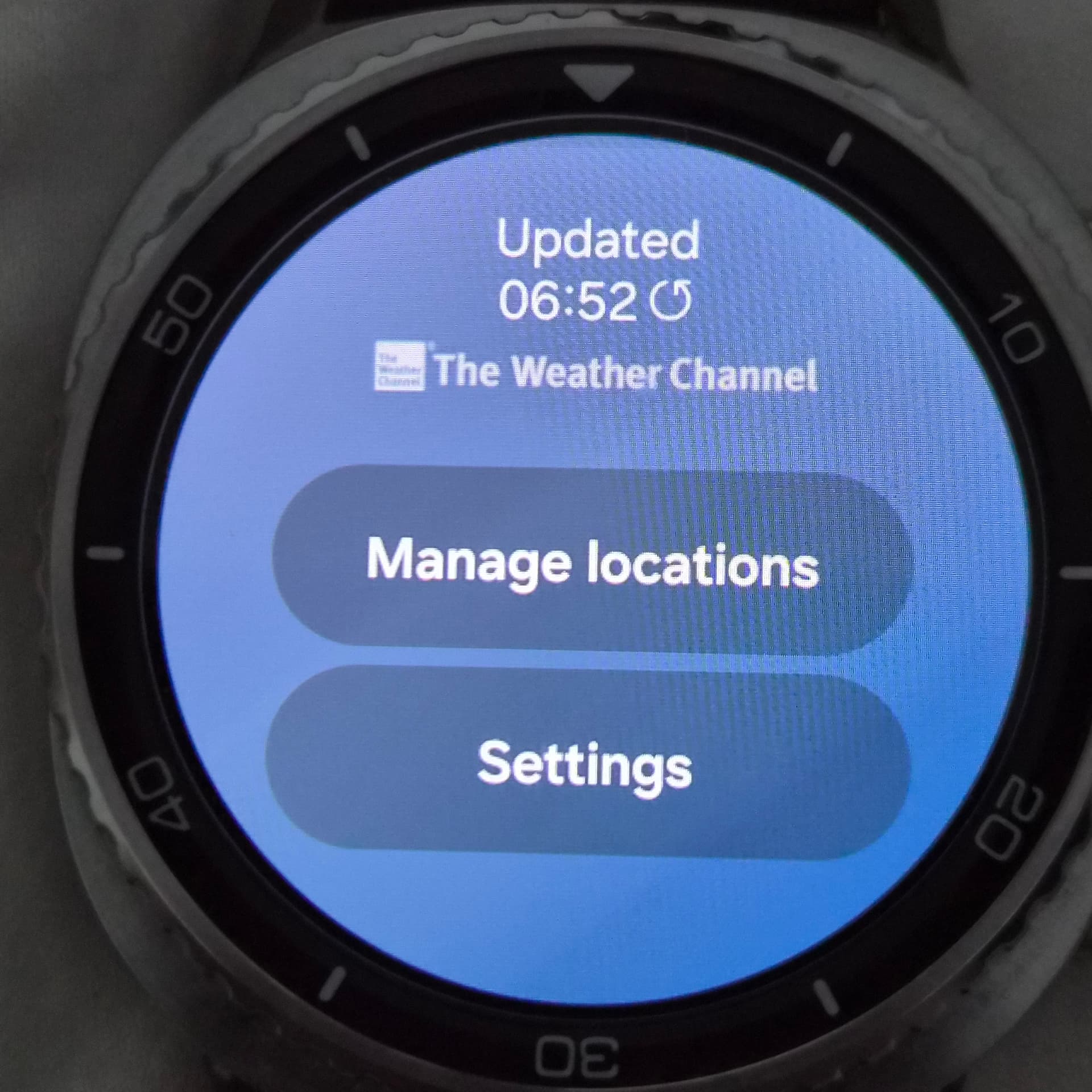
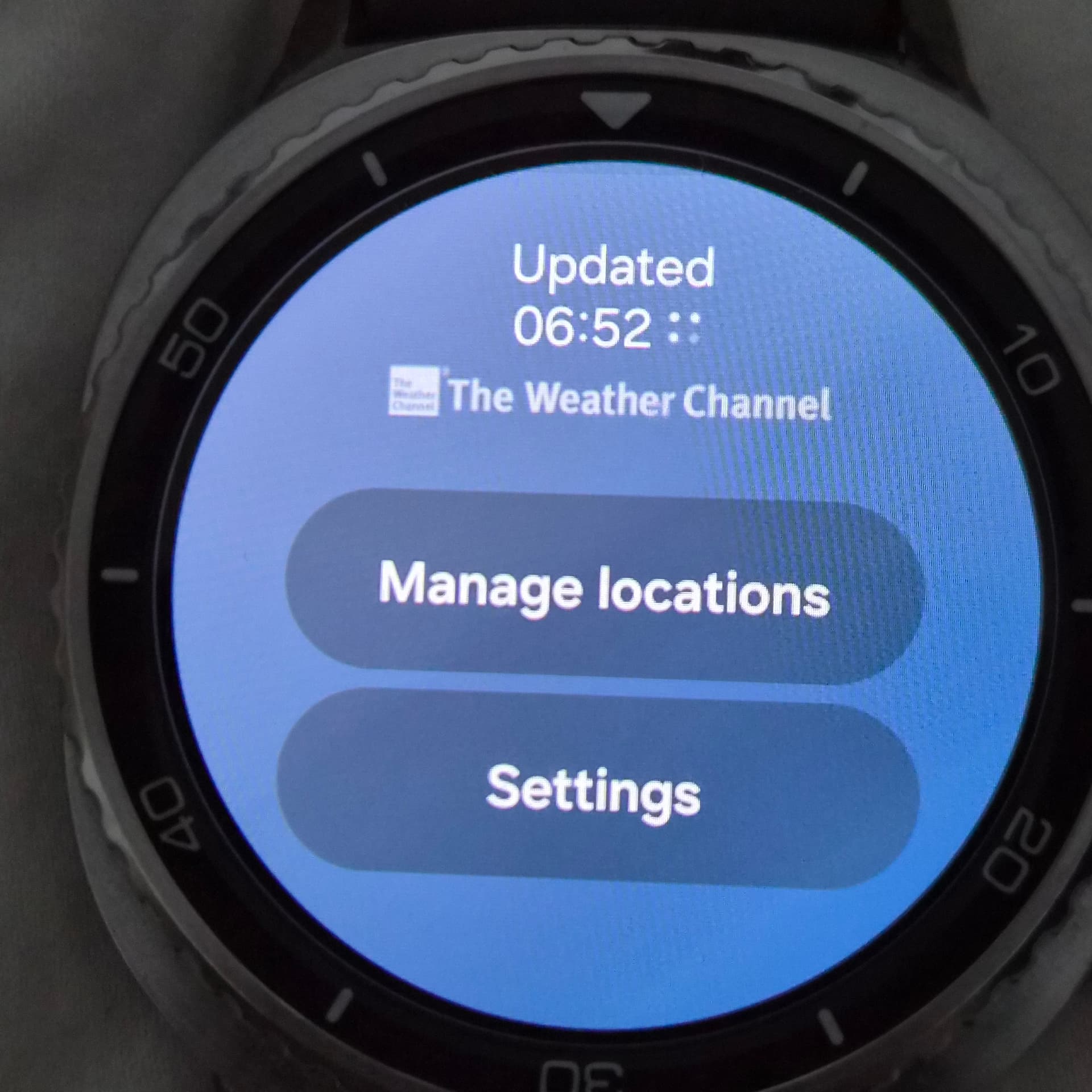
All I can tell you is that on my private watchface on my GW Ultra 7 it’s working. On my watch it’s using the weather channel weather for it’s source. I have a tile on my watch for that and I can open it up, go to the bottom and click the update link and it updates the weather on my watch. You might give that a try.
3 Likes
Hi
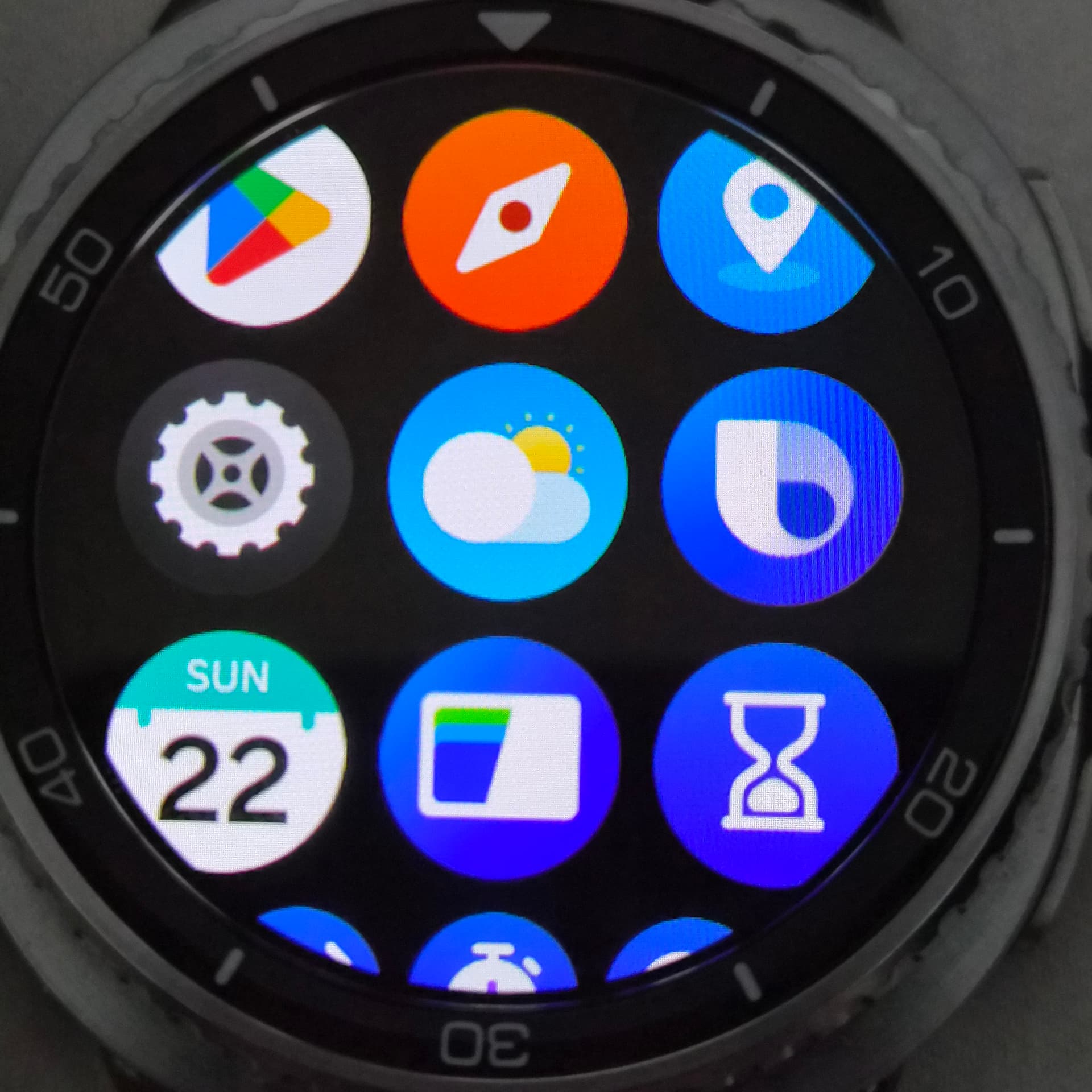
Samsung watches come with a built-in Weather app. Open the app, scroll to the bottom, and tap the refresh icon next to the ‘Last updated’ timestamp.
You can also try switching to a different watch face that displays weather info and then switching back to your current one. This can sometimes fix the issue as well.
1 Like
@jason.clarke.uk
Yes, but mine when I was adding tiles including weather was The Weather Channel.
1 Like
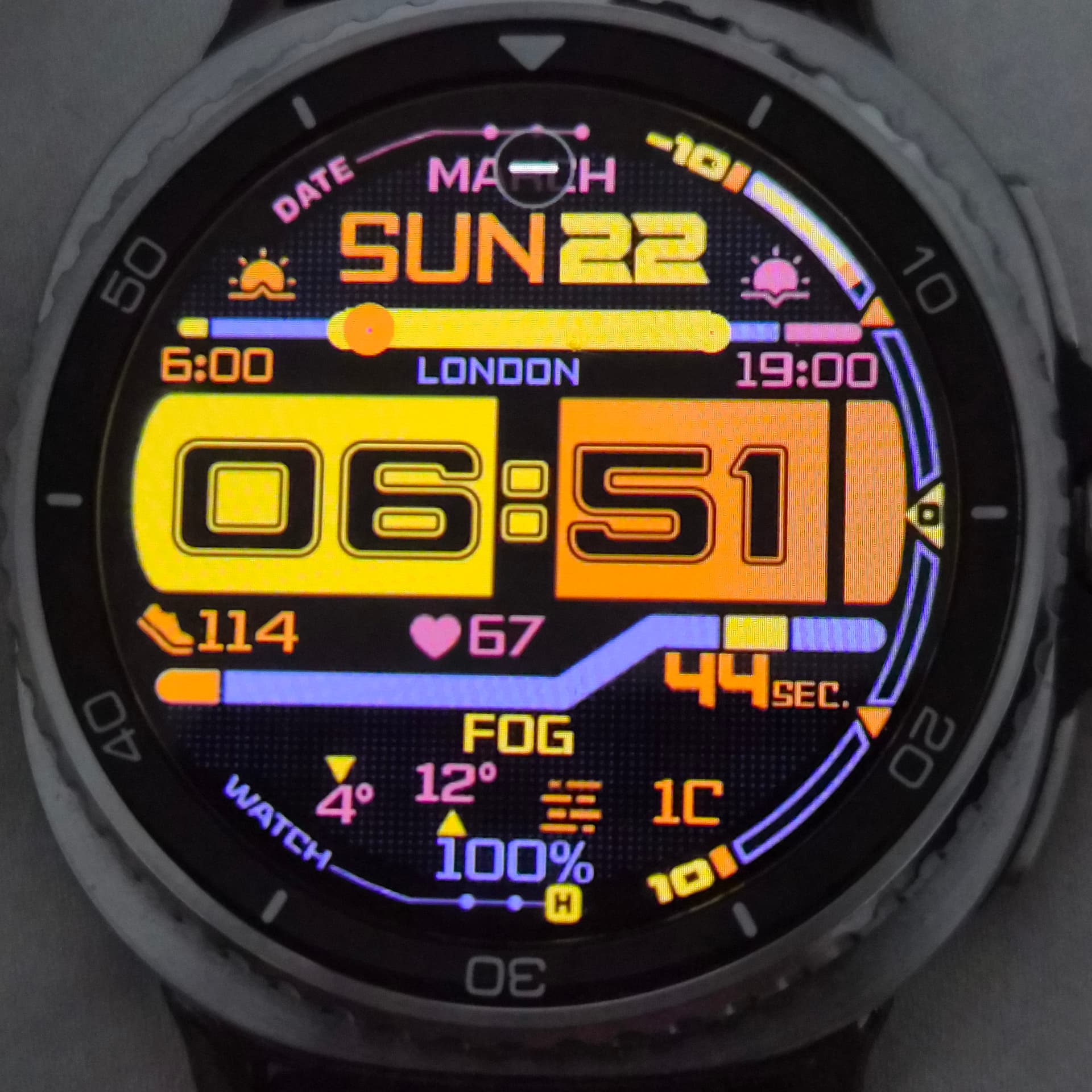
Thanks all. That worked a treat. The inbuilt weather app is provided by The Wearher Channel, and tapping on the Last updated did indeed refresh the weather on the Facer app.
Surely this should not be necessary in 2026…but appreciate the help fixing.that.
3 Likes
I agree, but I’ve had the same issue with Facer pre-WFF. Only the fix for that was to open the Facer app on my phone and then the weather would update itself. I think the issue is the apps don’t like to “play well” with each other.
1 Like