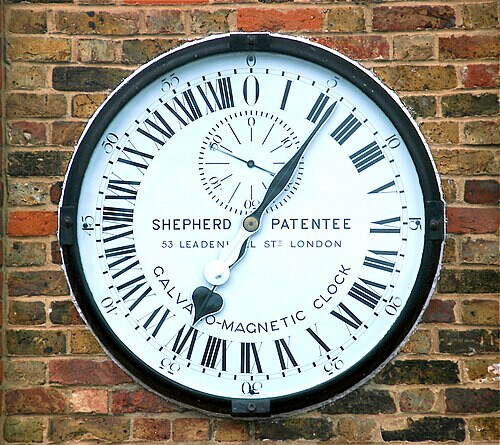
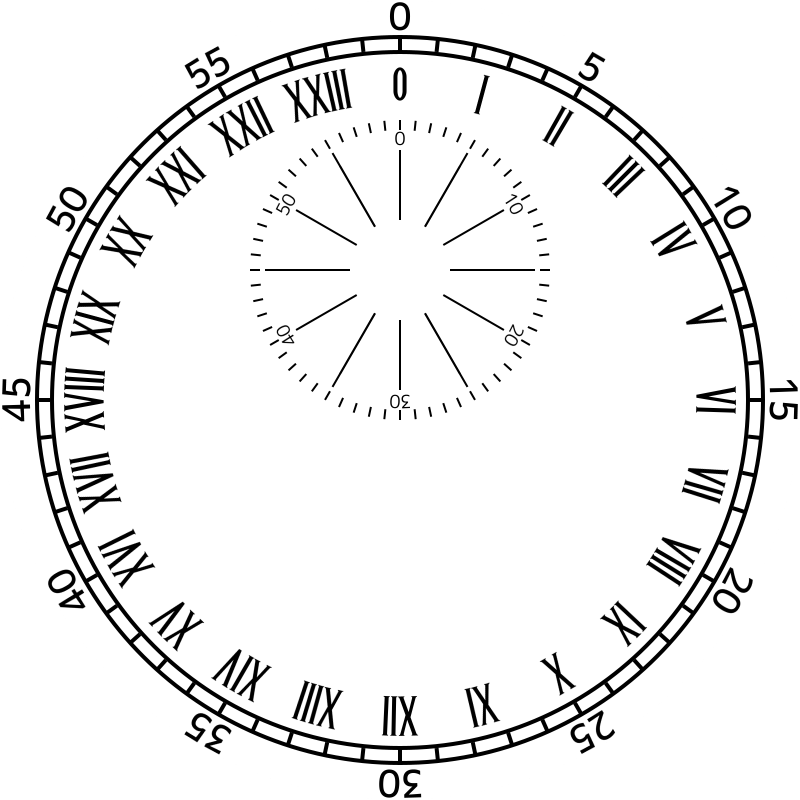
Happened across a posting from a guy that made a desktop clock of this. I totally understand his lament about finding a matching font for this that and the other thing, especially the Roman numerals. I suspect all versions of this clock face were hand lettered.
Quick question. I found your Mondaine Swiss RaIL HTML watch face on your site. I like the sync pause at the top of the minute. I haven’t been able to find the simple face with this function. Any plans on publishing this on Facer?
Love the work and thanks again for the help on the Shepherd Gate details.
Stop To Go Test . Unpublished but inspectable . If I was marvin I would take it down . It is so Iconic . You could put that on your watch . Send the link to your connected Phone and open it to push the Blue button . Feel free to borrow the resources . That is what I did .
.
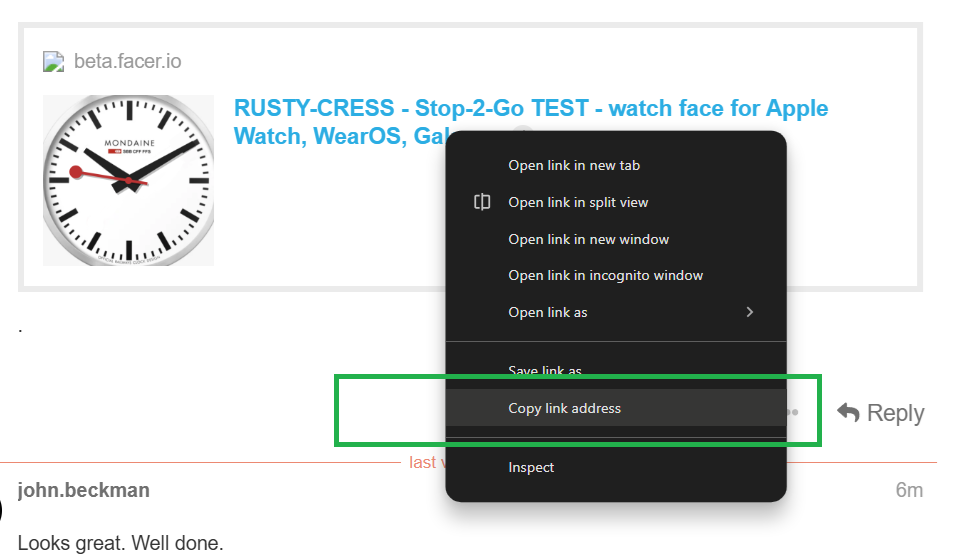
Ha Ha . There is nothing PRO in there but there are formulas that might stop it being WFF . The Red dot is being orbited . That is me being lazy and not drawing a Hand in one . We can sort that if you get stuck . You can put this on your own Watch if you open the link on your connected phone . I send them to myself as email or WhatsApp . I can not run community on my Phone . Right mouse click on the Face Link then do what you can .
.
Yeah . I am sorry . A lot has changed recently . I think it depends on the watchy . I am no longer able to test legacy stuff . I will try send it to myself Email . Let me know if you want the resources posted . Good practice building from scratch . Then it is yours .
@john.beckman . I got this to transfer . I built it on the WFF Template in Creator . Plus it is stripped down as a KIS . ( Keep It Simple ) . BTW Please do not Like or Comment on a Shared Draft you transfer to your watch .
Also I noted that the Canned Shadows do not work on WFF . I think this Face really needs shadows so It means doubling the hand count . No Issue .
.
Took me a minute, but that 1.03448275 value is 60/58. The hand moves that much more each second so it reaches 60 seconds in 58 seconds. When it gets there it waits what amounts to 2 seconds.
May be more sensible ways to do it, but that’s what occurred to me at the time.
I would not publish exact copy of a watch nor wall clock, but for challenge sake, to mimick the ticking second hand of the original stop to go clock, this could work: (clamp(6*(floor(60*((#DNOW#/1000)%60)/58)),0,360))
If there is an Issue Facer will take them down . Just make sure you have a duplicate before you publish . Sometimes a strike from the Visual aspect take longer .