Looks like The Top 100 Watch Faces (free side) are screwed up (just like everything else), no matter what I select, the only watch that shows are apple watches.
It is working fine for me on the computer. Are you having an issue with the phone app?

In the top left corner, select Facer Explore All Watch Faces

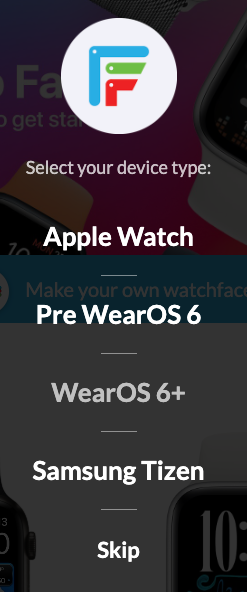
You likely will see a Apple logo in the top menu bar to the right of the Search watch faces box.

Click that and select Wear OS 6+ (or which ever watch device you want to view watch faces for).
It only took more than a year to get this…LOL
1 Like