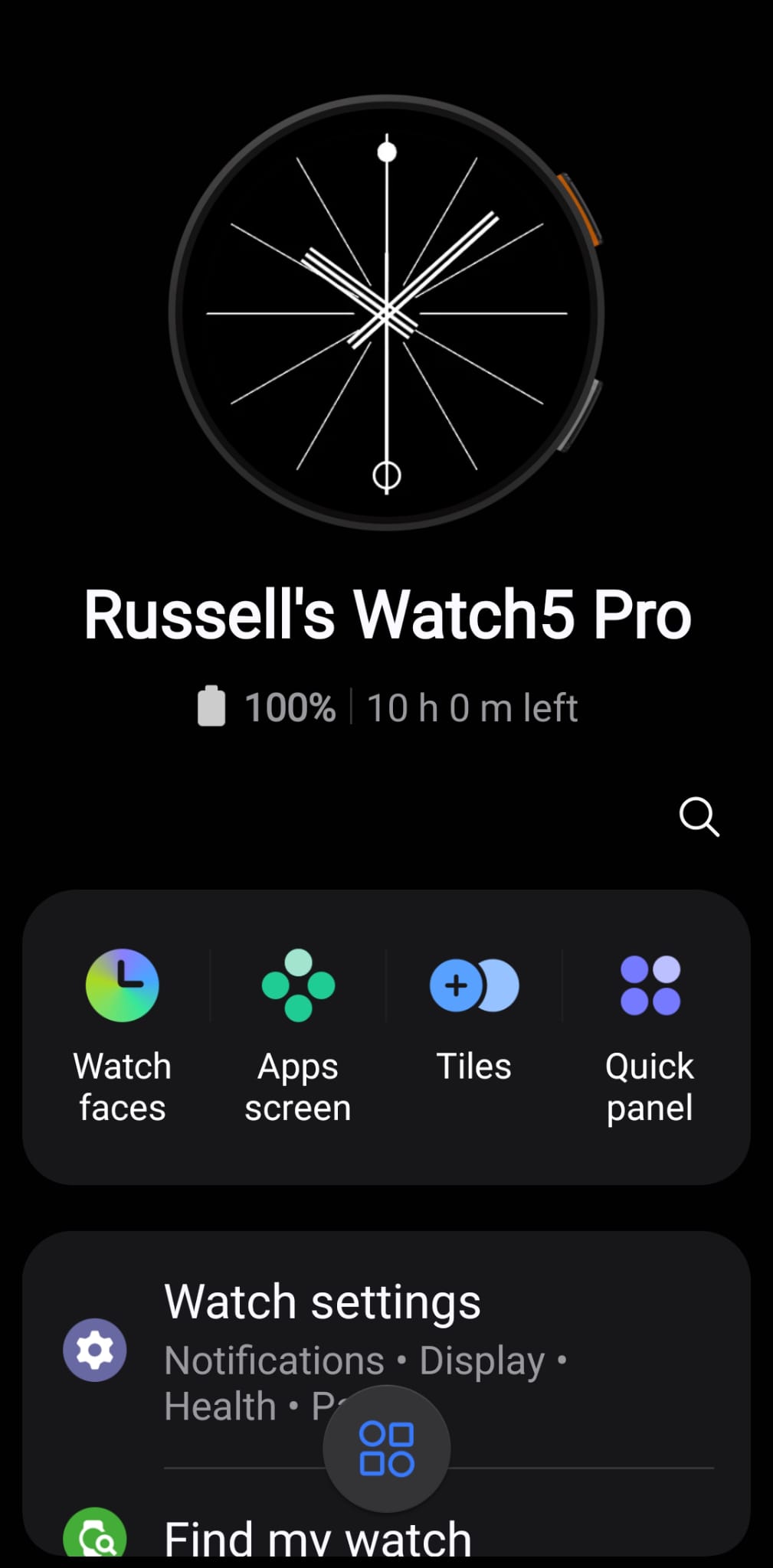
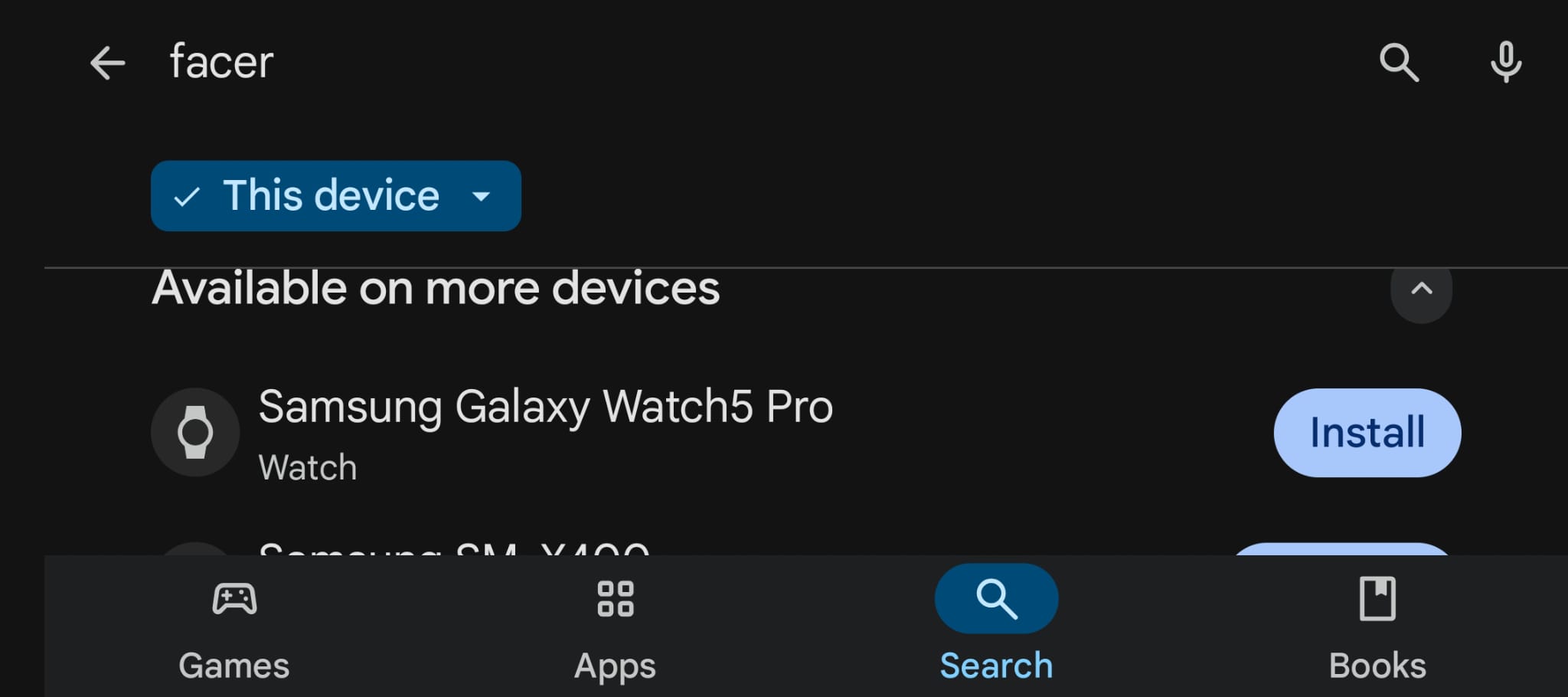
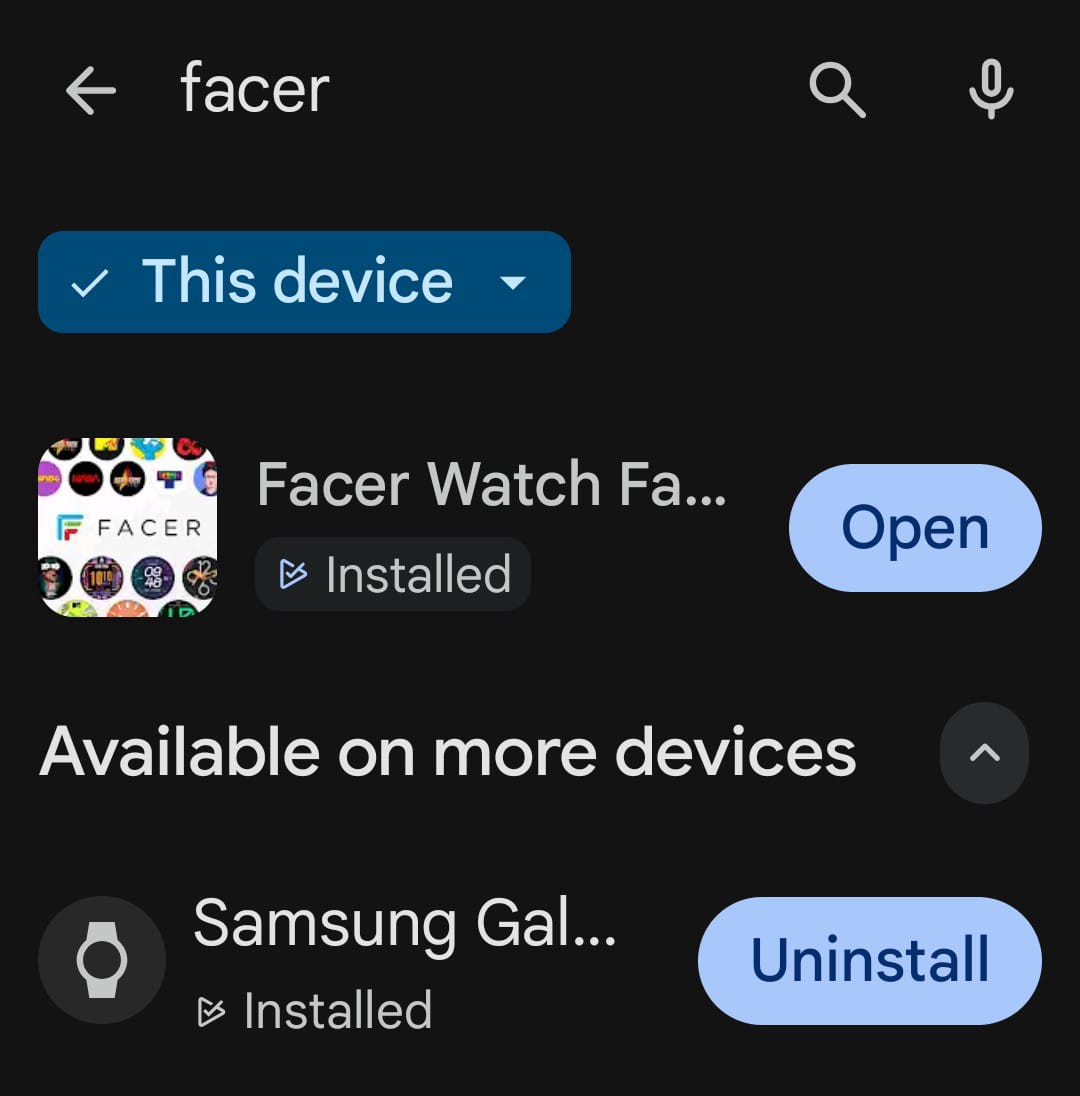
I updated my Galaxy Watch 5 to the new One UI 8 and now Facer is missing. I have the app on my phone but i can’t access the watch face on my watch or the Samsung app. Google Play stills shows it installed and i can’t figure out how to reinstall it. I thought Facer was on Wear OS 8 now? My watchfaces i made i was able to get some easily converted to WFF when editing faces. but now i can’t use anything on Facer. so much for all the faces i bought. I haven’t been to encouraged to buy Faces anymore after hearing that Facer wasn’t allowed to be on new WearOS. Is it WearOS 6? or 8? I’m confused and haven’t followed the forums much lately.
so how can i get Facer back on my watch?
All I did was go into the Store on my Watch and download it again, job done 
3 Likes
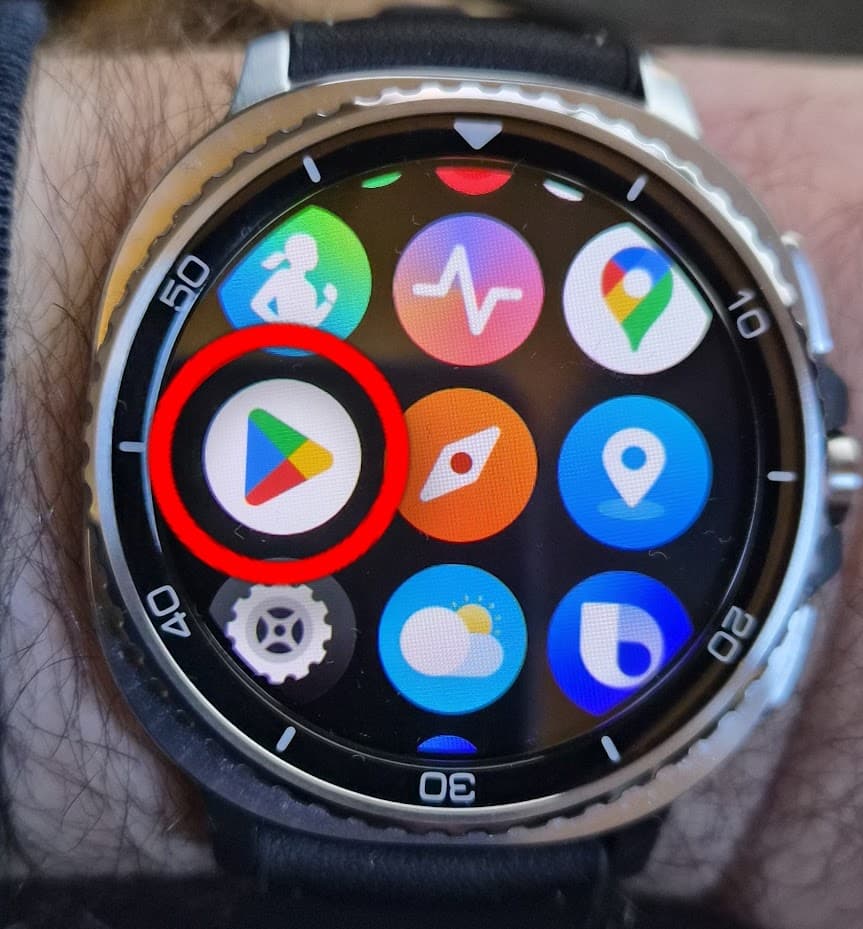
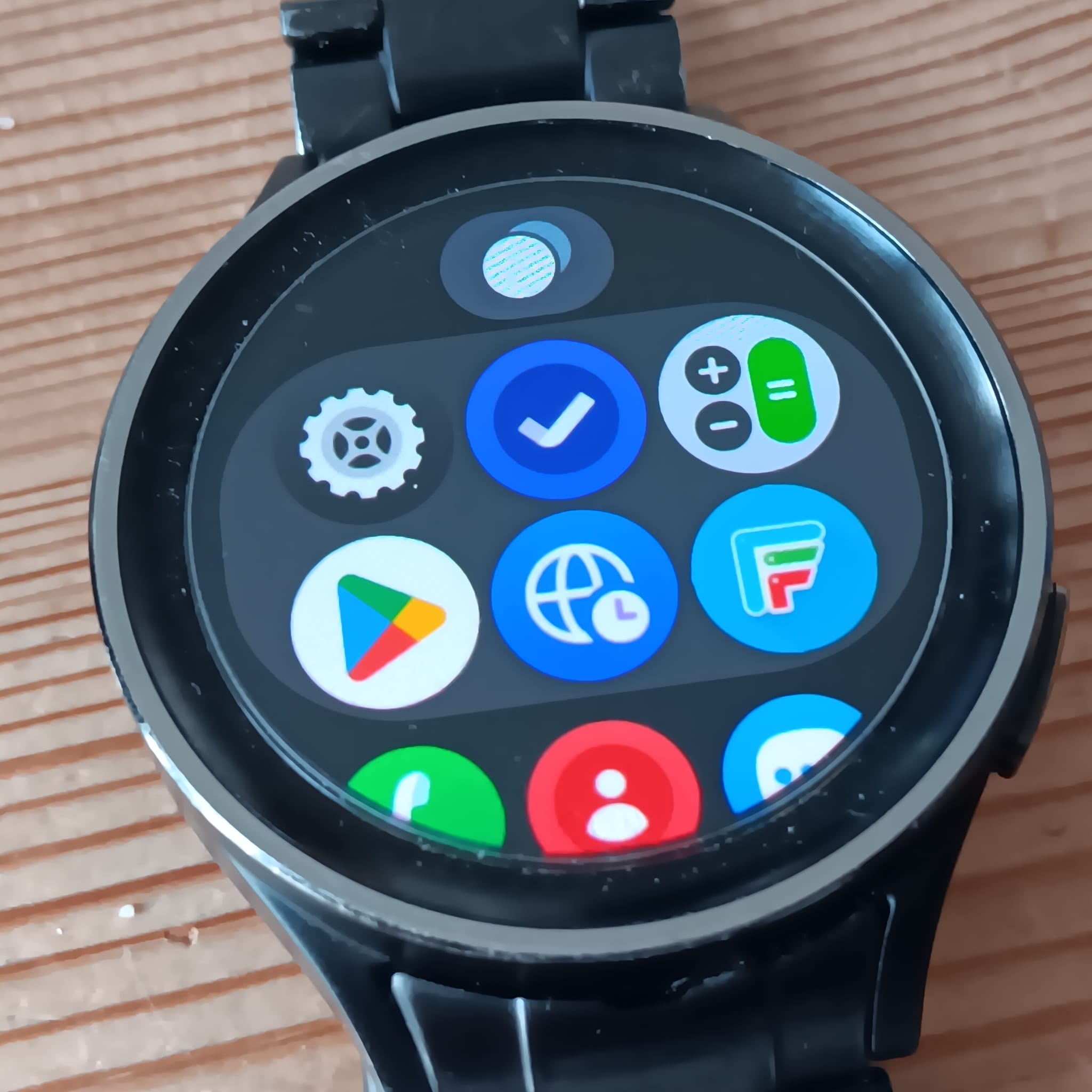
On your watch, go to all applications (swipe upwards) and open the Google Play store, then search for Facer and install the app.
3 Likes
except i already have done that and i said that it shows it’s already installed. oh wait you said to do it from the watch? I never done it from the watch before. i can’t uninstall it from the app either. I have Facer app on the phone and Google Play says it’s on the watch but I can’t find it. it’s gone. and gone from the Samsung wear app or whatever it’s called.
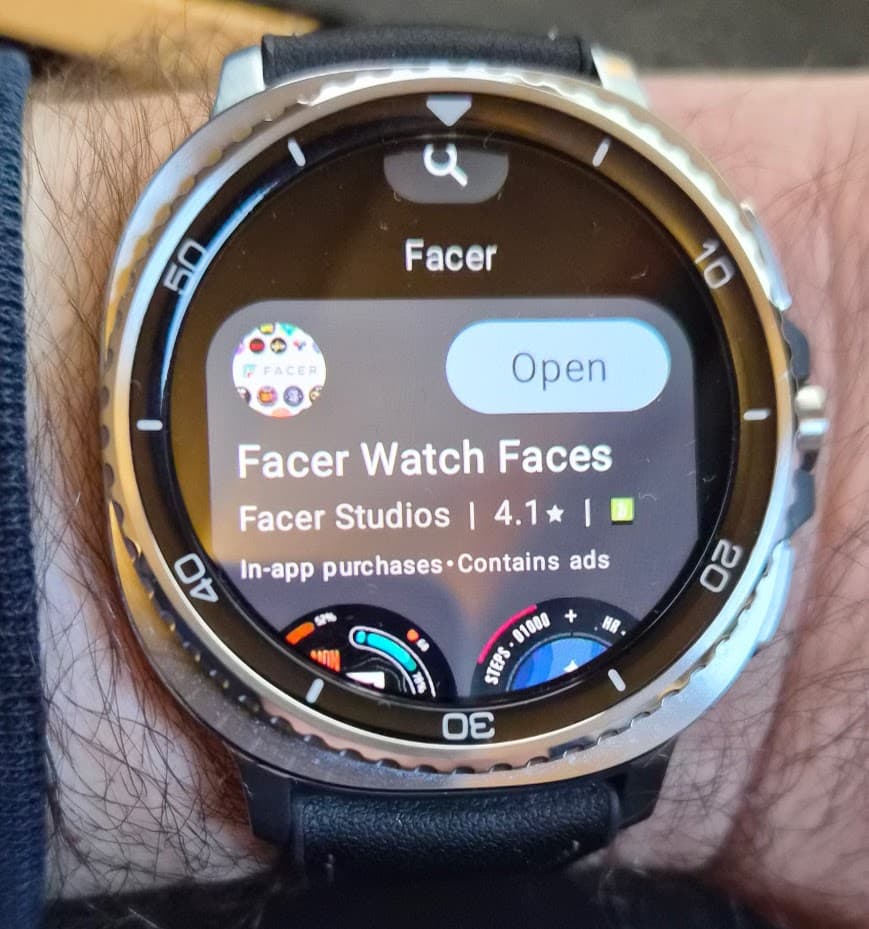
Open the Google Play Store on your watch, search for Facer and install it directly from the Google Play Store.
2 Likes
when i did that it only gave me Open so i opened it and click some permission. but when i go to switch to Facer for the watch face it’s nowhere to be found. It doesn’t make sense. i had no problems before the One UI 8 update. i’m confused what the difference is form One UI 8 and Wear OS 6. i keep getting them confused. Does it mean I have Wear OS 6 now from the One UI 8 update? Last I knew the regular Facer app for the watch didn’t work with Wear OS 6. and you have to download the faces directly form the play store. which i have no idea how to find the ones i had used all these years or even mine that i created.
@mesocyclone30 I can only Apologise on behalf of the community . Everyone has had enough of this kind of enquiry . In no way having a go at you . But the Toic has been covers over and over . Best read some of the previous . A lot of people are Restarting thier watches to get WOS6 working properly . You will only have one Facer Face at a time on your watch . The others you have bought will be in your profile watch box . If you find a face incompatible you will have to contact the Maker Via comments to get it updated . If it is not a Partners face you might not get a response . Enjoy .
3 Likes
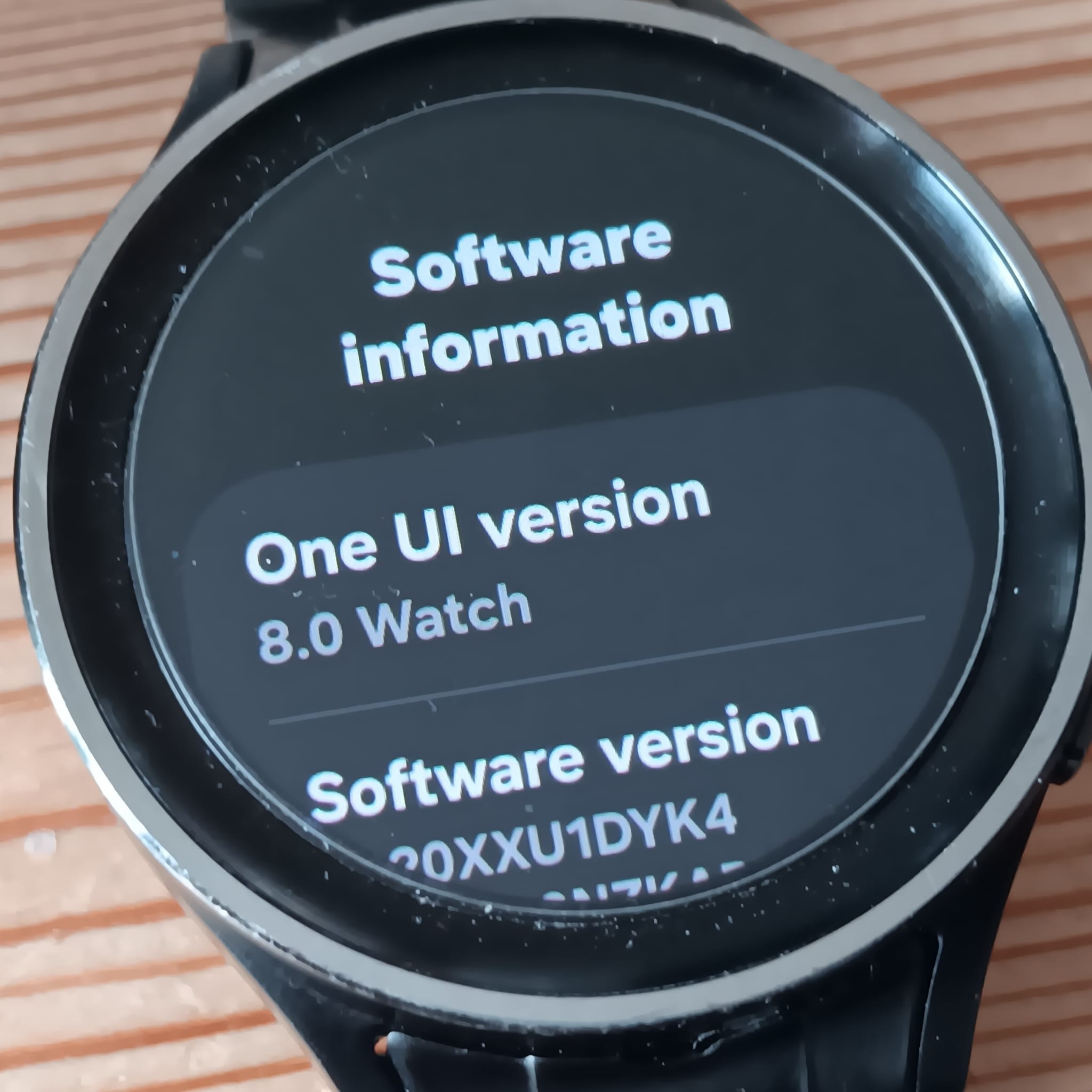
On your android mobile, open the Wearable app. Next select your phone and then select Watch Settings > About Watch > Software information.
Here you will see your watch is using Samsungs One UI version. You also see the Wear OS version.
Samsung One UI is Samsung’s custom user interface (UI) built on top of Android for its Galaxy smartphones, tablets and wearables.
3 Likes
oh really? sorry to have wasted your time. it’s hard to read for very long because i have ADHD and get too anxious and i have astigmatism in my eyes that comes and goes also making me anxious trying to read from the eye strain. and it sucks being autistic. Not everyone can spend hours and hours scouring the forums trying to get caught up to speed.
1 Like
Thanks for explaining it. I guess it’s like on the phone Samsung has the One UI on top of the android. Some of the updates on the phone or watch i noticed mentions the One UI version but don’t always say the android version in the update screen. if i remember correctly. Sometimes it’s hard to keep track of the version numbers for both Android and One UI if i’m not keeping up with the latest tech news and reviews. and my memory doesn’t seem to be getting any better the older i get. 
i just rebooted it and it’s being slow and laggy now and taking 10 mins of fumbling around till i can finally switch watch faces only there’s still no Facer face. does facer work the same way it always has with the new update? Where you can still use the Facer app on the phone to put the faces on the watch like in the past.
1 Like
@mesocyclone30 . I apologise to you . When we meet people in a community it is difficult to know their trials in detail . Yes the Documentation for starting Facer on you watch is a bit lacking these days . I actually meant RESET the watch and start with a new connection . I had to do that , like others , I have read about .
1 Like
@mesocyclone30 . By way of an apology I have made a WiKi of these instructions so Others may edit it in case I made a Mistake . Also I have Changed the Title of the topic to make it more relevant in a search.
This is how I have achieved the connection . There are other ways as others have shown .
BTW . This is a fresh connection . I have previously reset this watch and only had it connected d to Galaxy wearable to test Watch Face Studio Faces .
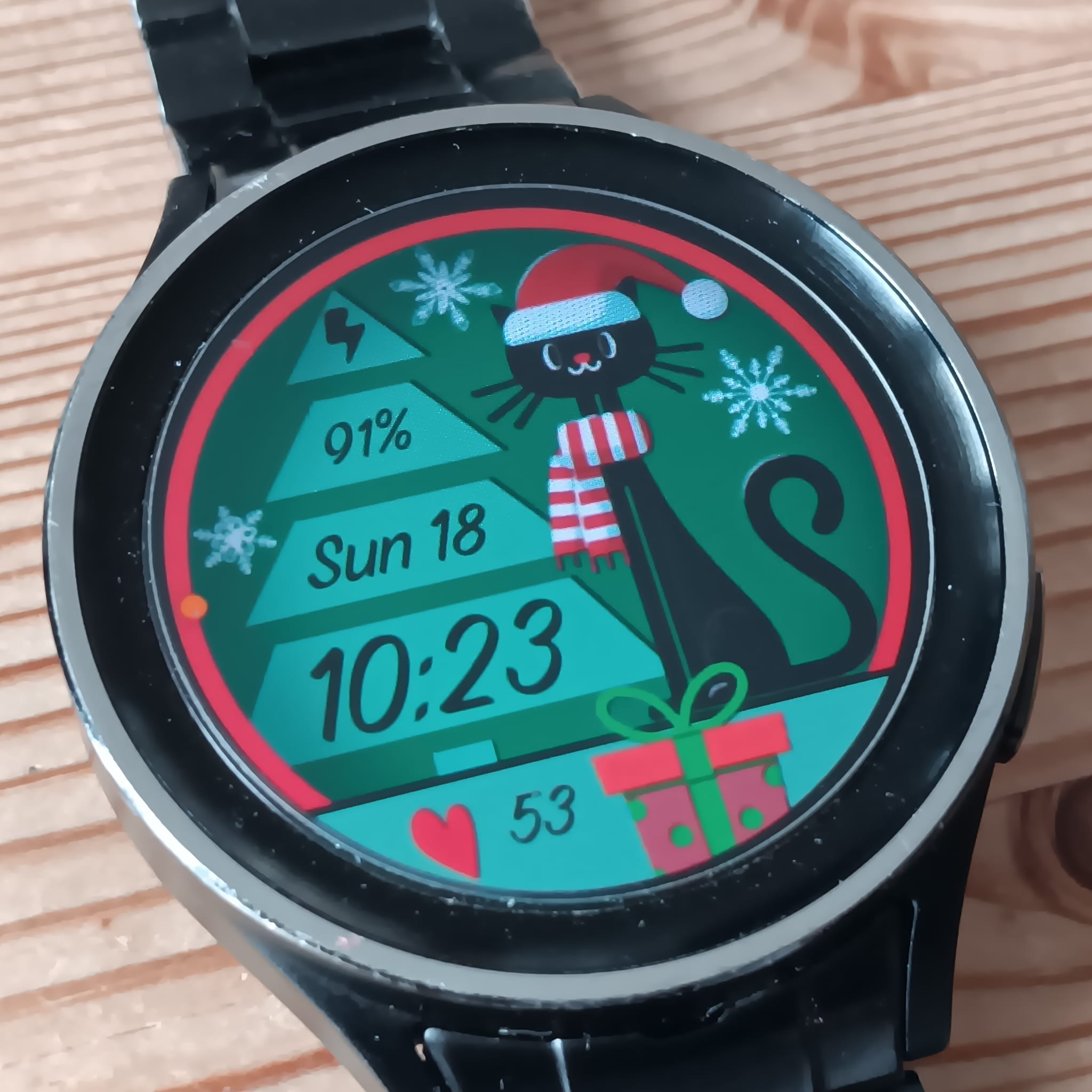
Thanks to K-Designs for allowing me to show this Face in the instructions .
.
.
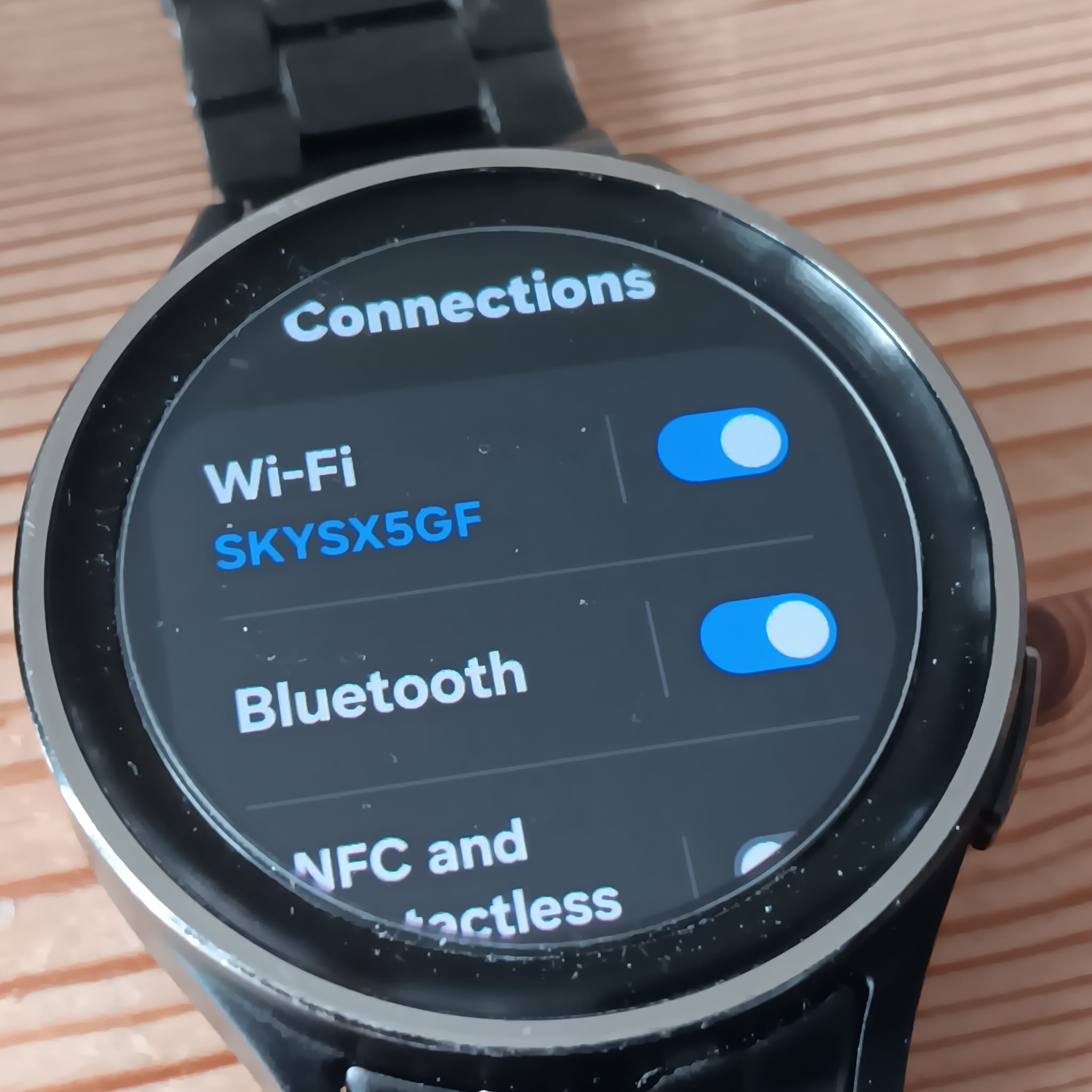
So First check that your Watch is connected to WiFi and Bluetooth .
WFF files like to go to the watch via Wifi in my experience .
.
.
Check you have OneUI8 on your watch .
.
.
Connect you watch to your Phone on Galaxy Wearable
.
.
Find Facer on the Google Play Store .
.
.
Select your watch for installing Facer .
.
.
See facer is downloaded and installed .
.
.
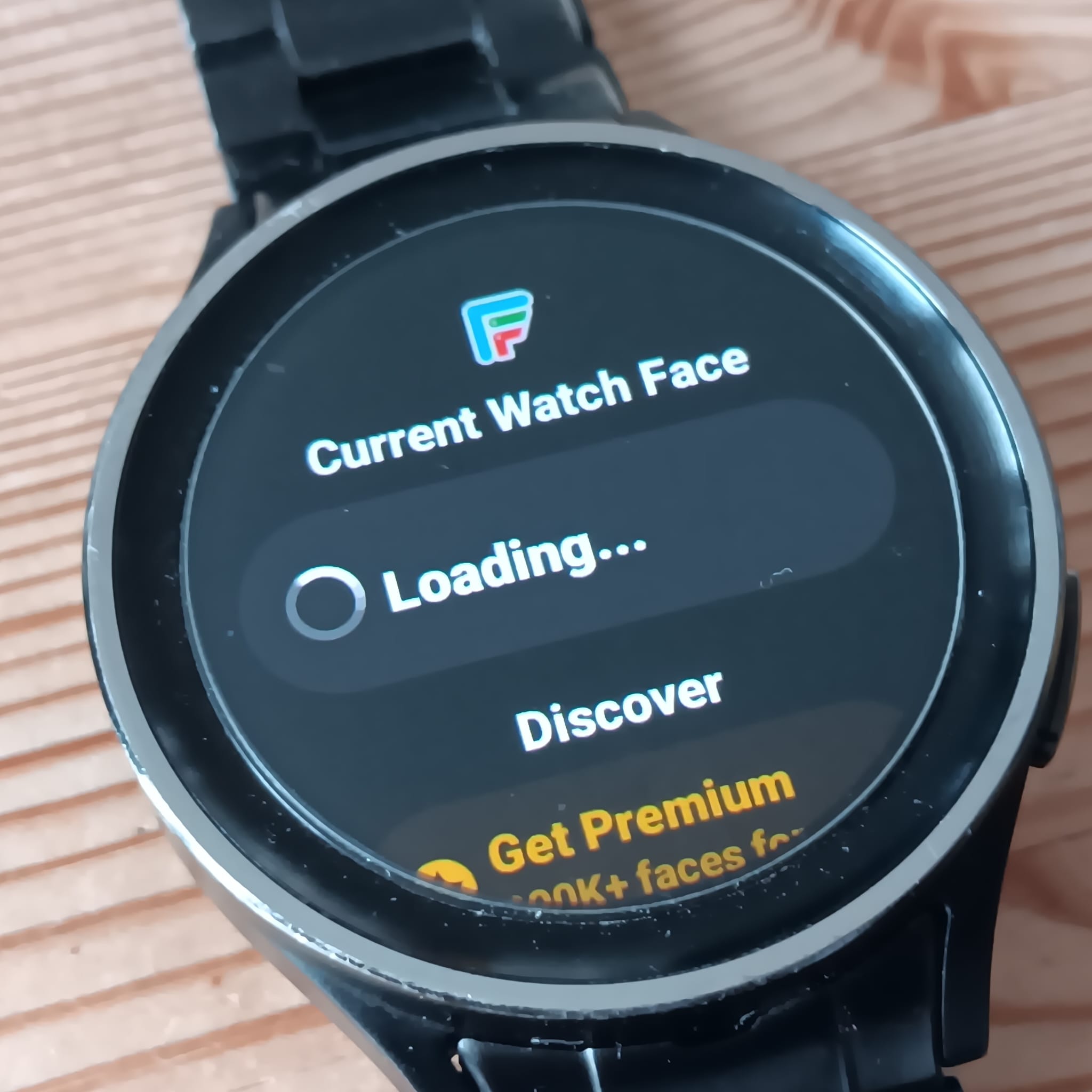
See Face in the apps on your watch .
.
.
Tap on facer and let it run a bit .
.
.
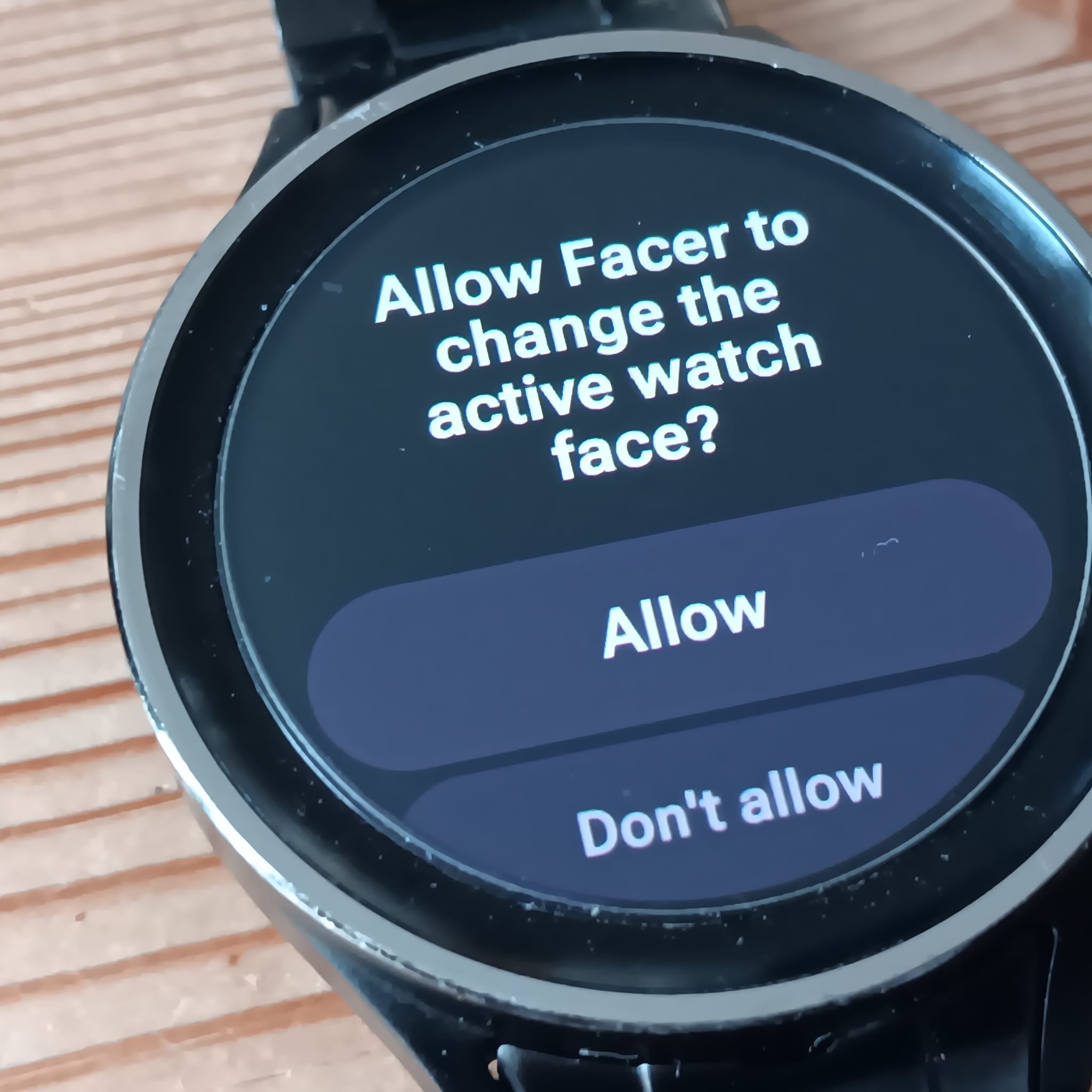
Pay attention and catch the permission .
.
.
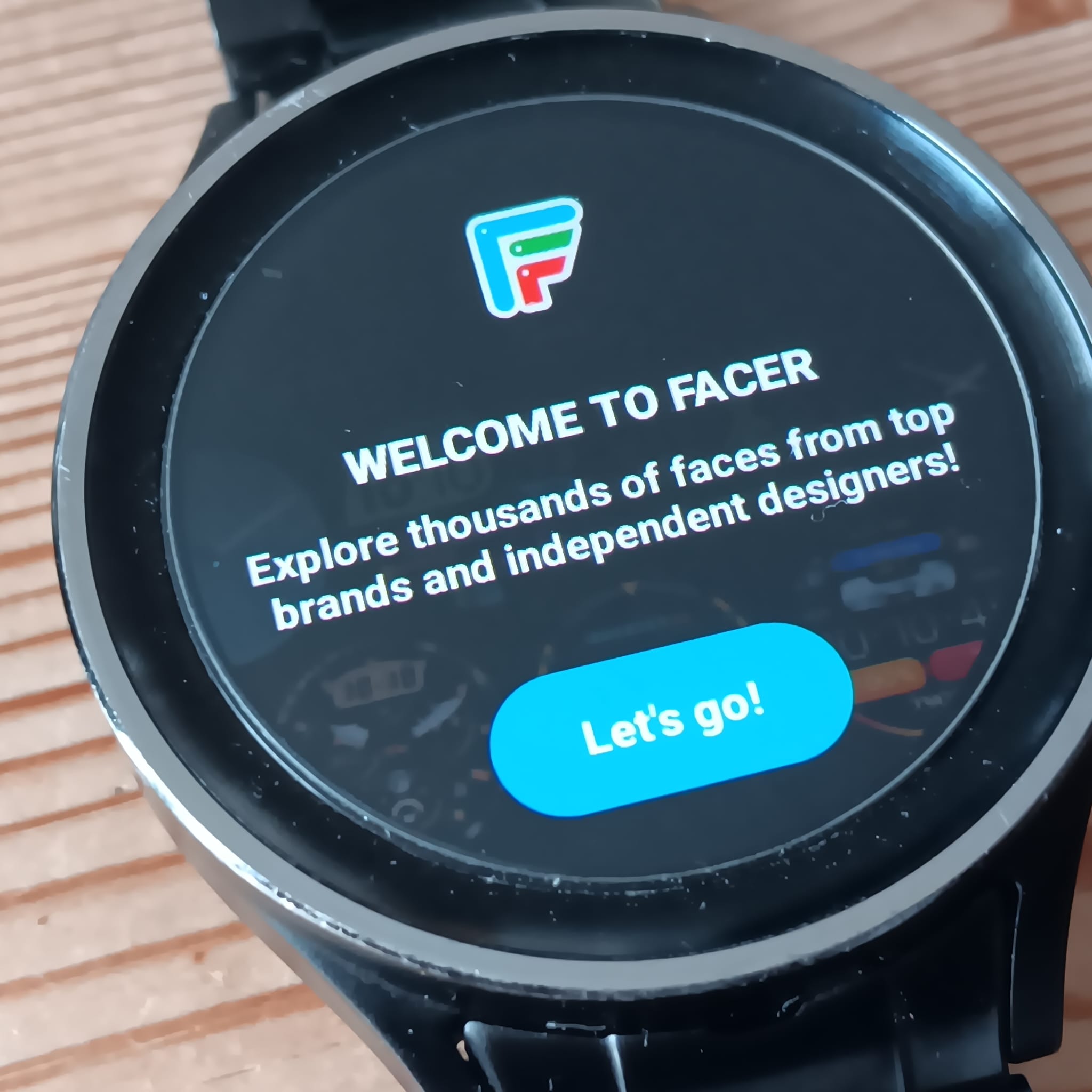
Tap lets Go .
Do nothing else on the watch . Forget the QR Code and other messages .
.
.
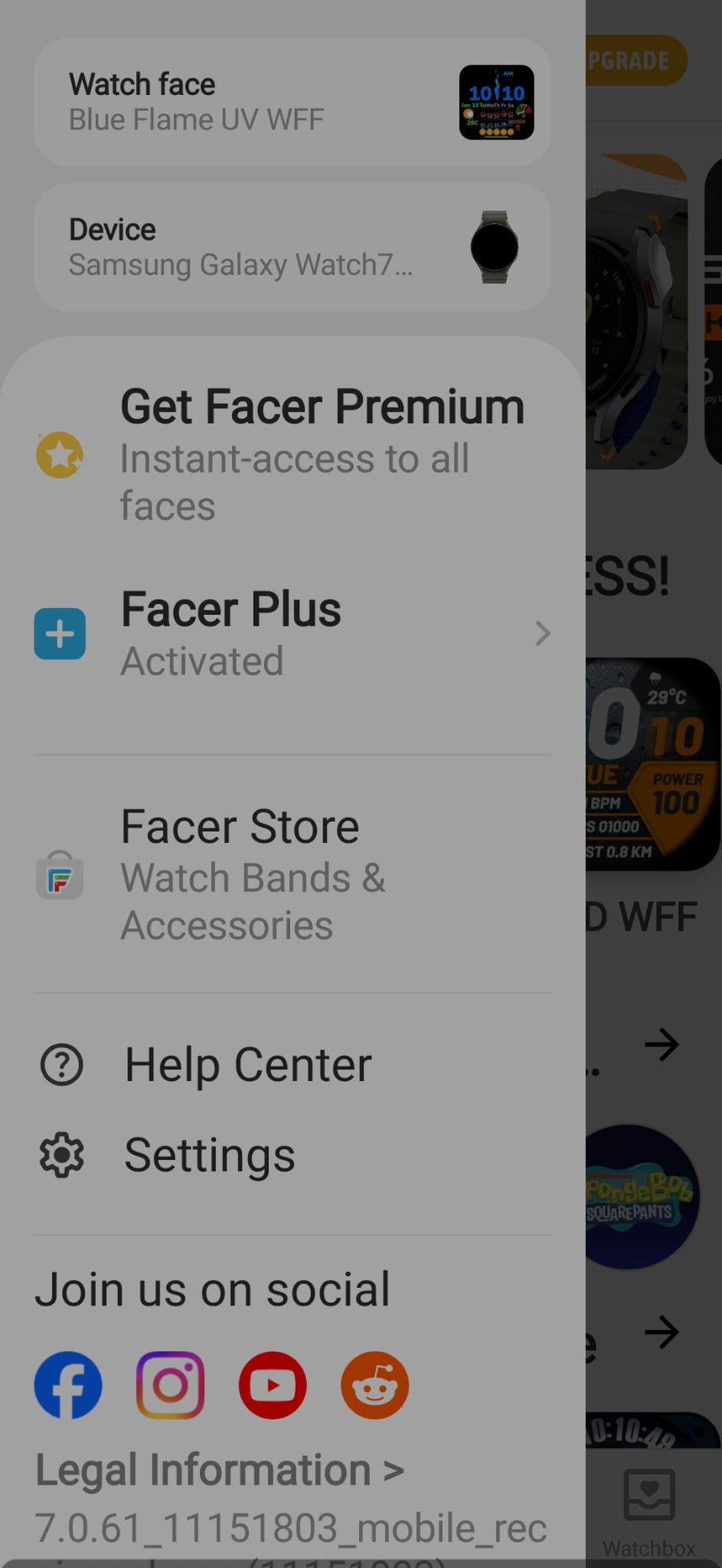
Go to the settings on facer on your phone .
.
.
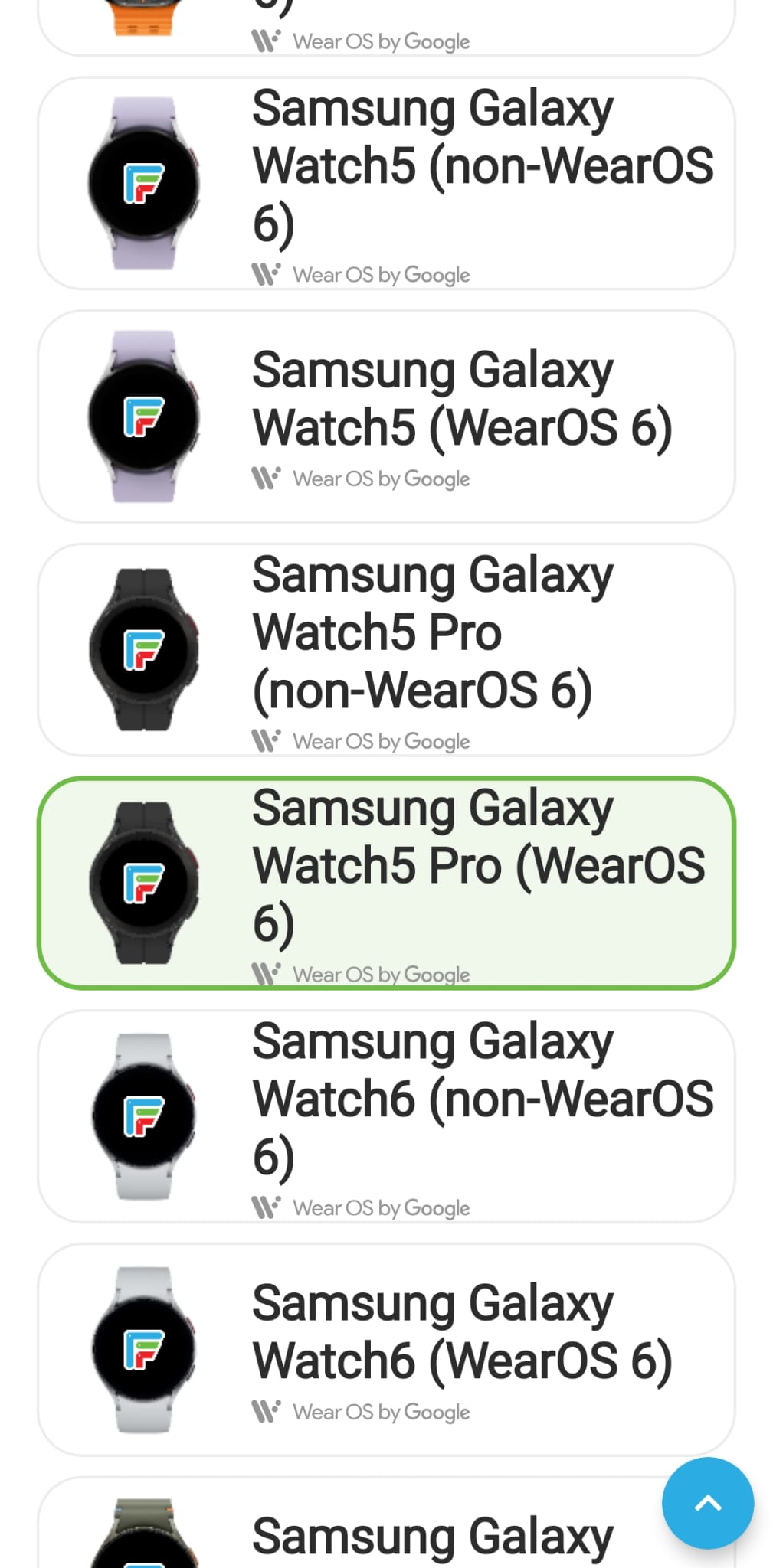
Make sure you select the correct watch and OS for your watch .
.
.
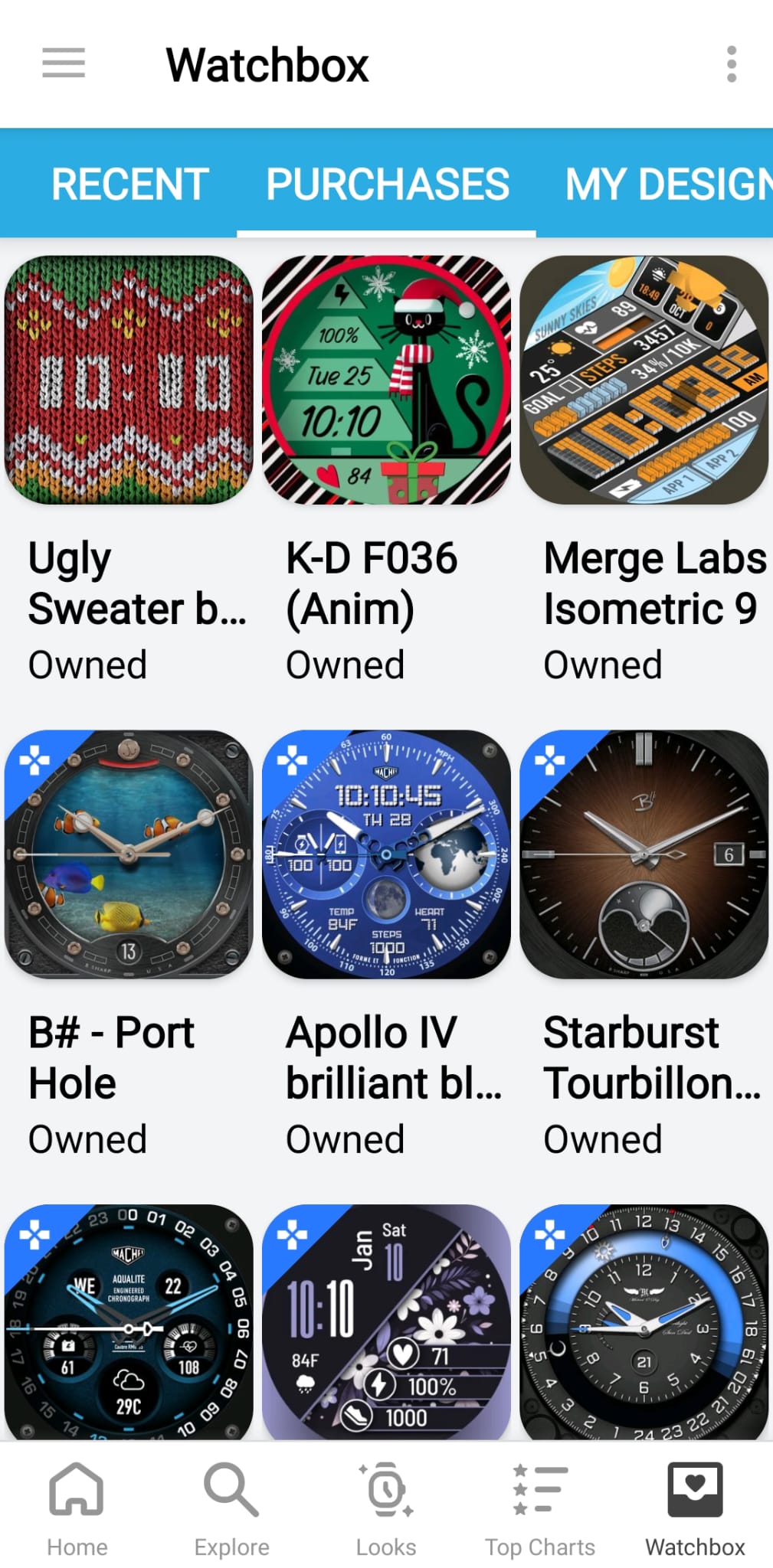
Now go to your watchbox in the same app and see your Purchased , Favourites and Designed Faces .
.
.
Select the one and only Facer WFF Face you can have on your watch .Tap the Sync Pad .
.
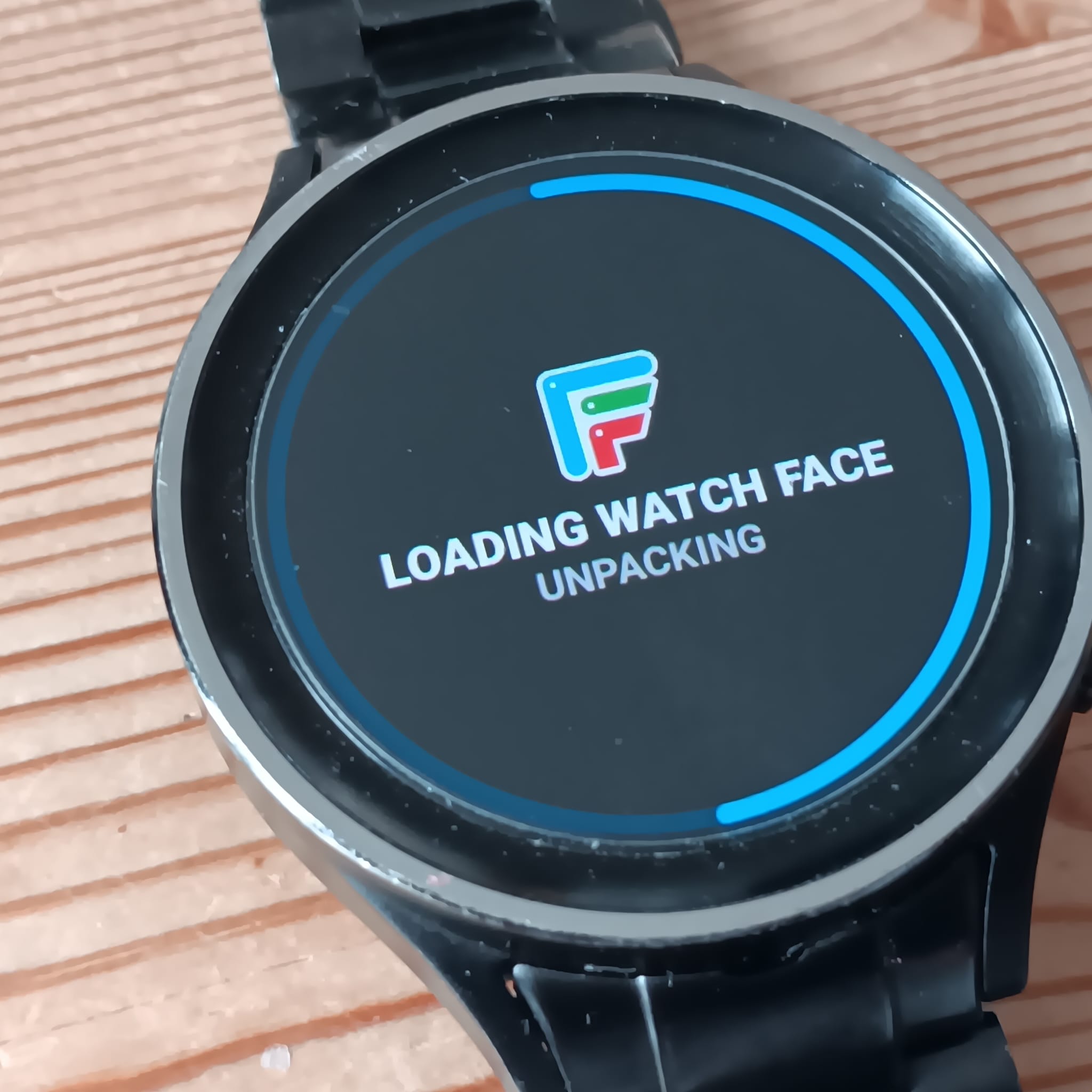
You should soon see the loading Progress .
.
.
That is how it worked for me .
.
.
6 Likes
You should be made partner just for shear fact that you do amazing stuff like this!
3 Likes
You are so kind . My work is in no way Professional enough and I have to Confess to a little Plagiarism . For me you can call yourself an expert if you know how to debug errors in the system . It has changed so much over the years I have been Meddling . I don’t know if there are many Experts at all . For me the Facer Community is the thing that Marks Facer out from any other Platform . I Respect and Admire Facer for the work they have had to do to cope with changes . However I do reserve the right to Bitch a Bit . 

3 Likes
thanks for all the info. i just went in the facer app to make sure it’s set for Wear6 OS version and it was. I think i remember setting it after the update. then i went to add a watch face from the phone app to my watch and it magically loaded on my watch. It didn’t do that before but rebooting might have helped. i’m not sure. as far as resetting the watch since the update, in march i’m due for a new phone and i have to reset the watch everytime i reset the phone or get a new phone. So I’ll just hold off on that part especially since it’s working at the moment.
2 Likes
Jolly Glad you got it connected . Sometimes the Facer Companion app updated un announced . The watch does all sorts of updates we never witness . Hopefully it ia settles down for a bit . ENJOY .
2 Likes
@mesocyclone30
If you have both Samsung watches and phones, you don’t have to reset the watch anymore with a new Samsung phone. The Samsung Switch app fixes it so the new phone and watch will work like normal. At least it did for me on my watches and new Galaxy S23 when I got it.
4 Likes