BTW, did fix the temperature issue (imperial vs metric) so for those who have synced before, please download again.
3 Likes
Well done good Job . 

2 Likes
Here is new one. A little quirky.
3 Likes
Cool concept 
3 Likes
Thank you.
2 Likes
Sorry. Accidentally deleted my own post. What a dummy. If you are interested in figuring out Easter Sunday notification calculation. I’ve posted a solution here.
1 Like
Ok. Here is my next watch.
1 Like
BTW, if you want a face with a set of different time zones, Let me know and I’ll see if I can create it. I don’t have the pro versions, so I can’t create a user adjustable/selectable zone version. Maybe one day.
1 Like
Here is my next face. Enjoy.
2 Likes
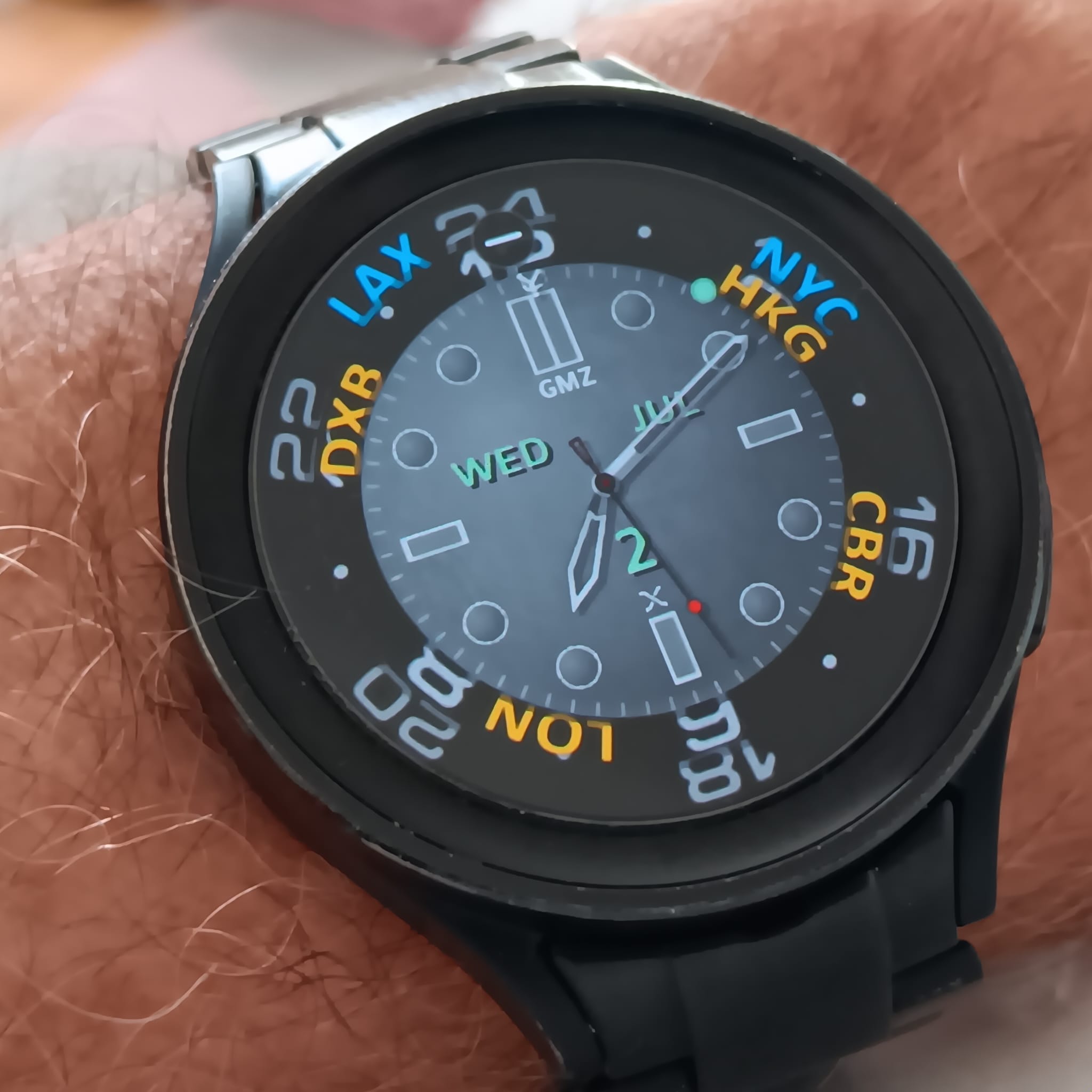
Tres Cool! better than anything I first made, I just found a subject image I liked, and slapped some hands on it. Come to think of it, I still do that, I just do a little photoshop tweaking here and there now.
2 Likes
Here is my next GMZ/GMT version.
1 Like
Ok. Been a while. Added a splash of color to my latest version. Enjoy.
3 Likes
It’s been a long time. Finally finished. Here is my latest which is not a GMT. Something different. Hope you all like it.
see updated version below
4 Likes
Looks nice. Did you make the digits as individual images, or is it a text field?
I wonder if it could be done so that the reflection on the floor would match the digit on wall.
2 Likes
Made individual numbers first. Then warp them for each panel. Had to do an extra step for the am pm as that column is actually not a flat wall but a semi circle.
I was thinking about the reflection at the beginning but dropped the idea. Wasn’t sure I would get this far. I may still do that now that I know the path.
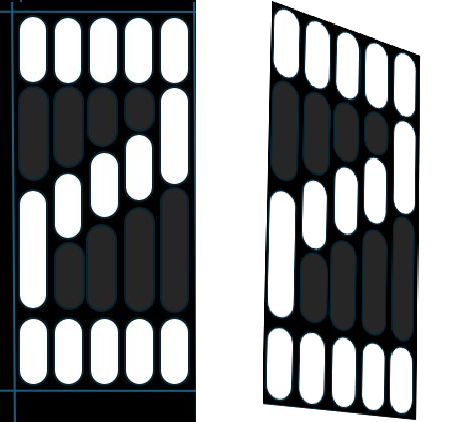
Created a flat version first, then warped it.
Is anyone seeing the AM PM. I got a comment that they didn’t.
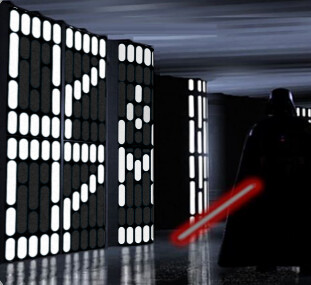
I/m using (#DTIMEFORMAT#==24 ? 0 : (#DH#<12 ? 90:0) ) which I dropped for the numbers. I guess the DTIMEFORMAT just does not work with pics. will change that.
Anyone know what might work? I use #Db# for the digits but I don’t think I can use that for AM PM as the AM numbers would be the same for both 12 and 24.
Perhaps it might have been easier to create a real font set that people could use. But not sure if the system would warp it? I doubt it?
1 Like
here is my question. How do you determine if someone is using 12 or 24 hour clock if you can’t use DTIMEFORMAT? what other tag is there? Or a combination of tags?
Once I fix this, I will republish. So please hang tight. and come back to see a fix. Cross fingers.
According to this Creator Reference Page, DTIMEFORMAT can be used.
What I have done for picture based numbers is as follows. The 2 in 20, 21, 23 is defined as:
Opacity:
$(floor((#Db#/10)))=2?100:0$
And I use DTIMEFORMAT to define X position:
$#DTIMEFORMAT#=24?121:-121$
1 Like
yes this is what I am attempting. But waiting for a pal to test it out as my watch is busted.
For opacity, I am using this for am pm
(#DH#<12 ? 90:0)
And using X position to use the DTIMEFORMAT. will see if that works.
2 Likes